NaturalReader logo

NaturalReader

NaturalReader turns written content into spoken audio using AI voices trained on large language models.

Paste text, upload a PDF or document, snap a photo of a printed page, or open a webpage, and it reads the material aloud in a natural tone. Voices cover more than 90 languages, adjust delivery to the content they read,…

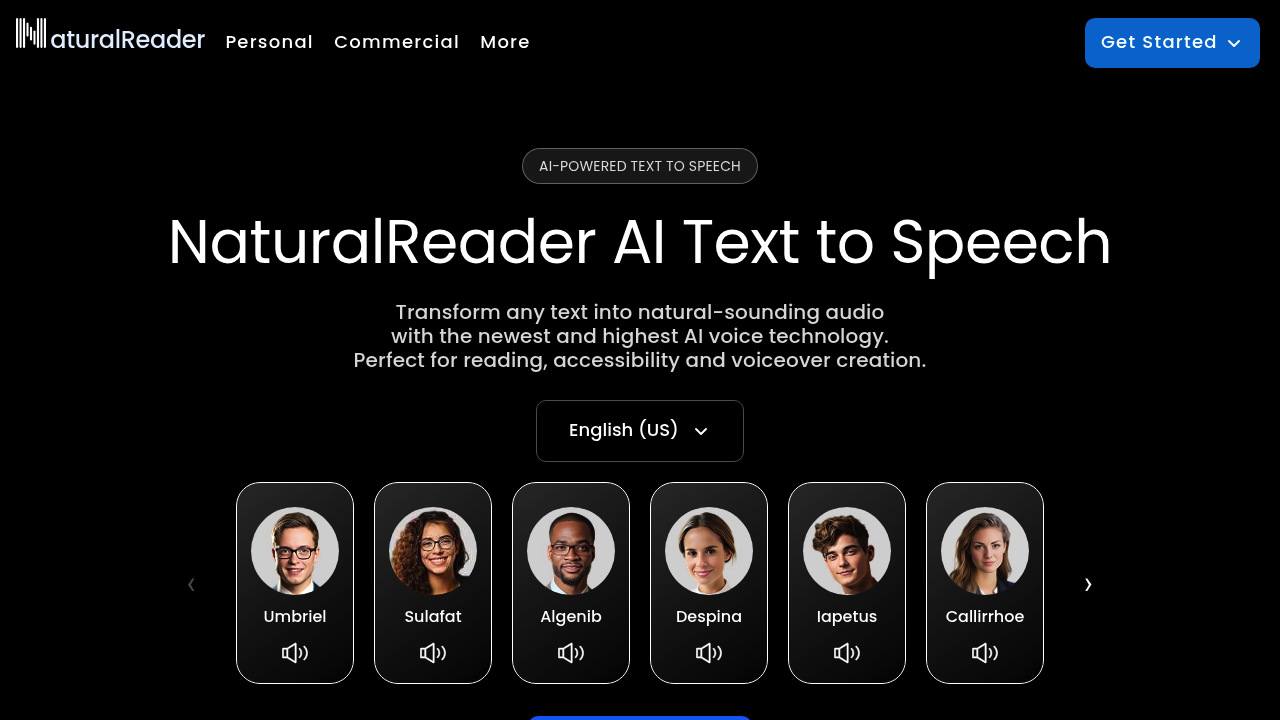
NaturalReader screenshot

NaturalReader turns written content into spoken audio using AI voices trained on large language models. Paste text, upload a PDF or document, snap a photo of a printed page, or open a webpage, and it reads the material aloud in a natural tone. Voices cover more than 90 languages, adjust delivery to the content they read, and can be cloned from a recording of your own voice. A prompt-based voice design feature lets you describe the accent, emotion and pace you want. The service is split into Personal, Commercial and EDU apps.

Students and anyone who takes in information better by listening are the core audience: people with dyslexia or other reading difficulties, language learners who want to hear correct pronunciation, and professionals catching up on long reports during a commute. The Commercial app serves YouTubers, eLearning developers, trainers, marketers and audiobook producers who need voiceovers without hiring talent. Schools and districts can buy group or site licenses for accessible text to speech. No audio production skills are needed because the interface works from a simple text box and voice picker.

A student can upload a textbook chapter, listen while following along, then ask questions about it in AI Chat or generate a practice quiz with a chosen difficulty and number of questions. The AI Podcast feature turns long readings into podcast-style episodes with a set length and number of speakers, and AI Recap produces a summary of the key takeaways. Video creators paste a script, pick an audiobook, conversational or deep preset, and download an MP3 for YouTube, ads or training modules. A Chrome extension reads webpages directly, and mobile apps cover iOS and Android.

NaturalReader alternatives

See all →

Frequently asked

6 questions
What can NaturalReader read aloud?
Typed or pasted text, PDFs and other documents, images through its OCR camera scanner, webpages, and physical book pages. Voices cover over 90 languages. Output can be downloaded as MP3 files.
Who is NaturalReader built for?
Individual readers, commercial creators and schools each have a dedicated app. Students and people who benefit from audio reading use it for accessibility, while creators use it for voiceovers. EDU offers group and site licenses.
How can a student use the AI features on a textbook?
Upload the chapter, then use AI Chat to ask questions or translate passages, AI Recap for a short summary, and AI Quizzes to practice. AI Screenshot analyzes captured equations, tables and graphs. Each lets you focus on chosen topics or chapters.
Can NaturalReader clone my voice?
Voice cloning lets you upload or record your own voice to create a multilingual AI voice. Voice design also lets you describe tone, emotion and accent in a prompt. Both are offered in the Personal and Commercial products.
What commercial uses does it support?
The Commercial app produces voiceovers for YouTube, eLearning, training, ads, social media and audiobooks. Content Aware voices adjust delivery to the tone of the script. Commercial licensing is part of that product.
Which platforms does NaturalReader run on?
Mobile apps cover iOS and Android, and a Chrome extension reads webpages directly. A web version works in the browser, with a free start option for new users.

Reviews (0)

Write review

No reviews yet. Be the first to share your experience.