Microsoft Recall logo

Microsoft Recall

Microsoft Recall is a Windows 11 feature that keeps a searchable memory of what has appeared on your screen.

Once you opt in, it saves a snapshot of your active window every few seconds and whenever the content changes. Snapshots and the context derived from them are encrypted on your local drive, and Windows Hello protects…

Microsoft Recall screenshot

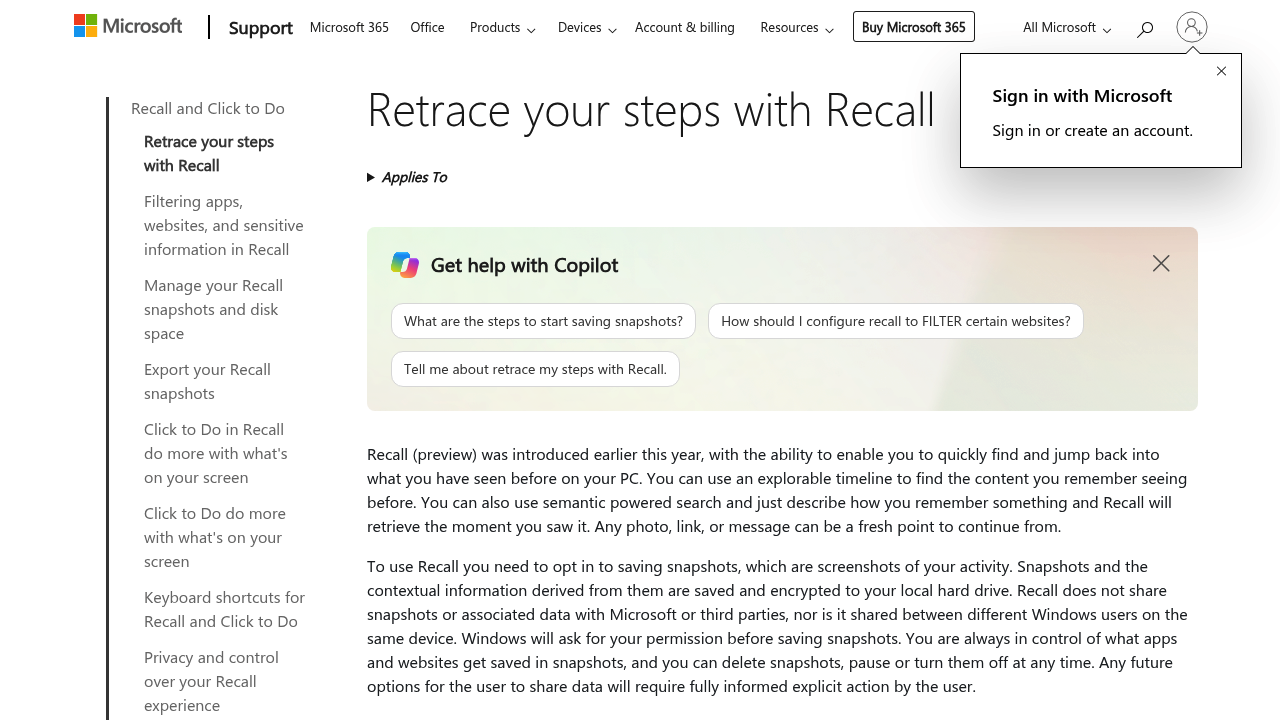
Microsoft Recall is a Windows 11 feature that keeps a searchable memory of what has appeared on your screen. Once you opt in, it saves a snapshot of your active window every few seconds and whenever the content changes. Snapshots and the context derived from them are encrypted on your local drive, and Windows Hello protects access so only the signed-in user can open them. Instead of digging through browser history, you describe what you remember, such as a restaurant name you saw last week, and Recall returns matching text and images ranked by how closely they fit, plus an explorable timeline.

Recall is aimed at people who juggle many tabs, documents and chats and lose track of where something appeared. Researchers, students, analysts, and anyone doing long multi-app work on a Windows 11 AI+ PC can benefit. Because it is optional and off by default, privacy-conscious users keep full control: you pick which apps and websites are excluded, pause saving at any time, and delete individual snapshots or everything. IT-managed devices at work or school are covered by their own settings, and the feature does not share snapshots with Microsoft or third parties.

Typical scenarios include retracing the steps that led to a document you half remember, recovering a link or message from days ago, or picking up a task exactly where you left off. Recall filters private browsing activity in Edge, Firefox, Opera and Chrome, and can exclude chosen websites in those browsers. It needs a Secured-core AI+ PC with a 40 TOPS NPU, 16 GB of RAM, 256 GB of storage and at least 50 GB free to enable, and it pauses saving when free space drops below 25 GB.


Microsoft Recall alternatives

See all →

Frequently asked

6 questions
How does Recall find something I saw earlier?
Semantic search over saved snapshots lets you describe the content in your own words rather than typing exact keywords. Results include both text and visual matches, sorted by how closely they fit, and an explorable timeline lets you scroll back through activity.
Who should use Recall?
It suits Windows 11 users on compatible AI+ PCs who work across many apps, tabs and documents. Researchers, students and knowledge workers who often need to retrace earlier steps get the most from it.
Can I use Recall to get back to a page or message from last week?
Describe the page, link or message and Recall retrieves the moment you saw it. It also offers an option to jump back into that content and continue where you left off.
Does Recall send my snapshots to Microsoft?
Everything stays encrypted on your local drive and is not shared with Microsoft, third parties or other Windows users on the device. Windows asks permission before saving anything, and you can filter apps and websites, pause, delete or reset at any time.
What are the limits of Recall?
Saving is off until you opt in, and the feature is optimized for English, Chinese (simplified), French, German, Japanese and Spanish. Chromium-based browsers not named on the support page filter private browsing only, so specific websites cannot be excluded there.
What hardware does Recall require?
A Windows 11 AI+ PC that meets the Secured-core standard, with a 40 TOPS NPU, 16 GB of RAM and 256 GB of storage. You also need at least 50 GB free to enable it, Device Encryption or BitLocker, and Windows Hello Enhanced Sign-in Security.

Reviews (0)

Write review

No reviews yet. Be the first to share your experience.