Kuse logo

Kuse

The tagline "Chaos in, Genius out" sounds ambitious, but Kuse's actual feature list is surprisingly narrow

28 views
Visit app.kuse.ai
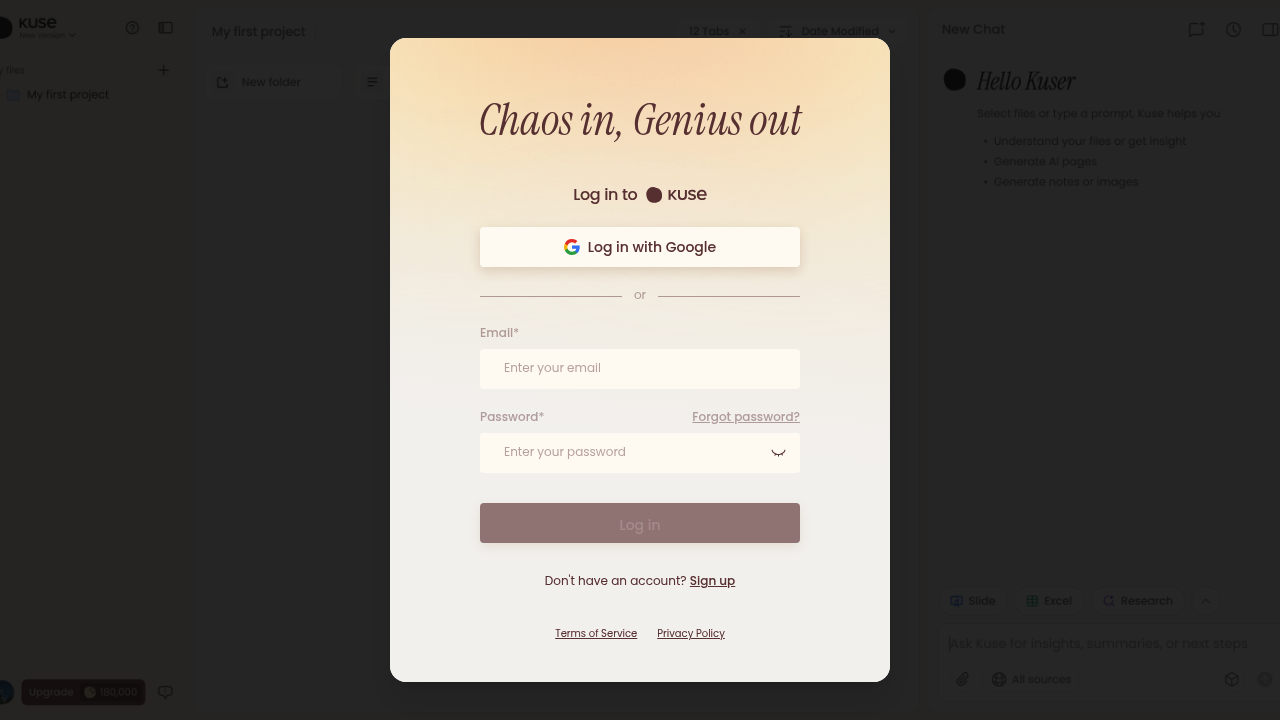
Kuse screenshot

The tagline "Chaos in, Genius out" sounds ambitious, but Kuse's actual feature list is surprisingly narrow. You get a document formatter and an exam paper generator. That's it for now.

What those two tools do, though, they do with clarity. The document formatter reads your existing layouts and copies them without you touching margins or fonts. Feed it a template once, and it replicates the structure across new content. The exam paper generator works the same way—it scans your past tests, learns the format, then builds new ones that match.

Both features share the same trick: template analysis that turns manual formatting into something automatic. You're not adjusting spacing or retyping headers. The AI handles layout replication while you focus on content.

The workspace positions itself as a broader intelligence tool, but right now it's really two formatting utilities. If you create documents or exams that need consistent structure, these shortcuts save real time. If you're expecting a full AI workspace with note-taking, collaboration, or integrations, you will not find them yet.

Guest mode permits you test without signing up. The interface is straightforward. Works best when you have existing templates to feed it.


Frequently asked

6 questions
Is Kuse actually free to use?
The platform offers a freemium model, though the exact boundaries between free and paid aren't detailed publicly. Guest mode lets you test features without creating an account, which means you can try the document formatter and exam generator before committing. The pricing structure beyond that remains unclear from available information.
What can Kuse actually do besides format documents?
Right now, just two things: format documents and generate exam papers. Both tools work by analyzing your existing templates and replicating the layout automatically. The "AI workspace" branding suggests broader capabilities, but the current feature set is limited to these formatting utilities with no collaboration tools, integrations, or note-taking functions.
How does Kuse's document formatter work?
You feed it an existing document as a template, and it learns the layout—margins, fonts, spacing, structure. Then it applies that same formatting to new content without you touching any manual controls. The AI handles replication while you focus on writing, which saves time if you're creating multiple documents that need identical styling.
Can Kuse generate exams in any format I want?
It generates exams based on formats you've already used, not arbitrary new ones. The tool scans your past tests to learn the structure, then builds new exams that match that template. If you have consistent exam formats you reuse regularly, it automates the layout work—but you need existing examples to train it first.
Does Kuse integrate with Google Docs or Microsoft Word?
No integrations are mentioned in available information, which means you're likely working within Kuse's own interface. The platform doesn't connect to external tools, collaboration software, or document editors. It's a standalone workspace focused entirely on its two formatting features rather than fitting into existing workflows.
Who should actually use Kuse?
Teachers creating multiple exams with consistent formatting and anyone producing batches of documents that share the same layout. If you spend time manually adjusting margins, headers, and spacing across similar files, the template replication saves that effort. If you need broader workspace features like team collaboration or AI writing assistance, this won't cover those needs.

Traffic

Estimated monthly website visits · last 0 months

151.2K visits/mo
Monthly visits
151.2K

Not enough historical data for a chart yet.

Data from SimilarWeb · Updated monthly.

Reviews (0)

Write review

No reviews yet. Be the first to share your experience.

Similar tools

See all →