llama.cpp logo

llama.cpp

llama.cpp is an open-source inference engine that runs large language models and vision-language models on local hardware or in the cloud with minimal setup.

It is written in plain C/C++ with no dependencies and treats Apple silicon as a first-class target through ARM NEON, Accelerate and Metal. Quantization from 1.5-bit to 8-bit integers reduces memory use and speeds up…

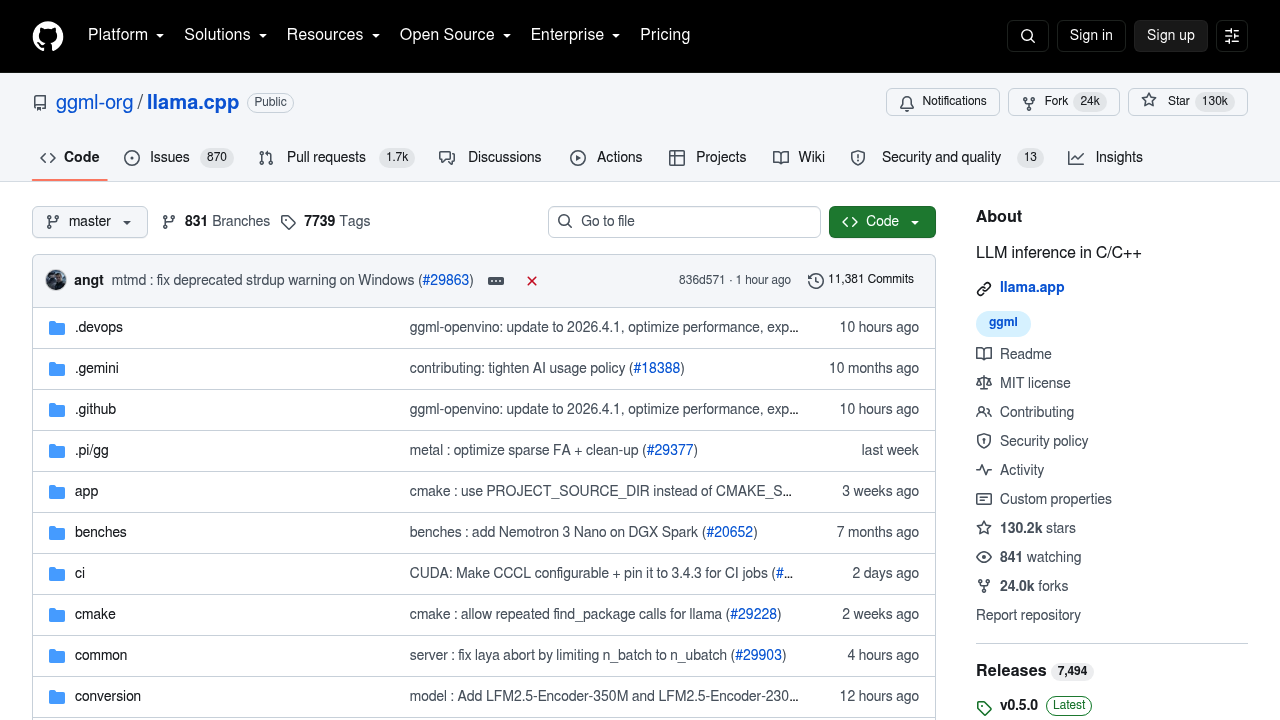
llama.cpp screenshot

llama.cpp is an open-source inference engine that runs large language models and vision-language models on local hardware or in the cloud with minimal setup. It is written in plain C/C++ with no dependencies and treats Apple silicon as a first-class target through ARM NEON, Accelerate and Metal. Quantization from 1.5-bit to 8-bit integers reduces memory use and speeds up inference, and hybrid CPU+GPU mode helps with models larger than available VRAM. It is free to use and install.

Developers use it to embed local models in applications, while researchers benchmark quantization and hardware support. Privacy-minded users run assistants fully offline, and self-hosters expose an OpenAI-compatible API server for internal tools. Hardware coverage is broad, with backends for Nvidia CUDA, AMD HIP, Moore Threads MUSA, Vulkan, SYCL, Ascend CANN, Qualcomm Hexagon, IBM zDNN, WebGPU and more, so it fits laptops, workstations and servers alike.

Typical workflows start with installing through a script, Docker or pre-built releases, then downloading a model directly from Hugging Face and launching the CLI or server. Teams use llama-server with its built-in web UI to try models, apply GBNF grammars to constrain output to a format, and convert Hugging Face models or LoRA adapters to GGUF with the included Python scripts. Android and XCFramework build guides support mobile deployments, and the large contributor community keeps adding backends and model support. The repository has over 11,000 commits and 130k stars, which signals active maintenance and plenty of community help.


llama.cpp alternatives

See all →

Frequently asked

6 questions
What does llama.cpp do?
Plain C/C++ code runs LLM and VLM inference on a broad variety of hardware. You can use it from a command-line client, a REST API server or a built-in web UI.
Who is llama.cpp for?
Developers, researchers and hobbyists who want to run models on their own machines. It is also used by teams that self-host an OpenAI-compatible API.
How would I run a model with it?
After installing, run a command such as llama cli with a Hugging Face model reference to download and chat with it. Replacing it with llama serve launches an OpenAI-compatible API server instead.
Is llama.cpp free?
Costs are limited to your own hardware, since it is free, open-source software that you can install from the repository, Docker or pre-built binaries. Cloud use adds only your own server fees.
What are its limitations?
Setup is aimed at technical users and involves building or installing software and managing model files yourself. Some backends, such as OpenVINO, are marked in progress.
Which hardware is supported?
Backends cover CUDA for Nvidia, HIP for AMD, Metal for Apple Silicon, Vulkan, SYCL, OpenCL and CPU instruction sets such as AVX, AVX512 and ARM NEON. RISC-V is supported as well.

Reviews (0)

Write review

No reviews yet. Be the first to share your experience.