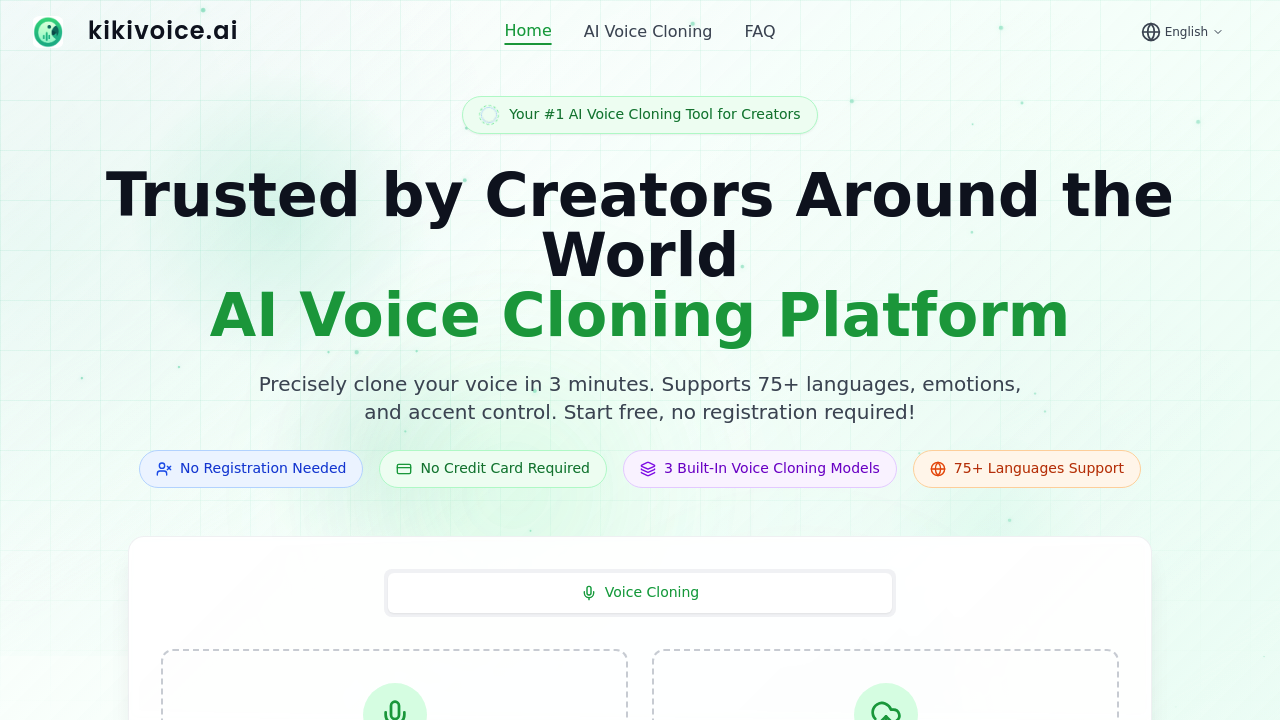
Opening KikiVoice drops you straight into voice cloning without any account setup. The homepage permits you either record audio directly through your browser or upload an existing file. You're talking seconds of audio here, not minutes of training data.
Three models sit at the top of the interface. Kiki Core handles everyday content creation with a focus on speed and keeping things stable. Kiki Pro adds emotional depth and gives you more parameter controls for professional-grade work. Kiki Multilingual covers 75 languages and multiple accents, which matters if you're dubbing content across markets.
After uploading your voice sample, you type the text you want spoken. KikiVoice claims 99% voice similarity, which sounds aggressive but that's the benchmark they're setting. The actual cloning process runs in under three minutes. No waiting queues, no processing delays that stretch into hours.
The emotion and accent controls appear once you've got your base clone. You can adjust how the voice sounds beyond just matching the original recording. This matters for podcast hosts who need different emotional tones across episodes or game voice actors working with character arcs.
The download button shows up immediately after generation. You can play the result in-browser first, but there's no forced preview period. Get your file and move on.
Where things get interesting is the no-registration wall. Most voice cloning tools lock you into account creation before you hear a single sample. KikiVoice skips that entirely. You can test the service, get actual results, and decide if it works before handing over any information. No credit card pre-authorization either.
The friction shows up in the model selection. Three options sounds simple until you're trying to figure out which one handles your specific use case. Kiki Pro mentions richer emotional expression, but what does that mean for a tutorial voice versus a dramatic reading? KikiVoice doesn't offer comparison samples between models, so you're testing blind on your first run.
Content creators working on video dubbing or e-learning modules can move fast here. Upload a client's voice, generate the script variations, download everything in one session. The 10,000 creator count suggests people are actually using this for production work, not just experimenting.
KikiVoice runs entirely in browser. No downloads, no desktop apps, no mobile requirements. Just audio in, cloned voice out.