Kaggle logo

Kaggle

Kaggle is Google's community platform for data science and machine learning.

It brings together competitions, public datasets, hosted notebooks, a models hub and learning courses in one place. Notebooks run in the browser with free GPU and TPU quotas, so you can train and test models without…

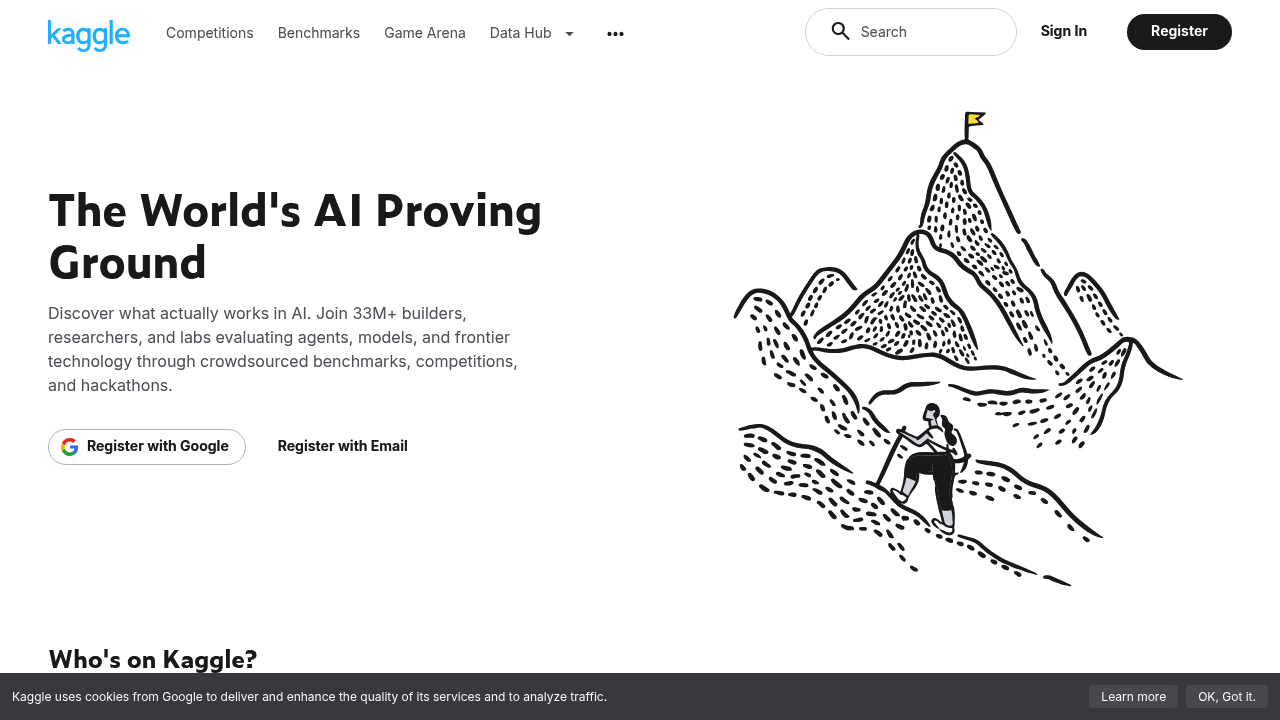
Kaggle screenshot

Kaggle is Google's community platform for data science and machine learning. It brings together competitions, public datasets, hosted notebooks, a models hub and learning courses in one place. Notebooks run in the browser with free GPU and TPU quotas, so you can train and test models without configuring your own hardware. Kaggle is free to use, and its community shares code, datasets and models openly.

The audience runs from beginners taking their first data science course to experienced machine learning engineers competing for rankings. Students use the courses and notebooks to practice on real data, while analysts and researchers browse public datasets to find material for projects. Hiring managers and recruiters often look at competition results and shared notebooks as evidence of practical skill. Teams exploring a new modeling approach can study how others solved similar problems before writing their own code.

Typical uses include entering a prediction competition and iterating on a model in a hosted notebook, downloading a public dataset to prototype an analysis, and forking a community notebook to learn a technique step by step. Learners work through short courses on topics such as Python, pandas and machine learning, then apply them on datasets right away. Practitioners can look up pretrained models in the models hub and test them in a notebook using the free accelerator quotas. Researchers publish their own datasets and notebooks to share results and get feedback from other members of the community. Open sharing means a newcomer can read finished solutions, copy a working setup and adapt it, which shortens the path from a first notebook to a competitive entry.


Kaggle alternatives

See all →

Frequently asked

6 questions
What can I do on Kaggle?
You can enter machine learning competitions, browse public datasets and run notebooks in the browser. There is also a models hub and a set of learning courses. Everything is aimed at data science and machine learning work.
Who uses Kaggle?
Beginners, students, analysts and experienced machine learning engineers all use it. Learners take courses and practice on datasets, while practitioners compete and share work. Researchers publish datasets and notebooks for the community.
How can I practice a technique on real data?
Open a public dataset, start a hosted notebook and code in the browser. You can also fork a community notebook to follow along with another member's approach. Courses offer guided lessons you can apply to the same data.
Is Kaggle free?
Kaggle is free to use, including its competitions, datasets, notebooks, models hub and courses. Notebooks come with free GPU and TPU quotas. No payment is required to start.
Are there limits on the free hardware?
GPU and TPU access in notebooks is provided as quotas, so long or heavy training jobs can run into those caps. Very large production workloads are better served by dedicated infrastructure. Quotas suit learning, experimentation and competition work.
How do I get started on Kaggle?
Create a free account on kaggle.com, then explore competitions, datasets or courses. Starting a notebook gives you a browser-based environment right away. Joining a beginner competition is a common first step.

Reviews (0)

Write review

No reviews yet. Be the first to share your experience.