
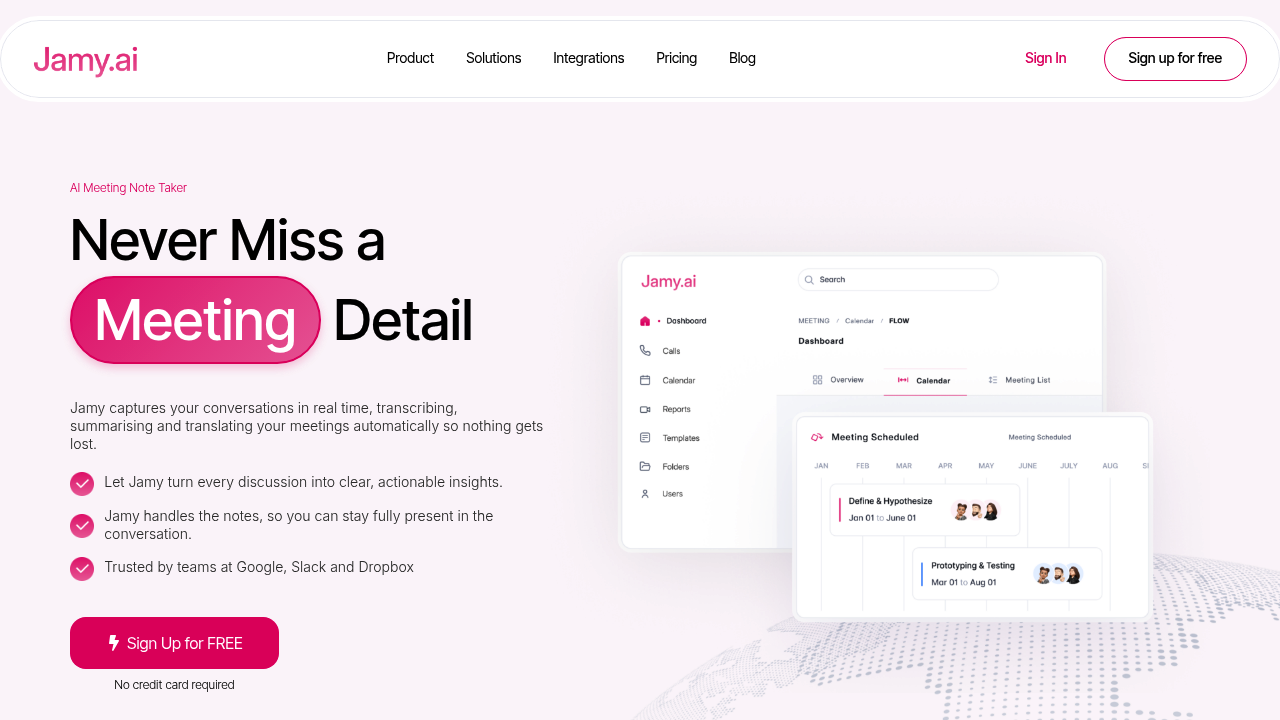
Meeting recordings get processed through a multi-stage pipeline that handles audio capture, speaker diarization, speech-to-text conversion, and natural language processing for summarization. The system connects directly to video conferencing platforms through their APIs, pulling audio streams in real-time rather than relying on local recording software.
The transcription engine applies speaker labels automatically, distinguishing between different voices in the conversation without manual setup. It processes audio with noise reduction filters before the speech recognition stage, which improves accuracy in environments with background chatter or poor microphone quality. Technical terminology gets handled through a specialized vocabulary system that recognizes domain-specific language patterns, though the accuracy depends on how common those terms are in the training data.
Real-time translation works bidirectionally across 100+ languages. The system translates spoken content as it happens, creating parallel transcripts in multiple languages simultaneously. Cross-language search functionality indexes the translated content, letting you query meetings in one language even if the original conversation happened in another. This works by maintaining multiple language versions of the same transcript with synchronized timestamps.
Action item extraction uses pattern recognition to identify commitments, deadlines, and task assignments from conversational text. The model looks for linguistic markers like "I'll handle that by Friday" or "Can you send me the report?" and structures them into actionable tasks. These sync with external productivity tools, though the accuracy varies based on how explicitly people state their commitments during meetings.
Meeting reports get delivered via email after each session ends. The summary generation compresses the full transcript into key points, decisions, and discussion topics using extractive and abstractive techniques. Audio and video playback remains available with timestamp navigation, so you can jump to specific moments referenced in the summary.
The service integrates with Zoom, Google Meet, and Microsoft Teams through their respective APIs. It joins meetings as a participant, which means it shows up in the attendee list. Some users find this visible presence helpful for transparency, while others consider it intrusive. The integration requires OAuth authentication to access your calendar and meeting links.
Data handling follows SOC 2 Type II compliance standards. Meeting recordings and transcripts get encrypted both in transit and at rest. Enterprise customers can request private data storage, keeping their information isolated from the shared infrastructure. This matters for organizations dealing with sensitive client conversations or proprietary information.
The free Starter plan includes 300 monthly transcription minutes and 60 monthly live translation minutes. Meetings cap at 60 minutes each, with 60 days of storage before content gets deleted. Audio and video playback works across all plans. The Pro plan costs $14.99 monthly, removing the transcription minute limit and storage duration, though live translation stays capped at 300 minutes. Global Business at $29.99 monthly removes all minute restrictions but limits live translation to meetings under 4 hours.
Technical limitations center on the minute allocations. If you exceed your monthly transcription quota, the system stops processing new meetings until the next billing cycle. The 60-day storage window on the free tier means older meetings become inaccessible, which creates problems if you need historical reference. Live translation minute caps affect multilingual teams differently based on how frequently they need real-time interpretation versus post-meeting transcript translation.
The speaker diarization accuracy decreases when multiple people talk simultaneously or when audio quality degrades. Background noise reduction helps but can't fix fundamental issues like overlapping speech or microphone clipping.