
MeetGeek logo
AI Meeting Assistant FREEMIUM from $10/mo

MeetGeek

MeetGeek is an AI meeting assistant that records, transcribes and summarizes meetings, then carries the follow-up work forward.

It captures online, hybrid and in-person conversations with a bot that joins calls or with a bot-free desktop app, mobile app and browser extension. Transcription covers more than 100 languages with automatic detection.…

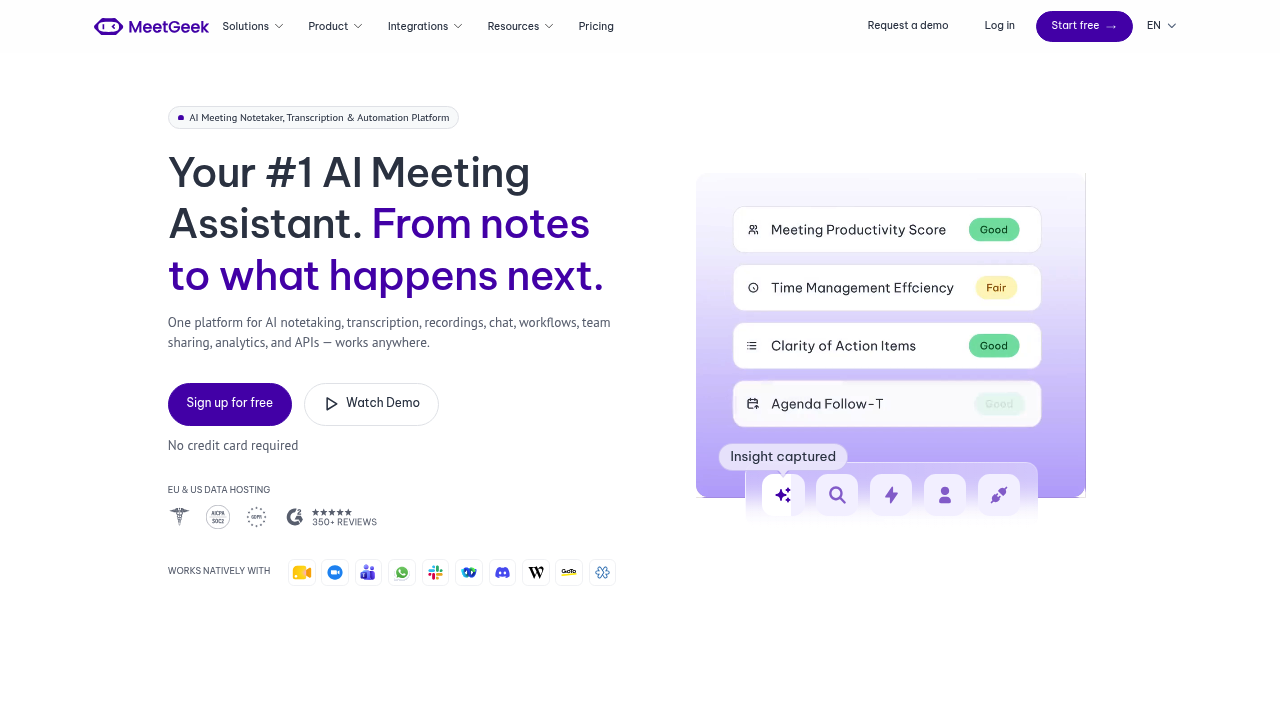
MeetGeek screenshot

MeetGeek is an AI meeting assistant that records, transcribes and summarizes meetings, then carries the follow-up work forward. It captures online, hybrid and in-person conversations with a bot that joins calls or with a bot-free desktop app, mobile app and browser extension. Transcription covers more than 100 languages with automatic detection. Beyond notes, Meeting Skills update CRMs, create tasks and draft emails after a call, and voice agents can take calls on your behalf. The free Basic plan includes 3 hours of transcription a month, and the Pro plan costs $15.99 and raises that to 20 hours.

MeetGeek is built for teams in which meetings drive the work. Sales groups use it to log calls and update the CRM, customer success teams watch for churn signals, recruiters run structured interviews, and product and engineering teams turn standups into tasks. Marketing teams mine customer conversations for campaign ideas. Admins get org-wide controls, EU and US data hosting and a promise that data is not used for training, which matters to larger companies. Startups, non-profits and education customers can get 30% off. More than 50,000 teams across over 100 countries use it.

A common setup connects MeetGeek to Zoom, Google Meet or Microsoft Teams so every call is recorded and summarized automatically. Skills then send action items to Notion, file bug mentions in Jira, alert an account team in Slack when a call shows churn risk, or sync insights to a CRM. Users search past meetings with AI Chat to find what was decided, share notes with teammates, and record in-person conversations from a phone. Developers use the REST API and MCP server to pipe meeting data into their own tools, and Zapier, Make and n8n handle custom automations without code.


MeetGeek alternatives

See all →

Frequently asked

6 questions
What does MeetGeek do after a meeting ends?
It produces a transcript and AI summary, then runs Meeting Skills that can update a CRM, create tasks, draft emails or send alerts. Event-driven agents can also be triggered by keywords or patterns across calls.
Who benefits most from MeetGeek?
Teams that spend a lot of time in meetings, such as sales, customer success, recruiting, product and operations. Its use-case pages cover churn detection, interviews, campaigns and execution tracking.
Can MeetGeek record meetings without a bot?
A desktop app records meetings, training sessions and internal calls with no bot, and a mobile app records in-person conversations. A bot that joins calls and a browser extension are also available.
What does MeetGeek cost?
The Basic plan is free forever with 3 hours of transcription a month. Pro is $15.99 and includes 20 hours of transcription, a year of transcript storage, AI agents and Zapier, Make and n8n integrations. Startups, non-profits and education users get 30% off.
What limits apply on the free plan?
Basic caps transcription at 3 hours per month, keeps transcripts for 3 months and stores audio for 1 month. Automation features such as AI agents and agentic workflows start on the Pro plan.
How do I connect MeetGeek to my other tools?
Zoom, Google Meet and Teams are supported, with integrations for Notion, Jira, Slack and CRMs. A REST API, MCP server, Zapier, Make and n8n cover custom workflows.

Reviews (0)

Write review

No reviews yet. Be the first to share your experience.