
Jamie logo
AI Meeting Assistant FREEMIUM from €21/mo

Jamie

Jamie is a meeting intelligence platform that turns every meeting into knowledge a team can act on.

It runs on your own device, so no bot or virtual participant joins your calls, and it works across Zoom, Teams, Google Meet and other online platforms as well as in-person meetings captured from a laptop or phone. Jamie…

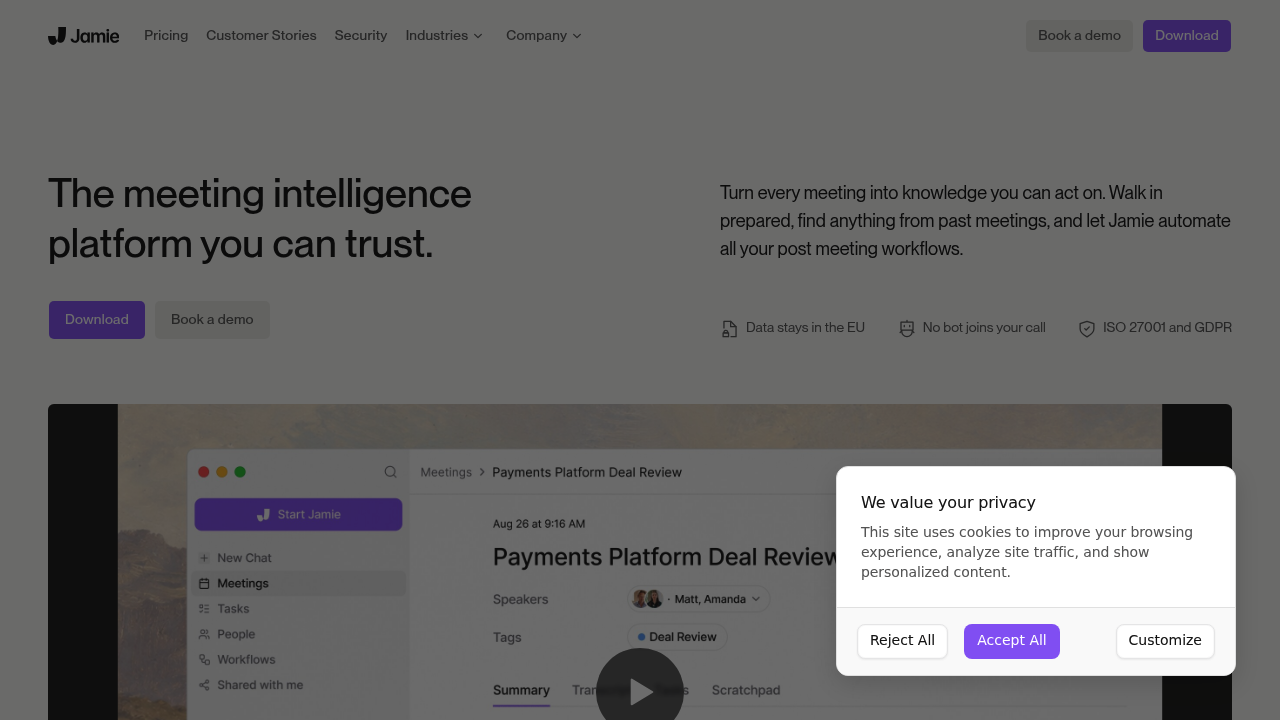
Jamie screenshot

Jamie is a meeting intelligence platform that turns every meeting into knowledge a team can act on. It runs on your own device, so no bot or virtual participant joins your calls, and it works across Zoom, Teams, Google Meet and other online platforms as well as in-person meetings captured from a laptop or phone. Jamie prepares you with briefings drawn from past meetings and connected tools, produces accurate notes with custom templates, lets you chat across everything that was said, and updates your CRM and documents automatically. Data is stored and processed in the EEA, Switzerland and the UK.

Jamie is aimed at professionals whose conversations are confidential: private equity and banking teams, M&A advisers, lawyers and consultants, plus healthcare and public sector organizations. These users often need data residency and strong controls, and Jamie provides ISO 27001 certification, GDPR compliance, alignment with DORA, single sign-on with SAML 2.0 and SCIM provisioning. Audio is deleted after transcription and is never used to train models. The company reports that users save five hours per person every week.

Typical use begins with a pre-meeting briefing that pulls context from earlier conversations. During the call, Jamie captures the discussion without a visible participant, and afterward it generates notes in the template you chose. Workflows then update the CRM, draft follow-up emails and handle other post-meeting steps, either automatically or after review. Investment teams use it to turn meetings into structured execution, as shown in customer stories from private equity firms. Developers and analysts connect through MCP, webhooks or the API to send notes, action items and transcripts into other systems the moment a meeting ends, or to query meetings from their AI assistant.


Jamie alternatives

See all →

Frequently asked

6 questions
How does Jamie capture meetings without a bot?
It runs directly on your device and records the conversation locally, so no virtual participant joins the call. It works with Zoom, Teams, Google Meet and in-person meetings from a laptop or phone.
Who is Jamie built for?
Professionals handling sensitive conversations, including private equity, banking, M&A, law and consulting teams. Healthcare and public sector organizations are also named.
What can Jamie do after a meeting?
Notes follow the custom templates you choose, updates your CRM and documents, and drafts follow-ups through workflows. You can run these automatically or review them first.
Where is my data stored and how is it protected?
Storage and processing stay within the EEA, Switzerland and the UK. Audio is deleted after transcription, data is encrypted with TLS 1.2 in transit and AES 256 at rest, and it is never used to train models.
Does Jamie keep the audio of my meetings?
Audio is deleted once transcription finishes, so only the transcript and notes remain. This is a deliberate privacy choice, but it means you cannot replay recordings later.
How can I connect Jamie to other tools?
Use MCP to query your meetings from an AI assistant, webhooks to send notes and transcripts when a meeting ends, or the API to pull notes and action items. Enterprise controls include SAML 2.0 single sign-on and SCIM.

Reviews (0)

Write review

No reviews yet. Be the first to share your experience.