
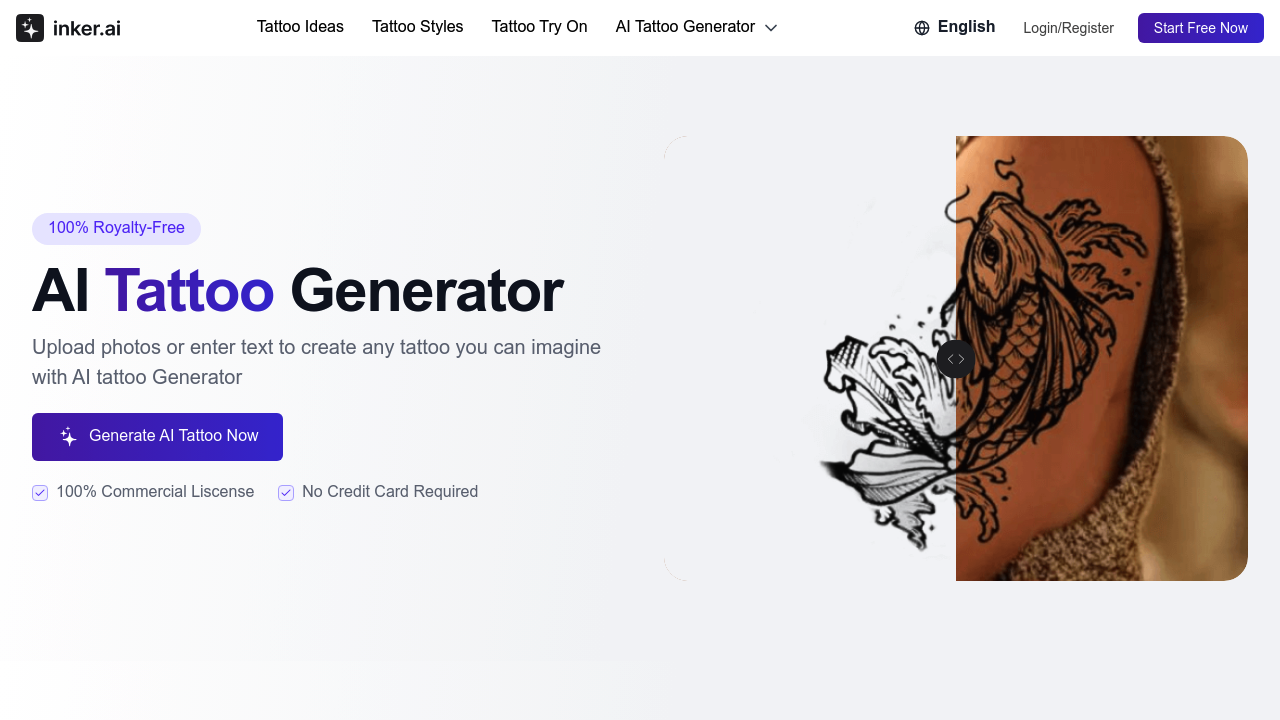
The system takes either text descriptions or uploaded photos and runs them through a generative model trained on tattoo art across ten distinct styles. When you input text like "dragon wrapped around cherry blossoms," the model interprets the prompt and generates a tattoo design matching that description. The photo-to-tattoo pathway works differently. It analyzes the visual elements in your image and converts them into tattoo-appropriate line work and shading patterns.
The style selection matters technically. Each style—tribal, American traditional, realism, Japanese, watercolor, geometric, anime, minimalist, fine line, and new school—uses different training weights. Tribal emphasizes bold black lines and symmetry. Realism focuses on photographic detail and gradient shading. The model doesn't blend styles. You pick one and the output adheres to that aesthetic.
The virtual try-on simulator overlays generated designs onto photos. On paid plans, you can upload your own body photos. The system maps the tattoo design to the contours in your image, adjusting for perspective and skin tone. This isn't AR in real-time. It's a static preview that requires manual photo upload and processing.
Generated designs output at high resolution on paid plans, suitable for printing and taking to a tattoo artist. The free plan includes watermarks. Paid plans remove them and provide files ready for transfer paper or direct artist reference. All designs come with royalty-free licensing. The Professional plan at $27.99 per month adds commercial licensing, meaning tattoo artists can use generated designs with clients.
The upscale feature on Hobby and Professional tiers increases resolution for photo-to-tattoo conversions. This matters when starting from low-quality source images. The system interpolates detail rather than just enlarging pixels, though it can't invent detail that wasn't captured in the original photo.
Privacy controls let paid users keep designs private. Free plan users must accept that generated content becomes public. This isn't a technical limitation. It's a business model choice to showcase user-generated designs.
The birth flower generator is a specialized subset. It maps birth months to specific flowers and generates tattoo designs accordingly. This uses the same underlying model but with constrained prompts and botanical reference data.
Monthly generation caps apply to all tiers. Free users get 2 tattoos. Starter gets 50. Hobby gets 150. Professional gets 500. These aren't soft limits. You can't generate more until the next billing cycle. The style count also varies. Free users access 3 of the 10 available styles. Paid plans provide access to all 10.
The system doesn't integrate with external tools. There's no API. No plugins for design software. You generate designs through the web interface, download them, and use them elsewhere manually.
Technical limitations center on generation quality variance. Like all generative models, output quality depends heavily on prompt specificity and style compatibility with your concept. Complex multi-element designs sometimes produce inconsistent results. The model occasionally struggles with text within tattoos or very specific anatomical placements.
The try-on simulator has positioning constraints. It works best on flat or gently curved surfaces. Complex body contours like knuckles or behind ears produce less realistic previews. The free plan limits you to preset model photos rather than your own, reducing preview accuracy.
Yearly subscriptions offer 30% off monthly rates. That brings Starter down to $4.89 monthly when billed annually.