Image To Video AI.run logo
Image to Video PAID from $6/mo

Image To Video AI.run

Image To Video AI

Run takes JPG, PNG, or WEBP files and spits out MP4 videos using AI models that actually work. Upload an image. Type a prompt describing the motion you want. You'll get HD video in seconds. The real draw here isn't the…

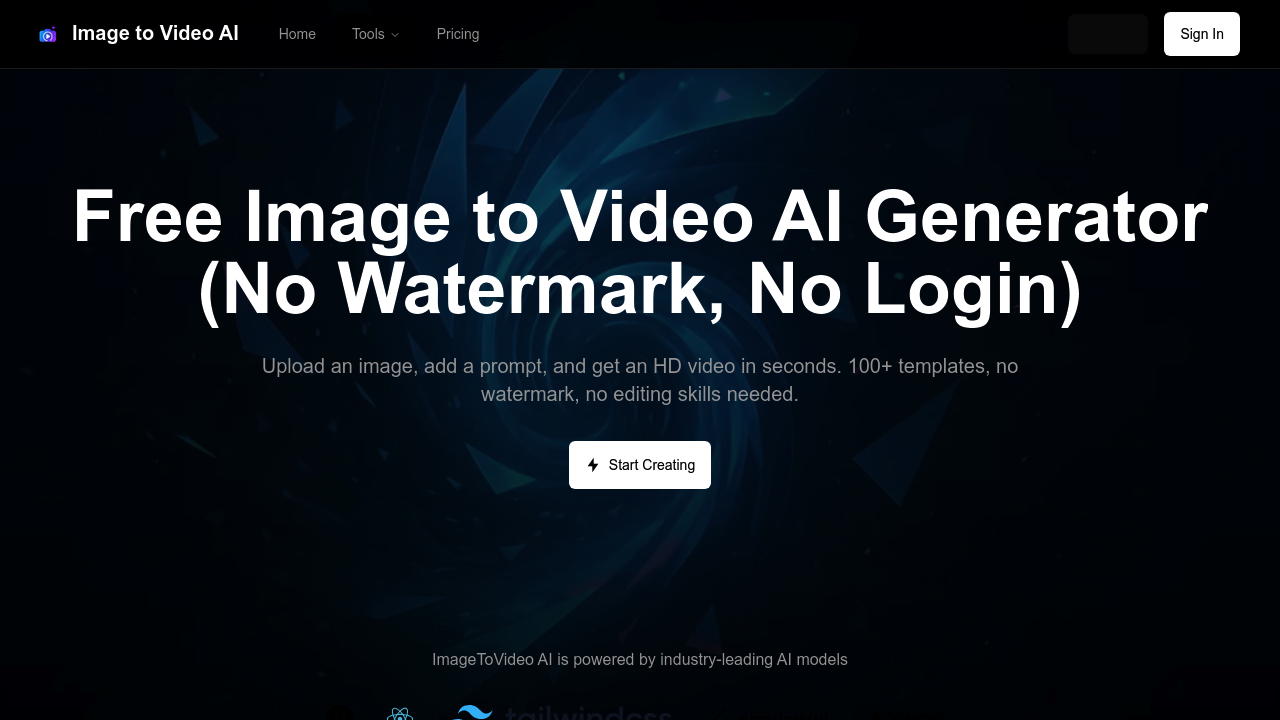
Image To Video AI.run screenshot

Image To Video AI.run takes JPG, PNG, or WEBP files and spits out MP4 videos using AI models that actually work. Upload an image. Type a prompt describing the motion you want. You'll get HD video in seconds.

The real draw here isn't the tech — it's the pricing model that breaks from industry norms. Unlimited access with zero fees. Zero watermarks. Zero login requirements. Most image-to-video tools either slap logos on everything or gate decent quality behind subscriptions.

You get 100+ templates to work with. Adjust resolution, duration, and motion levels based on what you need. Batch uploads let you process multiple photos at once for slideshows or sequential storytelling.

A startup marketing manager launching a product campaign could upload product shots and generate motion graphics for social media without touching video editing software. Templates handle the heavy lifting while custom prompts dial in specific movements.

Image To Video AI.run only outputs MP4 format, which limits flexibility if you need other video types. Three supported input formats cover most use cases though. Content creators and students make up the core user base alongside marketing teams needing quick turnarounds.

It runs on what they call "industry-leading AI models" and delivers results that don't scream amateur hour. No complicated workflows. No feature bloat that gets in the way. Just upload, prompt, and download.


Image To Video AI.run alternatives

See all →

Frequently asked

6 questions
How long does it take Image To Video AI.run to process a single image?
You'll get HD video results in seconds -- seriously, not minutes. Processing speed changes based on your resolution and duration picks, but you won't sit there waiting forever like with other tools. The fast turnaround's great for batch processing when you've got bigger projects going.
What's the maximum video duration I can create from one image?
The tool's got duration settings you can tweak. Their materials don't spell out the exact max though. You'll see duration controls right next to resolution and motion settings. Most tools like this cap clips between 3-10 seconds, so that's probably your range.
Can I use Image To Video AI.run for commercial projects without paying licensing fees?
Yep -- unlimited access covers commercial use with no extra fees or watermarks. That's different from competitors who slap logos on free versions or make you buy separate commercial licenses. Use the videos for client work, social campaigns, whatever business stuff you need.
How do the 100+ templates work with custom prompts?
Templates give you ready-made motion patterns and styles for your images. Then you can add custom prompts on top to dial in specific movements or effects. It's like getting template speed plus custom flexibility rolled together.
What happens if I need video formats other than MP4 from Image To Video AI.run?
You're stuck with MP4 only -- could be a pain if your workflow needs MOV, AVI, or other formats. You'd have to convert the MP4 files with separate software after downloading. Most social platforms and web stuff handles MP4 fine, but video editors might want other formats.
Does the batch upload feature let me apply the same prompt to multiple images?
Batch processing handles multiple photos at once -- super efficient for slideshows or sequential content. You can probably apply the same prompts across your batch (though individual images might need tweaks if they need different motion types). This feature's aimed at people making series content or marketing campaigns with lots of product shots.

Traffic

Estimated monthly website visits · last 0 months

1.2K visits/mo
Monthly visits
1.2K
Global rank
#15,113,636
US #5,492,500

Not enough historical data for a chart yet.

Reviews (0)

Write review

No reviews yet. Be the first to share your experience.