
iLovePDF AI Summarizer logo
AI PDF FREEMIUM from €5/mo

iLovePDF AI Summarizer

iLovePDF AI Summarizer reads a PDF and returns a condensed version of its content.

You upload a file, choose a summary length of short, medium or long, pick between Standard AI and Advanced AI processing, and receive a written summary that can be copied or downloaded. It is aimed at reports, essays…

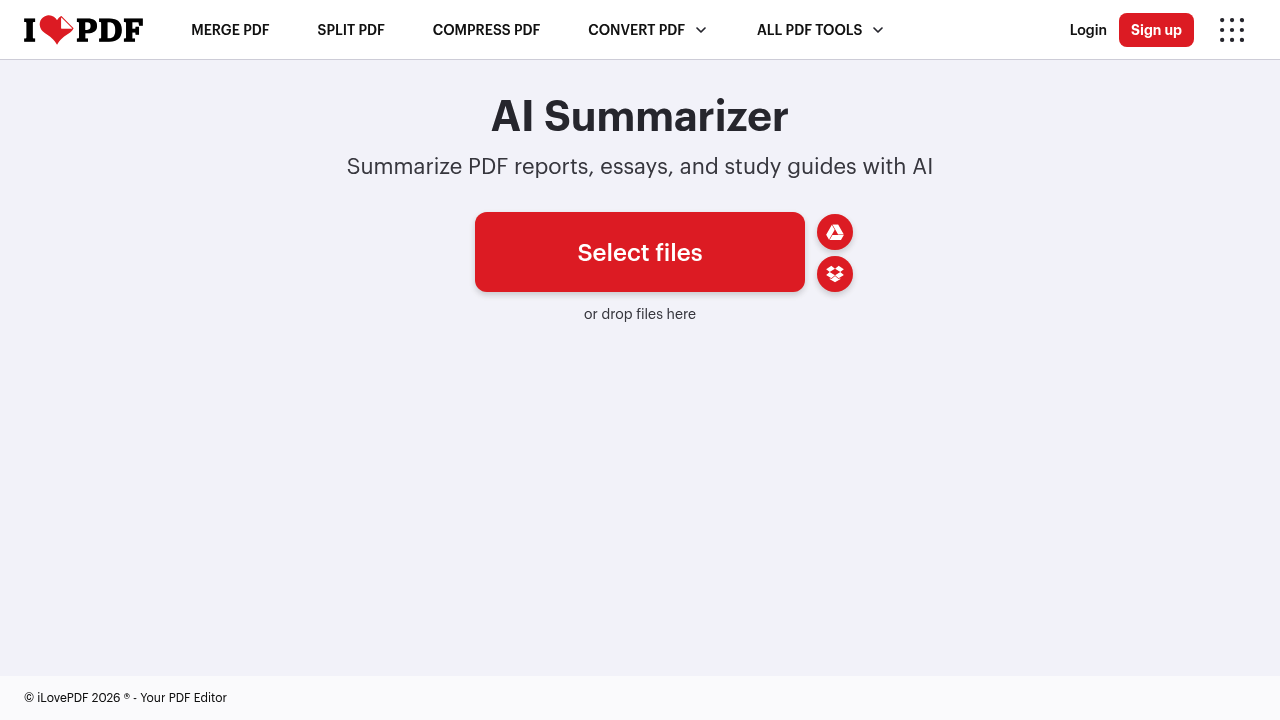
iLovePDF AI Summarizer screenshot

iLovePDF AI Summarizer reads a PDF and returns a condensed version of its content. You upload a file, choose a summary length of short, medium or long, pick between Standard AI and Advanced AI processing, and receive a written summary that can be copied or downloaded. It is aimed at reports, essays and study guides, and it produces the output in the language selected for the iLovePDF interface, which covers more than two dozen languages. It belongs to the PDF Intelligence group of iLovePDF, next to PDF translation and PDF to Markdown, and some use requires a Premium subscription.

The feature fits students who need to digest assigned readings, researchers triaging a stack of papers, consultants skimming client documents, and office staff who receive long PDFs and want the gist before a meeting. Anyone already using iLovePDF for merging, splitting or compressing files gains a summary step in the same place without moving to another app. Because files can be pulled from Google Drive or Dropbox, it works for people whose documents live in cloud storage.

Useful scenarios include turning a forty-page report into a half-page brief, preparing study notes from a lecture handout, getting a short abstract-style overview of a whitepaper before deciding whether to read it, and producing a longer summary when more detail is needed for a briefing. The length setting lets you trade speed for depth, and the Advanced AI mode is there for denser documents where a basic pass might miss important points.

iLovePDF AI Summarizer alternatives

See all →

Frequently asked

6 questions
What can I summarize with this feature?
It summarizes PDF reports, essays and study guides. You upload the file, select a length and a processing mode, and the AI writes the summary.
Who would use an AI PDF summarizer like this?
Students, researchers and busy professionals use it to get the gist of long documents quickly. It also suits anyone who already handles PDFs with iLovePDF and wants a summary step nearby.
Can I control how long the summary is?
Length is set to short, medium or long before processing. Two processing modes are offered as well, Standard AI and Advanced AI, so you can choose between speed and depth.
Do I need a subscription?
Some use requires an iLovePDF Premium plan, which gives unlimited access to all features. Free use is limited, and a prompt appears when Premium is required.
What language will the summary be in?
The summary is generated in the language you have set for the iLovePDF interface. Switching the interface language before processing changes the language of the output.
Can I upload files from cloud storage?
Files can be brought in from your device, Google Drive or Dropbox. Once the summary is ready you can copy the text or download it.

Reviews (0)

Write review

No reviews yet. Be the first to share your experience.