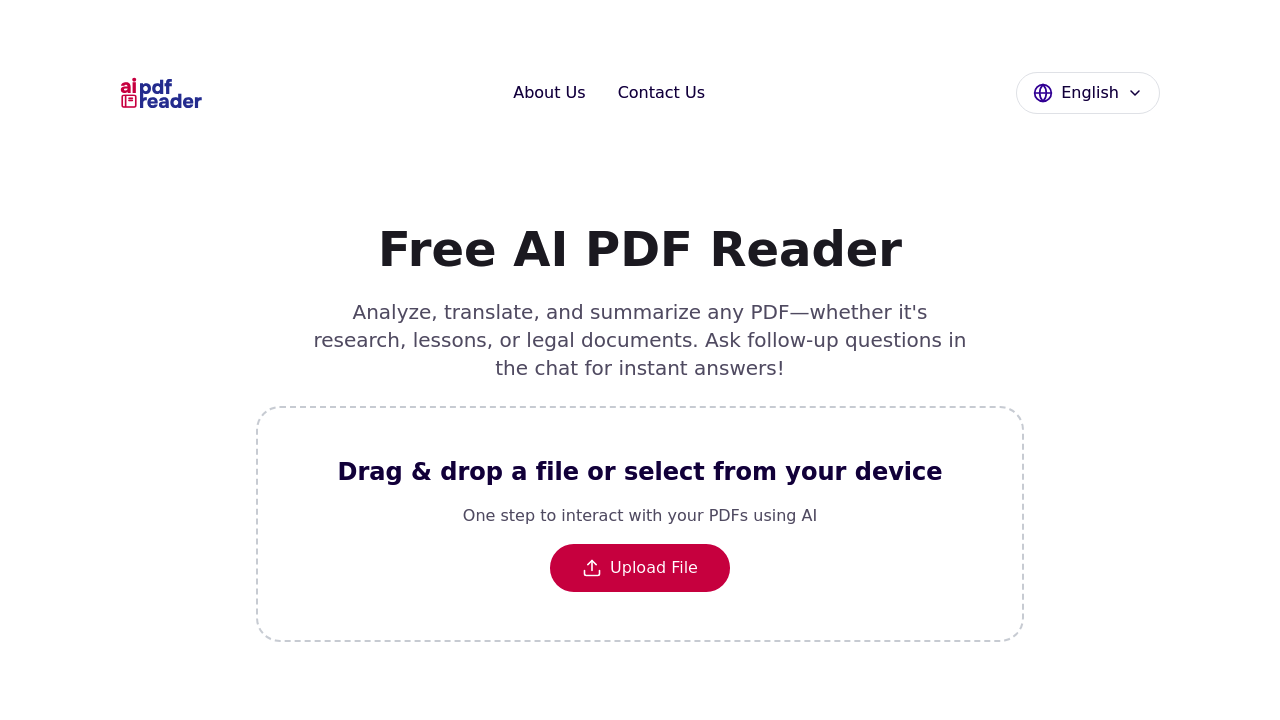
Upload a PDF and get a summary in seconds. That's the pitch. AI PDF Reader lets you drop documents into a web interface, then pulls out key points, translates content, or answers specific questions through a chat window. It remembers what you've asked before, so follow-up questions don't require repeating context.
The free version includes everything. No upgrade prompts or feature locks. You get summarization, translation across multiple languages — English, Spanish, German, French, and others —, document analysis, and unlimited chat interactions. File uploads cap at 10 MB, which handles most articles and shorter reports but blocks larger textbooks or image-heavy PDFs.
Teachers can feed in student papers and get quick breakdowns for lesson planning. Students upload textbook chapters and extract study points without reading 40 pages. Researchers drop academic papers into the system and pull out methodology details or data patterns. The chat interface handles questions like "What's the main argument in section three?" or "Translate this paragraph to German."
It doesn't store your files. Upload happens, AI processes the content, you get results, then everything disappears. No account creation means no data sitting on servers. That matters for sensitive documents, though you're still trusting the processing pipeline itself.
Translation accuracy drops with less common languages. The system might miss grammar nuances or specialized terminology in languages outside the main support set. You'll want a native speaker or dedicated grammar tool to verify output if precision matters. The 10 MB limit also cuts out consolidated research papers or multi-chapter documents that students actually need to analyze.
No mobile app exists. No browser extension either. You're working through the website only, which means saving chat histories or summaries requires manual copy-paste. The interface stays simple, but that simplicity means no batch processing for multiple files or comparison features between documents.
The context-aware chat works better than static summarization tools. Ask vague questions and it pulls relevant sections. Ask for specific data points and it scans for numbers or dates. But complex PDFs with tables, charts, or unusual formatting can confuse the extraction. You might get incomplete summaries if the document structure doesn't follow standard text blocks.
Free access with no strings attached beats most competitors charging monthly fees. The 10 MB ceiling and language limitations keep it from replacing paid research tools, but for quick document analysis without account setup, it delivers what it promises.