
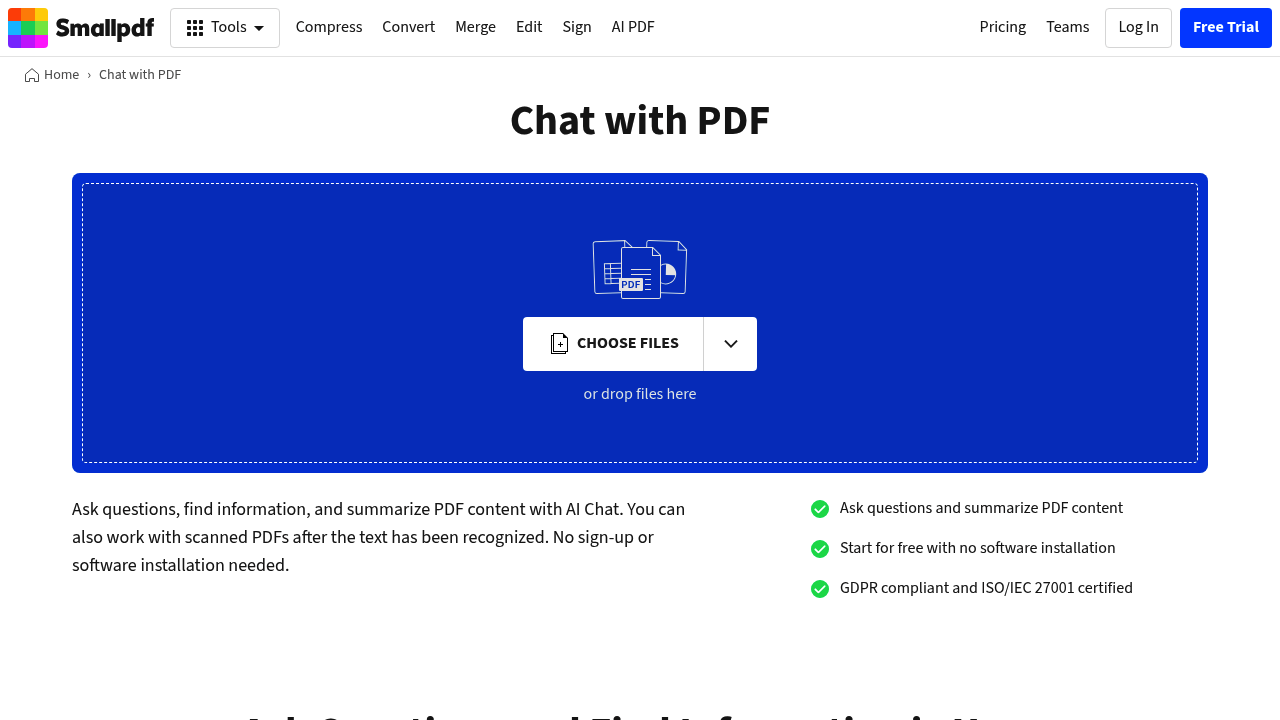
Smallpdf AI PDF, also called Chat with PDF, lets you upload a document and talk to it. You type a question, and the AI searches the PDF content and returns an answer based on what it finds, including references to specific pages. It also writes shorter overviews of reports, contracts, articles and study material, and you can keep asking follow-up questions about sections that need more explanation. Several PDFs can be loaded together to compare information across documents, and a finished chat can be copied or downloaded. It sits inside Smallpdf's wider online PDF toolkit.
The feature is aimed at people who read long documents for work or study: students working through papers, analysts reviewing reports, lawyers and finance staff checking contracts, and real estate or sales teams hunting for a figure or date. It is also practical for anyone who only needs one detail from a large file and would rather ask than scroll. Nothing has to be installed, and it opens in a browser on Mac, Windows, iOS or Android.
Common uses include pulling names, dates and amounts out of a contract, getting a quick summary of a research paper before deciding whether to read it fully, locating the relevant section of a manual, and comparing terms across two versions of an agreement. Files travel over TLS encryption and are automatically deleted after one hour unless saved to a Smallpdf account, and the company states GDPR compliance and ISO/IEC 27001 certification, which matters when documents are sensitive.