
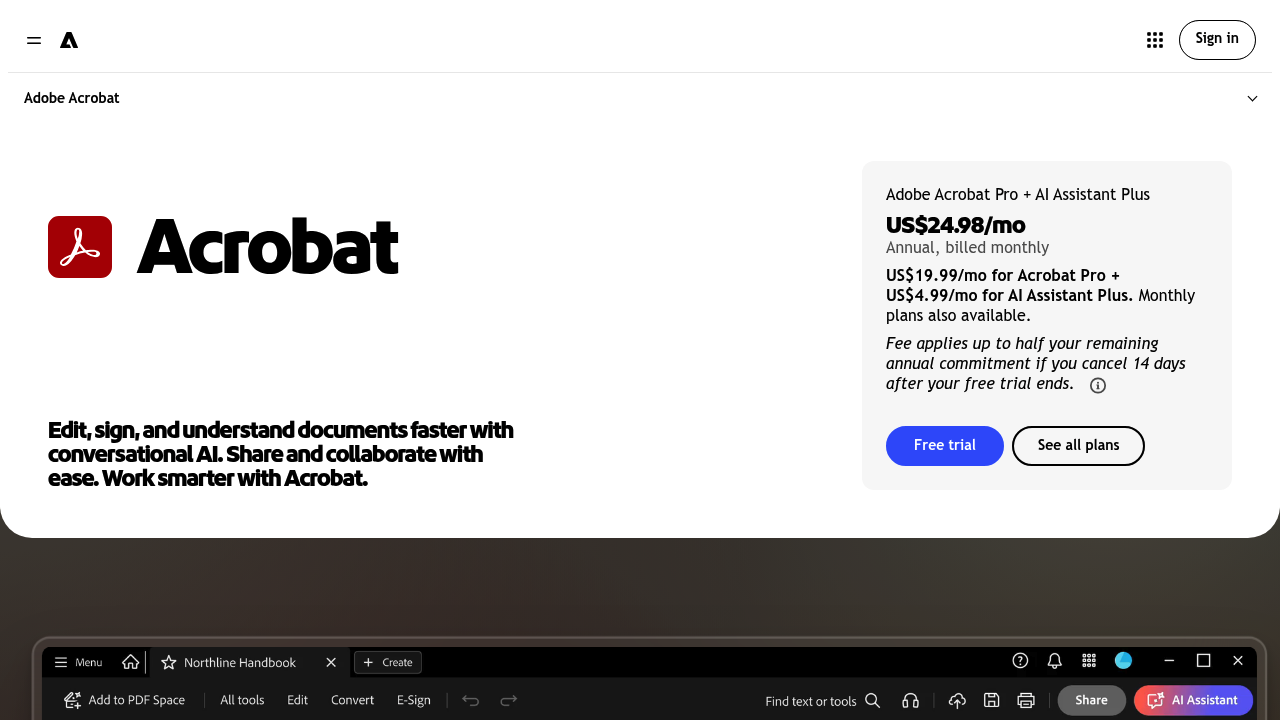
Adobe Acrobat is a PDF toolkit with AI built in. It covers the usual jobs of editing text and images, rearranging and organizing pages, creating PDFs from Microsoft files and images, and converting PDFs to other formats. Signature workflows let people request e-signatures, track progress and set reminders, and scanned paper documents can be turned into searchable, editable files. An AI Assistant answers questions about a document, summarizes it and makes quick edits from plain-language instructions, and PDF Spaces collects PDFs, links and project files into one shareable AI workspace. Plans are sold as subscriptions, with a separate free Acrobat Reader.
Acrobat is aimed at knowledge workers, legal and finance staff, administrators, marketers and anyone whose daily work depends on PDFs. Individuals use it to fix and finalize documents, while teams on shared projects benefit from PDF Spaces, where everyone can chat with the same set of files and get cited answers. Compliance-minded users who handle sensitive information can add passwords and permissions or permanently redact data. People who already work inside Microsoft 365, Dropbox or Adobe Creative Cloud will find the integrations familiar, and the apps are available on desktop, web and mobile, plus browser extensions.
A contracts manager can send an agreement for binding e-signature and watch its status, while an analyst can upload a long report, ask the AI Assistant for a summary with precise citations, and listen to an audio overview. Back-office teams digitize paper files into searchable PDFs, and designers or marketers can turn insights from a shared PDF Space into presentations, reports and social posts using Adobe Express templates. Project teams keep proposals, briefs and links together in one Space so context carries across conversations. Anyone sharing sensitive documents can lock them down with passwords before sending them out.