Highlight AI logo
AI Assistant FREE TRIAL from $35/mo

Highlight AI

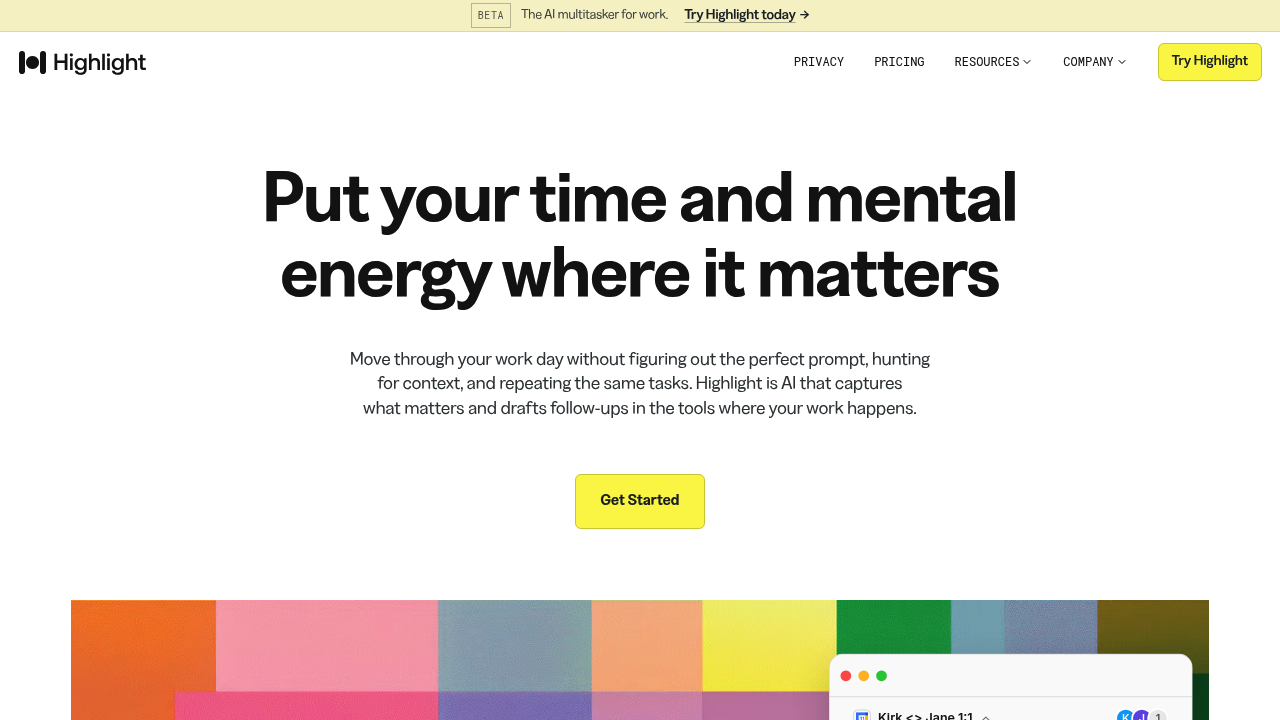
Highlight AI watches the work you do across meetings, your screen and connected tools, then turns that context into briefs, summaries and drafted follow-ups.

Instead of writing the perfect prompt, you get a daily brief of your calendar, meeting recaps with decisions and owners, and ready-to-send drafts such as an email to an interview candidate or a Slack note to a teammate.…

Highlight AI screenshot

Highlight AI watches the work you do across meetings, your screen and connected tools, then turns that context into briefs, summaries and drafted follow-ups. Instead of writing the perfect prompt, you get a daily brief of your calendar, meeting recaps with decisions and owners, and ready-to-send drafts such as an email to an interview candidate or a Slack note to a teammate. Plans are Lite at $35 per month, Pro at $60 and Max at $200, each starting with a 14-day free trial on Lite and Pro, and they differ mainly in transcription hours and chat credits.

Highlight fits individual contributors and managers whose days are full of calls: product and design leads, hiring managers, operators, founders, client-facing attorneys and people leaders. It suits anyone who spends more time tracking decisions and coordinating than doing focused work. Lite covers people who want prepared meetings and weekly recaps, Pro adds daily recaps and built-in skills for those who want follow-ups drafted from meetings, messages and documents, and Max adds custom skills, beta features and white glove support for people whose work runs through Highlight.

Common scenarios include walking into a meeting with a brief of the latest updates and open questions, asking what the status of a launch plan is and getting an answer grounded in past meetings and messages, and reviewing a drafted candidate follow-up after an interview. Skills automate next steps such as email follow-ups, Notion docs and Slack messages, and the recap lists who owns what and by when. You control what Highlight can see and do, and it works alongside the apps your team already uses.

Highlight AI alternatives

See all →

Frequently asked

6 questions
What does Highlight AI produce after a meeting?
Expect a summary with decisions and a transcript, a list of who owns which task, and drafted follow-ups such as emails or Slack messages for your review. Daily and weekly recaps pull the highlights together.
Who is Highlight AI meant for?
Individuals with meeting-heavy roles, including product and design leads, hiring managers, operators and people leaders. It targets people who want to spend less time coordinating and chasing context.
How can I use Highlight AI to prepare for a meeting?
Highlight generates a pre-meeting brief with the latest updates, open questions and context from earlier conversations. For an interview, it can pull candidate context and suggest questions to explore.
How much does Highlight AI cost?
Lite costs $35 per month, Pro $60 per month and Max $200 per month. Lite and Pro start with a 14-day free trial, and the plans include 20, 50 and 80 hours of meeting transcription respectively.
What limits apply to Highlight AI plans?
Usage is capped per plan: transcription hours and chat credits at 500, 3,000 and 8,000 credits for Lite, Pro and Max. Built-in skills start on Pro, while custom skills and beta features are reserved for Max.
How do I control what Highlight AI can access?
The product states that you decide what Highlight can see and do. It works with team tools such as Slack and Notion, and drafts appear for your review before anything is sent.

Reviews (0)

Write review

No reviews yet. Be the first to share your experience.