Google Cloud Speech-to-Text logo

Google Cloud Speech-to-Text

Google Cloud Speech-to-Text is a speech recognition API that turns audio into written text.

It runs on Chirp 3, Google Cloud's universal speech model, and handles short clips, long recordings and live streaming audio sent from a microphone or Cloud Storage. Coverage spans 85+ languages and variants, with…

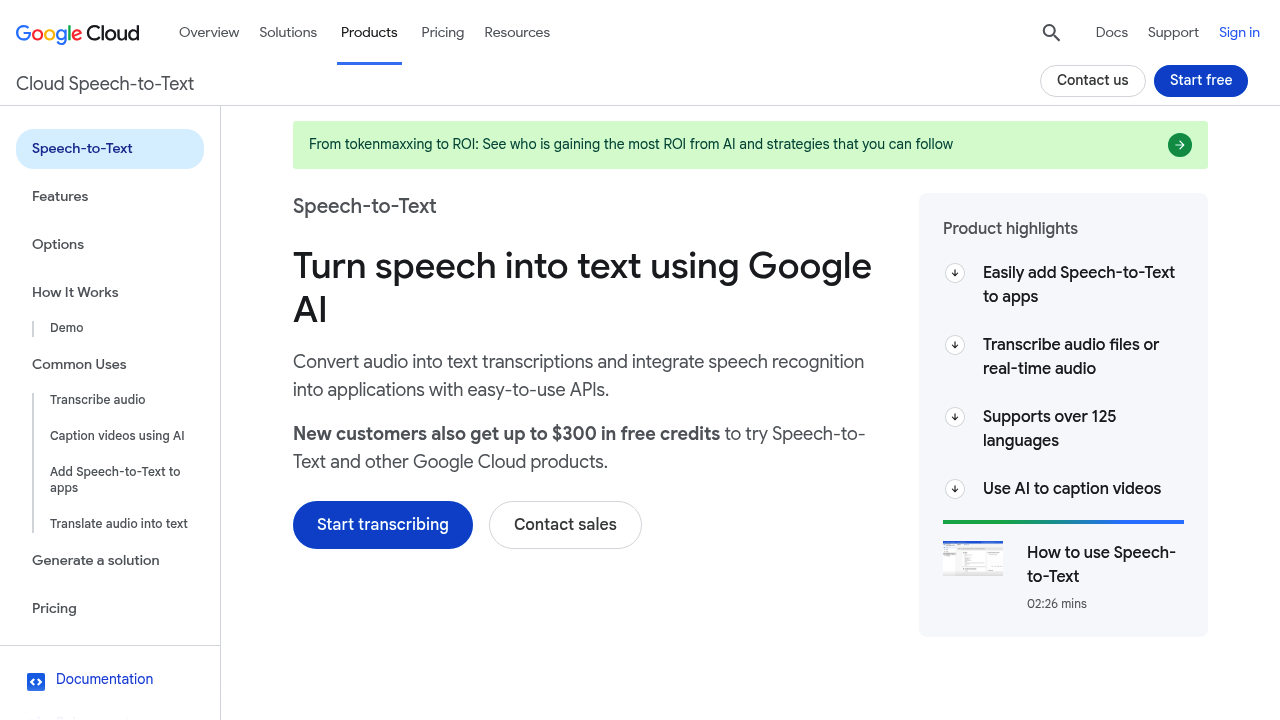
Google Cloud Speech-to-Text screenshot

Google Cloud Speech-to-Text is a speech recognition API that turns audio into written text. It runs on Chirp 3, Google Cloud's universal speech model, and handles short clips, long recordings and live streaming audio sent from a microphone or Cloud Storage. Coverage spans 85+ languages and variants, with speaker diarization, multilingual language detection and model adaptation that biases results toward your own terms. New Google Cloud customers receive up to $300 in free credits to try it.

It is built for developers, ML engineers and product teams who need transcription inside their own software, from call analytics to media captioning. Enterprises in regulated sectors get API v2 features such as regionalized processing, audit logs in the Google Cloud console and customer-managed encryption keys. Non-coders can test audio files through a web interface in Agent Platform or the console demo before writing any code. Media and contact-center teams use it to caption archives and analyze recorded conversations at scale.

Common uses include transcribing recorded meetings and calls, captioning and subtitling video, adding voice input to mobile and web apps, and generating real-time captions for streaming content. A tutorial shows combining it with the Translation API to produce localized subtitles. Teams build searchable archives of interviews and lectures, index multi-speaker video, and feed transcripts to downstream analytics. Model adaptation helps when audio is noisy or full of product names and jargon that general models mishear. Developers can start from Cloud console quickstarts and sample applications before building a production pipeline, and results can be requested synchronously, asynchronously or as a stream.


Google Cloud Speech-to-Text alternatives

See all →

Frequently asked

6 questions
What does Google Cloud Speech-to-Text do?
Spoken audio becomes text through an API. It supports synchronous, asynchronous and streaming recognition, so you can transcribe files or live speech.
Who should use Google Cloud Speech-to-Text?
Developers and enterprises that want speech recognition inside applications are the main users. Teams in regulated industries can use its data residency and encryption options.
Can I caption videos with it?
Video captioning and subtitling is one of the listed uses. A tutorial pairs it with the Translation API to produce subtitles in other languages.
How many languages are supported?
Language coverage reaches 85+ in Chirp 3 transcription, with 85+ languages and variants. Multilingual language detection and speaker diarization are included.
Are there any limitations to know about?
A Google Cloud account is required, and the service is delivered as an API or console workflow rather than a finished consumer app. Costs depend on usage, so teams should estimate volume before committing.
How do I try Google Cloud Speech-to-Text?
Select Start transcribing, or test audio through the demo with a file upload or microphone. New Google Cloud customers also get up to $300 in free credits.

Reviews (0)

Write review

No reviews yet. Be the first to share your experience.