
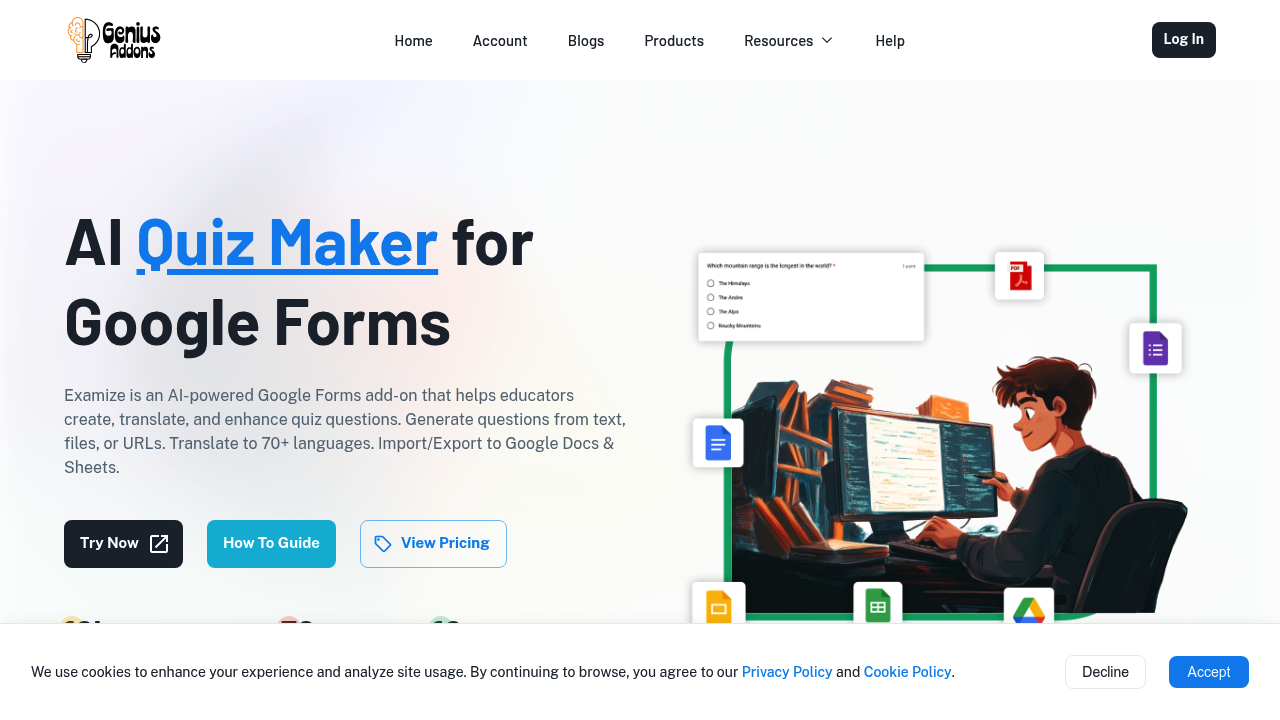
A high school history teacher uploads a 12-page PDF about the French Revolution. She needs 20 quiz questions by tomorrow for three different class levels. Examize generates multiple choice, short answer, and true/false questions from the PDF, adjusts difficulty by grade level, and creates answer keys with feedback automatically. She exports everything to Google Docs and tweaks a few questions before importing them into Google Forms.
Examize works as a Google Forms add-on. Teachers paste text, upload files, or drop in URLs from educational websites. It reads Google Docs, PDFs, Word files, and 10+ other file types. You can generate up to 35 questions at once from whatever source material you feed it. The AI writes the questions, provides correct answers, and adds feedback explanations without manual input.
A corporate trainer in Madrid prepares compliance training for offices across Europe. She writes quiz questions in English, then uses Examize to translate the entire form into Spanish, German, and French. It translates form titles, questions, answer choices, and feedback messages across 70+ languages. She previews each translation before applying it to catch any awkward phrasing. The system has generated over 10,000 questions across its user base.
The remix feature rewrites existing questions in different ways or converts between question types. A teacher who imported questions from an old form can turn multiple choice questions into short answer format or rephrase true/false statements. You can also import questions from other Google Forms you've created and export finished quizzes to Google Sheets for record keeping.
Three scenarios show where it doesn't fit. A university professor running high-stakes exams with 100+ questions hits the 35-question-per-generation limit and has to run Examize three times. An elementary teacher on the Pro plan burns through her 500-question monthly limit by mid-semester after creating weekly quizzes for four subjects. A training coordinator who needs quizzes in PowerPoint or standalone PDFs discovers Examize only exports to Google's ecosystem and Google Sheets.
The Google Forms dependency matters. This isn't a standalone quiz platform. You're creating content inside Google's environment. Teams not already using Google Workspace will find the integration useless. Examize also can't generate questions from video content or audio files, only text-based sources.
Pro costs $5.99 monthly with a 500-question limit. Pro Plus removes that cap for $9.99 monthly. Team plans run $9.99 per user monthly with role assignments and member management. Enterprise requires 50+ seats minimum with custom pricing and integrations. No free tier exists.
Teachers creating occasional quizzes fit the Pro plan. Training departments producing weekly assessments across multiple courses need Pro Plus or Team. Small schools or individual educators paying out of pocket might struggle with even the lowest tier if they're quiz-heavy. Enterprise only makes sense for large districts or corporations with serious training programs.
Skip this if you need quizzes outside Google's tools, want video or audio source material, or regularly create 50+ question exams in one sitting. The 35-question generation limit and Google Forms requirement aren't workarounds you can hack. Schools using Microsoft or other platforms won't get value here. It solves a specific problem for Google Workspace educators who need fast question generation from text sources.