
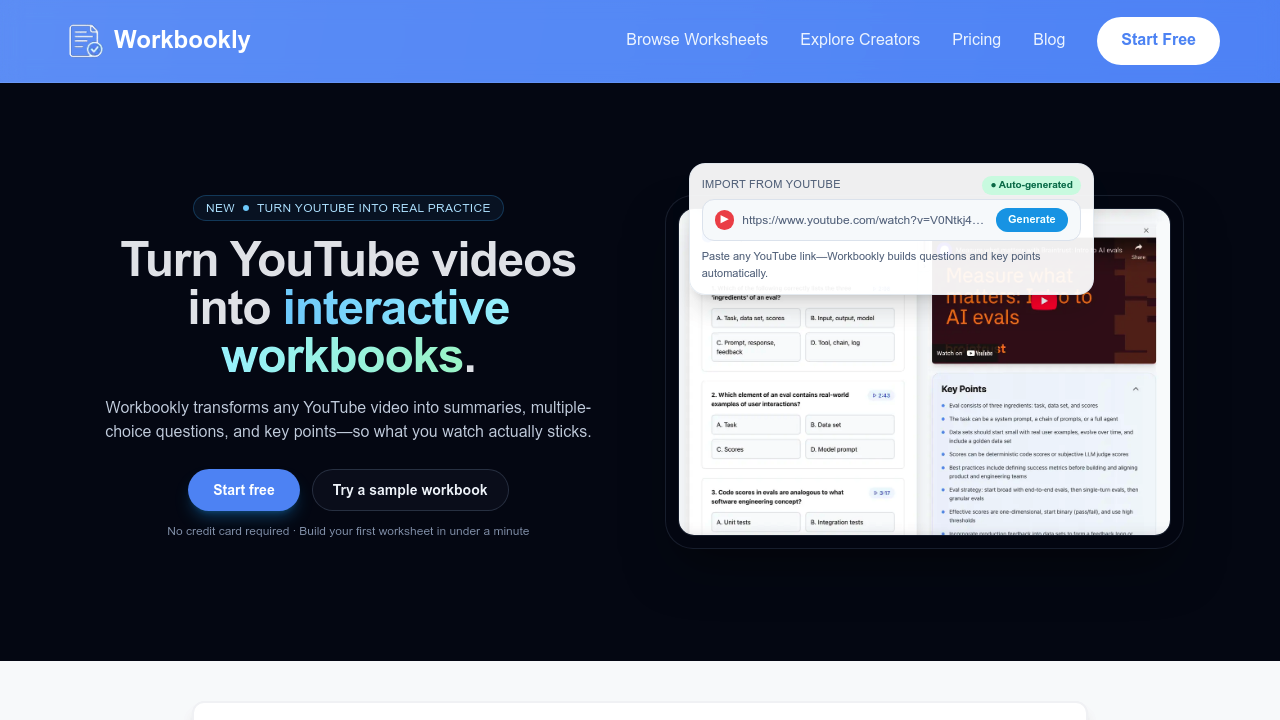
Workbookly converts YouTube videos into interactive study materials by processing video content through a transcript analysis pipeline that generates questions, summaries, and timestamped learning prompts. This application parses video transcripts and applies natural language processing to identify key concepts, then automatically creates multiple-choice questions, fill-in-the-blank exercises, and matching activities based on the extracted information.
The technical workflow starts when you paste a YouTube URL into Workbookly's interface. Workbookly pulls the video transcript and processes it through content analysis algorithms that segment the material into digestible sections. The system timestamps each generated question or key point to the exact moment in the video where that concept appears, creating clickable links that jump to relevant sections during playback. This timestamp mapping happens during the initial processing phase and maintains synchronization with the source video.
The interface displays as a sidebar that runs alongside YouTube's native player, letting you watch and work through exercises simultaneously. Videos up to five hours long can be processed, though longer content requires more generation time. The system supports English, French, Spanish, and German language processing, with the language detection happening automatically based on the video's transcript.
For educators and content creators, the playlist sync feature monitors YouTube playlists and automatically generates new worksheets when videos are added. The system checks playlists every hour for updates. This automation runs in the background without manual intervention, making it useful for ongoing course content or regular video series.
Output quality depends heavily on transcript accuracy and content structure. Videos with clear speaking, well-organized topics, and accurate auto-generated captions produce better results. The generated questions range from basic recall to concept application, though the depth varies based on how explicitly concepts are explained in the source material. You can customize the generated worksheets after creation, adjusting questions or adding your own content.
This service integrates exclusively with YouTube through direct URL processing and offers a Chrome extension for easier access. There's no API access or connection to learning management systems. PDF export lets you download completed worksheets, and public URL sharing enables distribution without requiring recipients to have accounts.
Workbookly offers a free plan with two videos and two worksheets per month. The Essential plan costs $4.99 monthly for 15 videos and unlimited worksheets. Advanced runs $9.99 monthly for 30 videos. All tiers support videos up to five hours and include customizable worksheets, PDF export, analytics, branding options, and public URLs. Paid plans add playlist sync functionality. A lifetime access option exists for $69.
Technical limitations center on monthly video quotas rather than processing capabilities. The free tier's two-video limit restricts experimentation. Even the Advanced plan caps at 30 videos monthly, which could constrain heavy users or educators processing entire course catalogs. The five-hour video length limit prevents processing of marathon lectures or conference recordings. There's no batch processing, so each video requires individual submission.
Workbookly lacks collaborative features or team accounts. No mobile app exists, limiting use to desktop browsers. Analytics track workbook engagement but don't integrate with existing educational platforms. The system can't process videos without available transcripts, and content with poor audio quality or heavy accents may generate less accurate questions since the underlying processing depends entirely on transcript fidelity.