ClassPoint AI logo
AI Quiz Generator FREEMIUM from $8/mo

ClassPoint AI

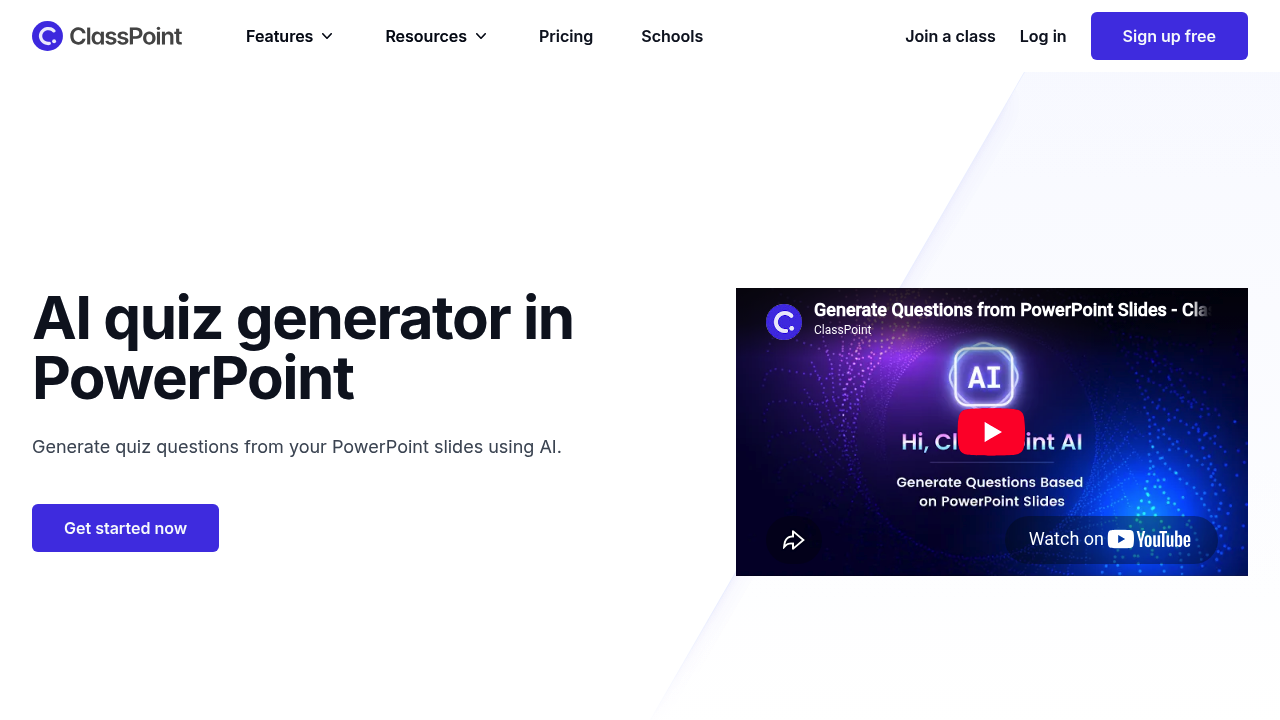
ClassPoint AI generates quiz questions directly from your PowerPoint slides.

It reads the content of a slide, drafts a question in seconds and lets you drop it into your presentation, where you can collect live responses from students. Question types include multiple choice, short answer and…

ClassPoint AI screenshot

ClassPoint AI generates quiz questions directly from your PowerPoint slides. It reads the content of a slide, drafts a question in seconds and lets you drop it into your presentation, where you can collect live responses from students. Question types include multiple choice, short answer and fill in the blanks, and you can target Bloom's taxonomy levels from remember and understand up to analyze, evaluate and create. Generation is powered by OpenAI and works in multiple languages, so questions can be produced in the language of your class.

ClassPoint AI is for teachers, lecturers and trainers who already build lessons in PowerPoint and want assessment questions without writing each one by hand. School teachers use it for quick checks on understanding, university instructors use it to vary cognitive demand across a lecture, and corporate trainers can use it to test staff after a session. Teachers of non-English classes benefit from native-language generation. The parent ClassPoint product is used by over a million people to boost student engagement in presentations.

A history teacher finishes a slide on a treaty, asks the AI for a multiple-choice question, reviews it and starts a live poll so students answer on their own devices. A science teacher asks for fill-in-the-blank questions to check vocabulary, while a lecturer requests questions at the analyze and evaluate levels to push discussion. Teachers working in a second language can generate questions in that language. Because generation, editing and response collection all happen in the same slideshow, there is no need to export content to a separate quiz app.


ClassPoint AI alternatives

See all →

Frequently asked

6 questions
What does ClassPoint AI generate?
It creates quiz questions from the content of a PowerPoint slide. Supported formats are multiple choice, short answer and fill in the blanks.
Who is ClassPoint AI for?
Teachers, lecturers and trainers who teach with PowerPoint are the main users. Anyone who wants fast questions from existing slides can use it.
How would I use it in a lesson?
Select a slide, let the AI read it, generate a question and add it to the deck. Then start a live quiz to collect responses from students in the room.
Can questions target different thinking levels?
Questions can be shaped by Bloom's taxonomy, covering remember, understand, apply, analyze, evaluate and create. This lets you adjust cognitive complexity to the lesson.
Which languages does it support?
Multiple languages are supported, with native language support powered by OpenAI. You can request questions in the language your students use.
What do I need to get started?
Getting started takes PowerPoint with the ClassPoint add-in installed and an account, and sign-up is offered for free. Quiz generation runs inside your presentation, and responses come back live.

Reviews (0)

Write review

No reviews yet. Be the first to share your experience.