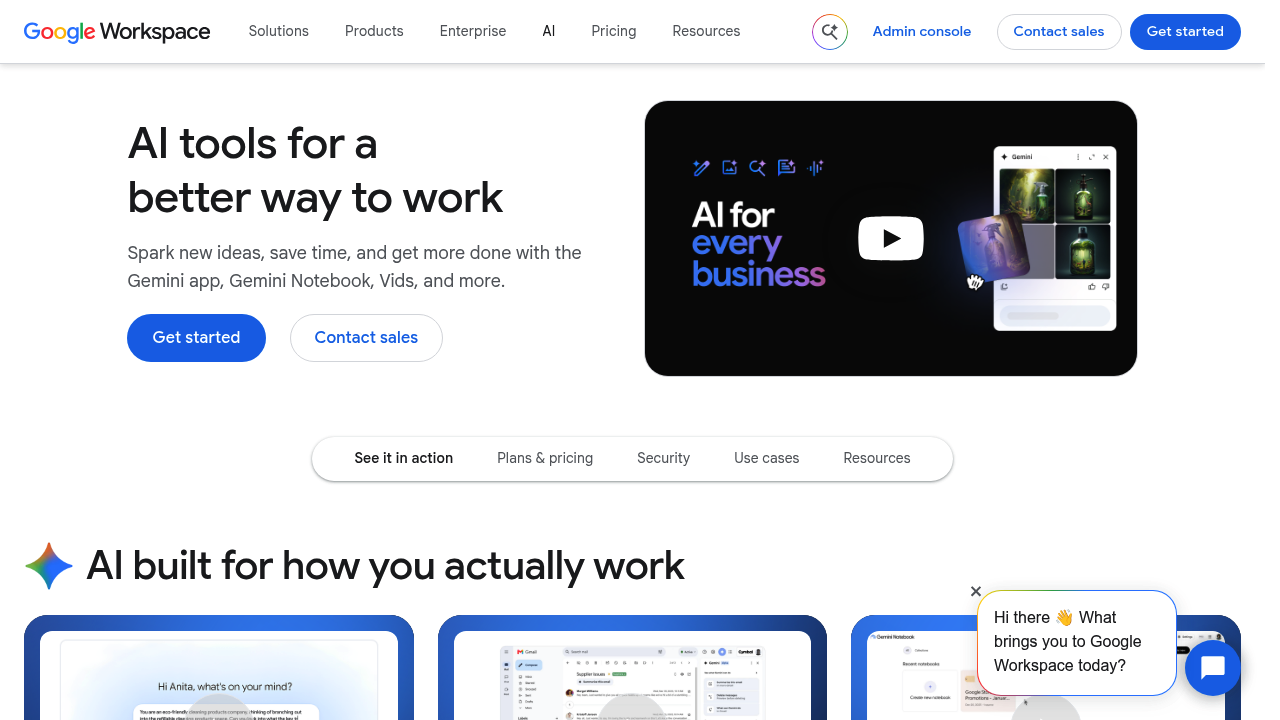
Gemini for Google Workspace adds generative AI to the apps businesses already use, including Gmail, Docs, Sheets and others. The suite offers an AI assistant app, a research assistant called Notebook, an AI image editor in Pics and a video editor in Vids, plus Workspace Intelligence that draws on a team's own work context. Security and privacy controls for enterprises are built in, and Google lets companies try Google Workspace free for 14 days, with the AI features included.
Companies from small businesses and start-ups to large enterprises are the audience, along with frontline staff, developers and teams in sales, marketing and HR. Administrators choose among Business Standard and Enterprise editions, and IT and security leaders get compliance information on how AI is handled in Workspace. People who already collaborate in Docs and Sheets can add AI without moving to a separate app, and teams that want structured learning can use the training and certification resources Google provides for Workspace and its AI features.
A salesperson can summarize a long email thread in Gmail and draft a reply. A marketer can build a first draft of a campaign brief in Docs, then ask for help with figures in Sheets. A researcher can gather sources and study material in the Notebook research assistant. A small team can edit images in Pics or produce a quick video in Vids without leaving the suite. Enterprise buyers can review security, privacy and compliance material before rolling it out, and department leads can follow resources for sales, marketing, HR and frontline workflows.