Gemini Code Assist logo
AI Coding Assistant FREEMIUM from $19/mo

Gemini Code Assist

It provides a chat interface that is aware of the code in the open files, automatic completions as you type, and generation or transformation of whole functions and files on demand.

Gemini Code Assist is Google's AI coding assistant, available in popular IDEs, in the terminal and as a code review app on GitHub. It provides a chat interface that is aware of the code in the open files, automatic…

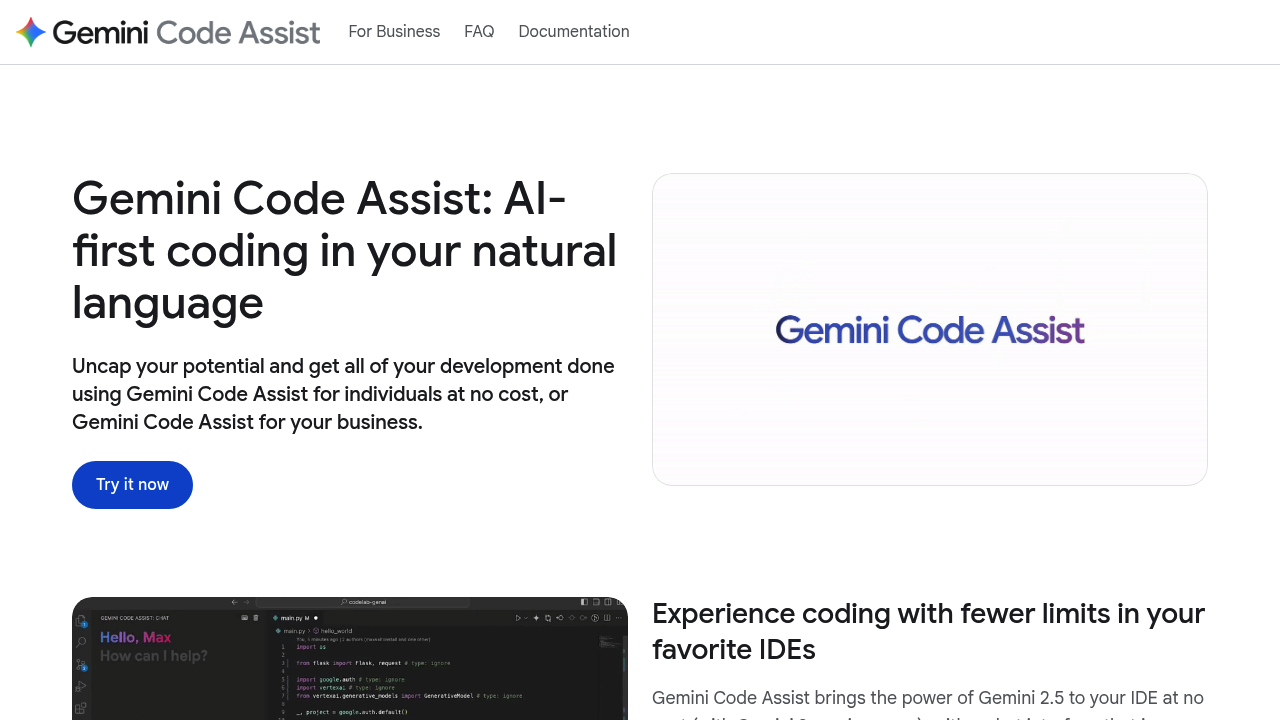
Gemini Code Assist screenshot

Gemini Code Assist is Google's AI coding assistant, available in popular IDEs, in the terminal and as a code review app on GitHub. It provides a chat interface that is aware of the code in the open files, automatic completions as you type, and generation or transformation of whole functions and files on demand. Agent mode handles multi-file edits with full project context and connects to external tools through the Model Context Protocol. A 1M token context window keeps responses relevant, and an individuals tier is free with no credit card required.

Solo developers, students and open-source contributors can start at no cost with the individuals tier. Engineering teams at companies can buy Standard at $19 per user per month with an annual commitment, or $22.80 without one, for business-ready security and management controls. Larger organizations choose Enterprise at $45 per user per month annually, or $54 without commitment, to customize responses on private source code repositories and connect to Google Cloud services. Mobile and web developers also get assistance in Firebase and Android Studio.

Common scenarios include writing boilerplate and unit tests in Visual Studio Code or a JetBrains IDE, asking questions about an unfamiliar codebase, and refactoring a function with a prompt. Teams install the GitHub app so pull requests are reviewed automatically for bugs and style issues, with suggested fixes and the option to ask follow-up questions in a comment. Developers who prefer the command line can use the open-source terminal agent, and learners can try everything in Cloud Shell Editor, which is free for 50 hours per week.

Gemini Code Assist alternatives

See all →

Frequently asked

6 questions
What can Gemini Code Assist do inside my editor?
It offers a chat that understands your open files, automatic completions as you type, and generation or transformation of full functions and files. Agent mode adds multi-file edits and MCP-based tool integrations.
Who is it for?
Individual developers can use the free tier, while business teams can choose Standard or Enterprise. Enterprise suits organizations that want responses customized on private source code repositories.
Can it review pull requests?
A GitHub app reviews pull requests automatically, finding bugs and style issues and suggesting code changes. You can ask for more help by adding a comment on the pull request.
How much does it cost?
The individuals tier is $0 with no credit card, including up to 6,000 code-related requests and 240 chat requests daily. Standard is $19 per user per month with an annual commitment ($22.80 without), and Enterprise is $45 ($54 without commitment).
What are the usage limits on the free tier?
Free usage is capped at 6,000 code-related requests and 240 chat requests per day. Individuals who need higher limits for agent mode and the terminal agent can subscribe to a paid Google plan.
Which environments does it work in?
Extensions exist for Visual Studio Code and JetBrains IDEs, with assistance also in Android Studio, Firebase and the terminal. Cloud Shell Editor comes with it pre-installed and can be used 50 hours per week at no cost.

Reviews (0)

Write review

No reviews yet. Be the first to share your experience.