FlashSlides logo
AI Presentation Generator FREEMIUM from $10/mo

FlashSlides

FlashSlides is an AI-powered tool designed to automate the process of creating professional-grade sl

Creating presentations from scratch eats hours you don't have. You sit there staring at blank slides. Hunting for images. Formatting text. FlashSlides skips all that tedious setup work. Drop in a YouTube video about…

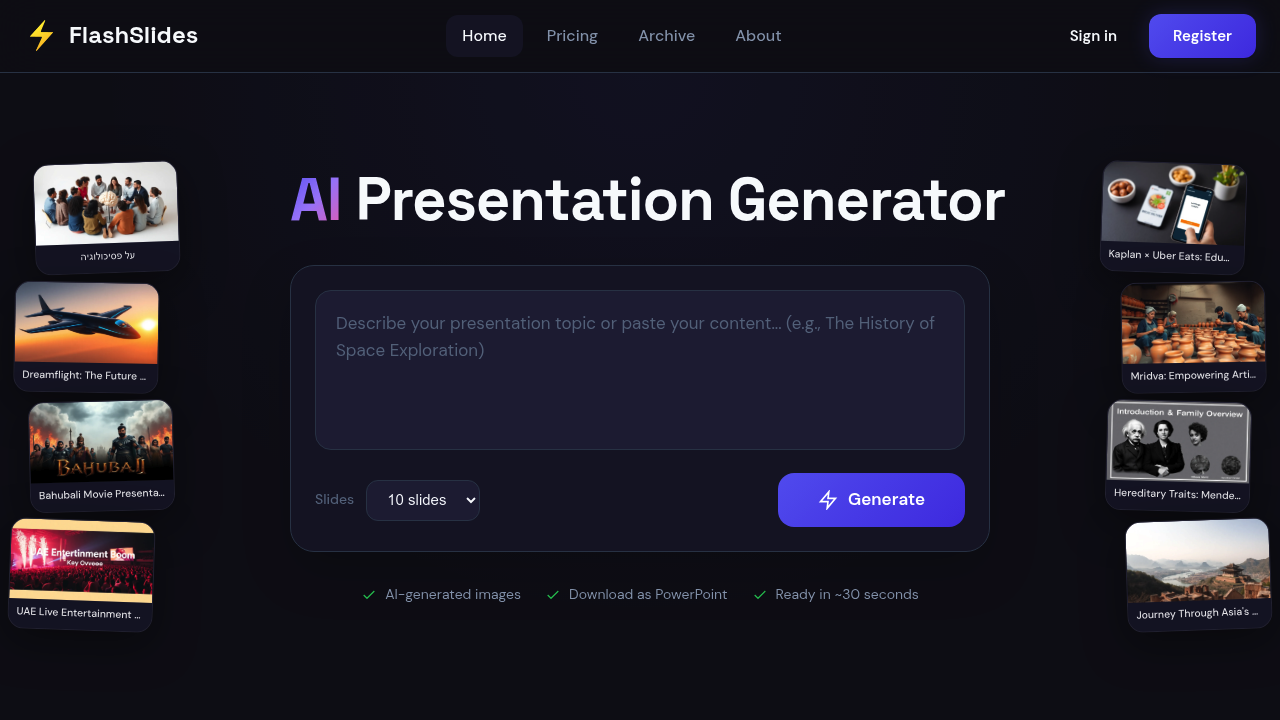
FlashSlides screenshot

Creating presentations from scratch eats hours you don't have. You sit there staring at blank slides. Hunting for images. Formatting text. FlashSlides skips all that tedious setup work.

Drop in a YouTube video about renewable energy or upload your research PDF. FlashSlides generates up to 50 complete slides with matching AI images in roughly 30 seconds. No more copying and pasting from ChatGPT into PowerPoint templates.

Custom images get created for each slide based on your content. That's different from generic stock photos or manually prompting image generators. A startup founder preparing for investor meetings could upload their business plan document and get a full pitch deck ready to download as PowerPoint.

You get one free presentation daily without entering payment details. Your presentations show up in their public archive unless you make them private from your dashboard.

FlashSlides works with PowerPoint and Google Slides once you download the file. Students cramming for tomorrow's presentation will find the speed appealing. Business professionals facing tight deadlines too. Teachers can turn lesson topics into visual slideshows without the usual prep time.

It handles the entire workflow from input to finished presentation. Upload documents. Paste URLs. Or just type your topic. FlashSlides does the rest while you grab coffee.

FlashSlides alternatives

See all →

Frequently asked

7 questions
How does FlashSlides handle different file types for input?
FlashSlides works with YouTube links, PDFs, and plain text topics. Just upload files from your computer or paste URLs right into the platform. It'll process whatever you give it and pull out the good stuff to build your slides automatically.
Can I edit the slides after FlashSlides generates them?
Absolutely! Download your presentation as a PowerPoint file and edit it however you want in Microsoft PowerPoint or Google Slides. FlashSlides builds the foundation -- but once you've got that file, it's all yours to tweak.
What makes FlashSlides different from just using ChatGPT for presentations?
Here's the thing -- FlashSlides creates custom AI images for each slide that actually match your content. You're not stuck with generic text that you have to format yourself. It handles everything from pulling content to making slides, so no more copy-pasting into PowerPoint or hunting around for images.
How many presentations can I create for free?
You get one free presentation per day, no payment details needed. Your free ones will show up in FlashSlides' public archive unless you upgrade to make them private from your dashboard.
Does FlashSlides work for academic presentations and research papers?
Yes! Students and researchers can upload PDFs of their papers or research docs to generate academic presentations. It pulls key points from your research and creates slides with relevant visuals. Perfect for thesis defenses, conference talks, or class assignments.
How long does it actually take FlashSlides to create a full presentation?
About 30 seconds for up to 50 complete slides with custom AI images. That includes processing your content, creating layouts, writing text, and generating matching images for each slide.
Are my presentations private when I use FlashSlides?
Free presentations show up in the public archive by default. You can make them private from your dashboard, but that likely needs a paid plan. The tool doesn't ask for payment info for your free daily presentation -- but privacy controls seem to be a premium thing.

Traffic

Estimated monthly website visits · last 0 months

Global rank
#14,943,658

Not enough historical data for a chart yet.

Reviews (0)

Write review

No reviews yet. Be the first to share your experience.