AI GPT for Slides logo
AI Presentation Generator FREEMIUM from $8/mo

AI GPT for Slides

Building presentations from scratch eats time

You stare at a blank slide deck. Wonder how to turn scattered thoughts into something coherent. AI GPT for Slides handles the heavy lifting — transforms text or topics into complete presentations with a single click. It…

AI GPT for Slides screenshot

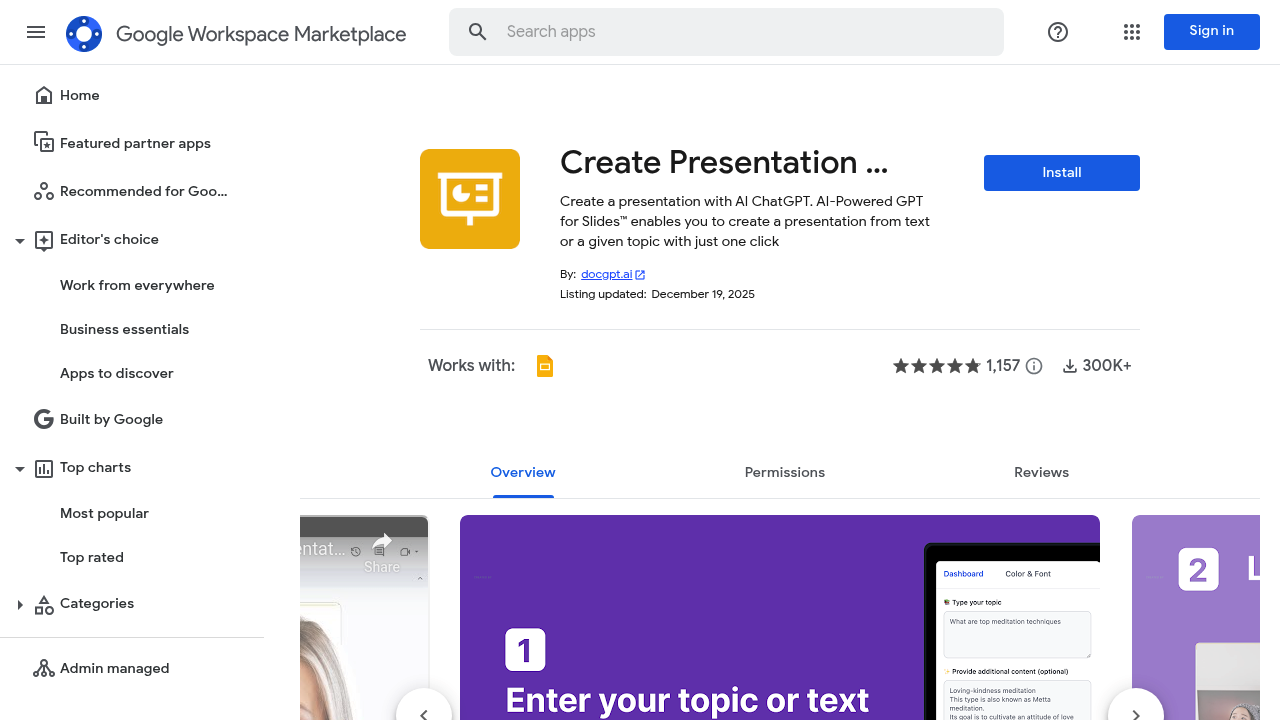
Building presentations from scratch eats time. You stare at a blank slide deck. Wonder how to turn scattered thoughts into something coherent. AI GPT for Slides handles the heavy lifting — transforms text or topics into complete presentations with a single click.

It lives inside Google Slides. Generates up to 20 slides at once. The algorithm picks relevant images for each slide automatically. You can adjust the writing tone across ten different styles. Work in over 40 languages. Custom templates let you match your brand colors and fonts.

Picture a sales manager preparing for Monday's product launch meeting. They type "new software features and benefits" into AI GPT for Slides on Friday afternoon. Within seconds, they have a full presentation ready for review.

It runs on multiple AI models including GPT-4o and Claude. Over 300,000 users have tried it since launch. Google Workspace integration means your presentations stay within your existing workflow.

Some workspace accounts hit permission walls that require admin approval. Free version covers basic features. Paid plans unlock additional capabilities. Students and educators use it alongside business professionals who need quick turnarounds.

AI GPT for Slides won't replace thoughtful content strategy. But it kills the blank page problem. You'll spend more time refining ideas instead of formatting slides.


AI GPT for Slides alternatives

See all →

Frequently asked

7 questions
How many slides can AI GPT for Slides generate at once?
You can get up to 20 slides in one go. That's plenty for most business presentations -- no need to run it multiple times. Need more? Just generate another batch for longer decks.
What AI models power AI GPT for Slides?
It's powered by GPT-4o and Claude (plus some others). These are top-tier language models, so you're getting quality output. The mix of different models helps with various presentation topics too.
Can I change the writing style in AI GPT for Slides?
Yep -- there are ten different writing styles to pick from. Want formal business language? Got it. Need something casual? That works too. Whatever tone you choose applies to your whole presentation.
Does the tool automatically add images to my slides?
Images get added automatically based on your content. No hunting around for stock photos or anything like that. The tool picks relevant visuals that actually match what you're talking about on each slide.
Why might my Google Workspace admin block AI GPT for Slides?
Your IT team probably has restrictions on third-party add-ons. They'll need to approve it first -- standard security stuff for most organizations. Just ask them to review and approve the tool.
What languages does AI GPT for Slides support?
Over 40 languages are supported. Create presentations in whatever language you need without switching tools. Super helpful for international teams or different regional audiences.
What's the difference between free and paid plans?
Free gets you basic presentation generation. Paid plans have extra features, but I can't tell you exactly what those are from here. Check the pricing page inside the tool for the full breakdown.

Traffic

Estimated monthly website visits · last 0 months

181.1M visits/mo
Monthly visits
181.1M

Not enough historical data for a chart yet.

Reviews (0)

Write review

No reviews yet. Be the first to share your experience.