
MagicSlides logo
AI Presentation Generator FREEMIUM from $29/mo

MagicSlides

MagicSlides converts just about anything into PowerPoint presentations

Drop in a YouTube video link. Upload a PDF. Paste website URLs. Throw in Word docs and images. It'll generate slides from all of them. Processing happens instantly. Eight different input types work with this thing. Text…

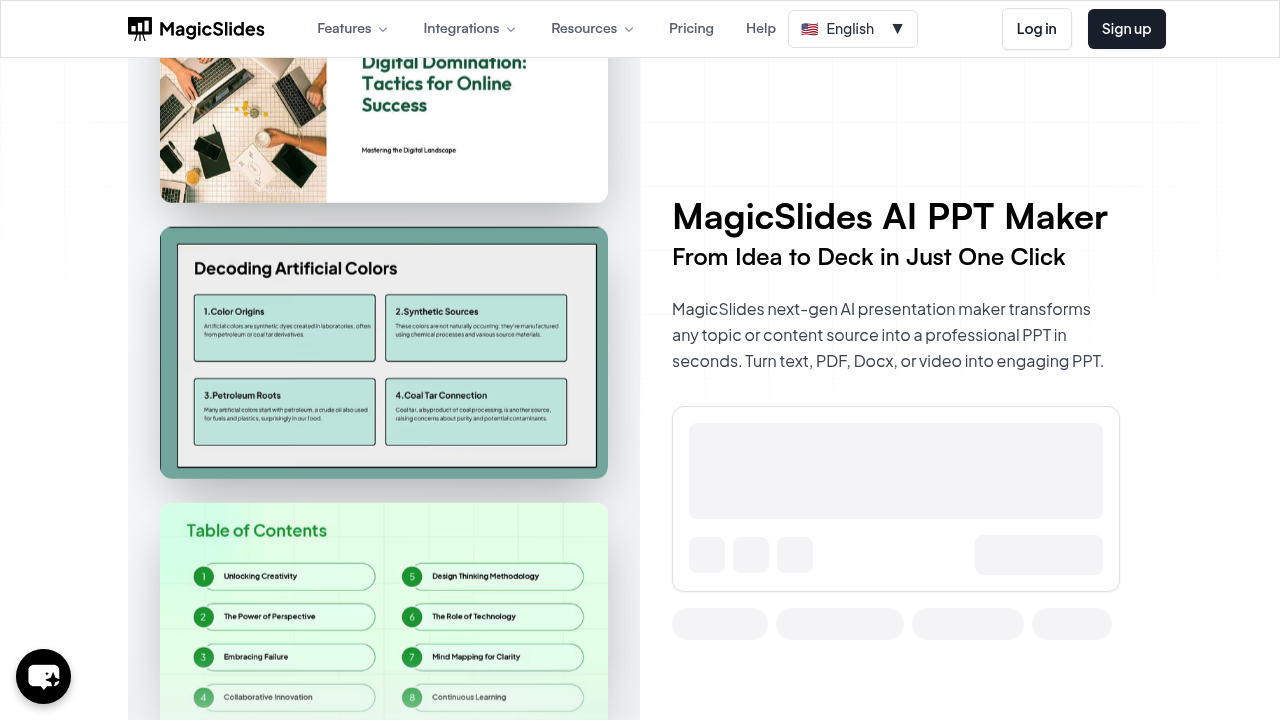
MagicSlides screenshot

MagicSlides converts just about anything into PowerPoint presentations. Drop in a YouTube video link. Upload a PDF. Paste website URLs. Throw in Word docs and images. It'll generate slides from all of them. Processing happens instantly.

Eight different input types work with this thing. Text becomes slides in seconds. Topics get transformed into professional presentations without outlining anything first. There's even a chat assistant that builds entire presentations through conversation — beats clicking through endless menus.

Say you're a marketing manager preparing for quarterly reviews. Upload last quarter's performance PDF and get a ready-made presentation. MagicSlides structures arguments for pros and cons slides. Timeline creators handle chronological content. Three-column formatters organize information cleanly.

Users seem satisfied based on the numbers. 4.9 rating across 1,475 reviews. Over a million installs suggest people actually stick with it.

The chat feature sets MagicSlides apart from basic converters. You can clone slides. Add new ones. Edit content just by talking to the AI. It connects with PowerPoint, Google Slides, and Gemini AI for broader workflow integration.

Free access lets you test it out. The conversion speed impresses, though you'll want to review AI-generated content before presenting to executives. Sales directors building client pitches from various research sources would find the multiple input options useful.

MagicSlides alternatives

See all →

Frequently asked

7 questions
Can MagicSlides handle multiple file types at once for a single presentation?
Yep! MagicSlides takes eight different input types all at once. You can throw in YouTube videos, PDFs, website URLs, Word docs, and images -- it'll process everything together. Creates one unified slide deck from all your mixed sources.
How does the chat assistant in MagicSlides actually work for building presentations?
It's pretty cool -- you just talk to it instead of clicking through menus. Tell it to clone slides, add sections, or edit stuff by typing what you want. Like having a conversation with someone who's building your slides while you watch.
What's the difference between MagicSlides and other AI presentation tools?
MagicSlides accepts way more input types than competitors -- eight different formats including video links and images. The chat-based editing is what really sets it apart though. Most other tools just convert text or make you edit slides manually.
Does MagicSlides work with existing presentation software I already use?
Yeah, it plays nice with PowerPoint, Google Slides, and Gemini AI. You can export your generated presentations directly to these platforms. No reformatting needed -- just keep using whatever software you prefer while MagicSlides handles the creation part.
How accurate are the presentations MagicSlides generates from complex documents?
The tool processes content instantly and has solid user ratings (4.9 stars from 1,475 reviews). You'll still want to review AI-generated content before important presentations though. It's really good at structuring pros and cons slides -- plus organizing chronological stuff into timelines.
Can I try MagicSlides without paying first?
Absolutely! There's free access to test it out. Upload different file types and see how well it converts your specific content. That way you can check if the quality meets your standards before paying for anything.
What happens if I need to make changes after MagicSlides creates my presentation?
You can edit everything through the chat assistant -- no starting over. Just tell it what changes you want (add slides, modify content, restructure sections). The AI handles the edits while keeping your original formatting intact.

Traffic

Estimated monthly website visits · last 10 months

208.1K visits/mo
Monthly visits
208.1K
↑ 8.9% MoM
Global rank
#236,913
PH #18,180
Category rank
#34
AI Presentation Generator
468.3K 399K 329.7K 260.4K 191.1K Nov 2025: 468.3K visits Nov 2025 Dec 2025: 406.1K visits Dec 2025 Jan 2026: 414.4K visits Jan 2026 Feb 2026: 261.4K visits Feb 2026 Mar 2026: 215.4K visits Mar 2026 Apr 2026: 230.3K visits Apr 2026 May 2026: 215.5K visits May 2026 Jun 2026: 199.2K visits Jun 2026 Jul 2026: 191.1K visits Jul 2026 Aug 2026: 208.1K visits Aug 2026

Reviews (0)

Write review

No reviews yet. Be the first to share your experience.