
SlidesGo logo
AI Presentation Generator FREEMIUM from €5/mo

SlidesGo

The AI Presentation Maker by Slidesgo is a free tool that generates customizable presentation templates in a matter of seconds. Designed to go beyond traditional PowerPoint slideshows, this tool uses

Three minutes. That's how long it takes to go from idea to finished presentation with SlidesGo. Type your topic into the prompt box. Watch the AI generate slides that actually look professional. No more staring at blank…

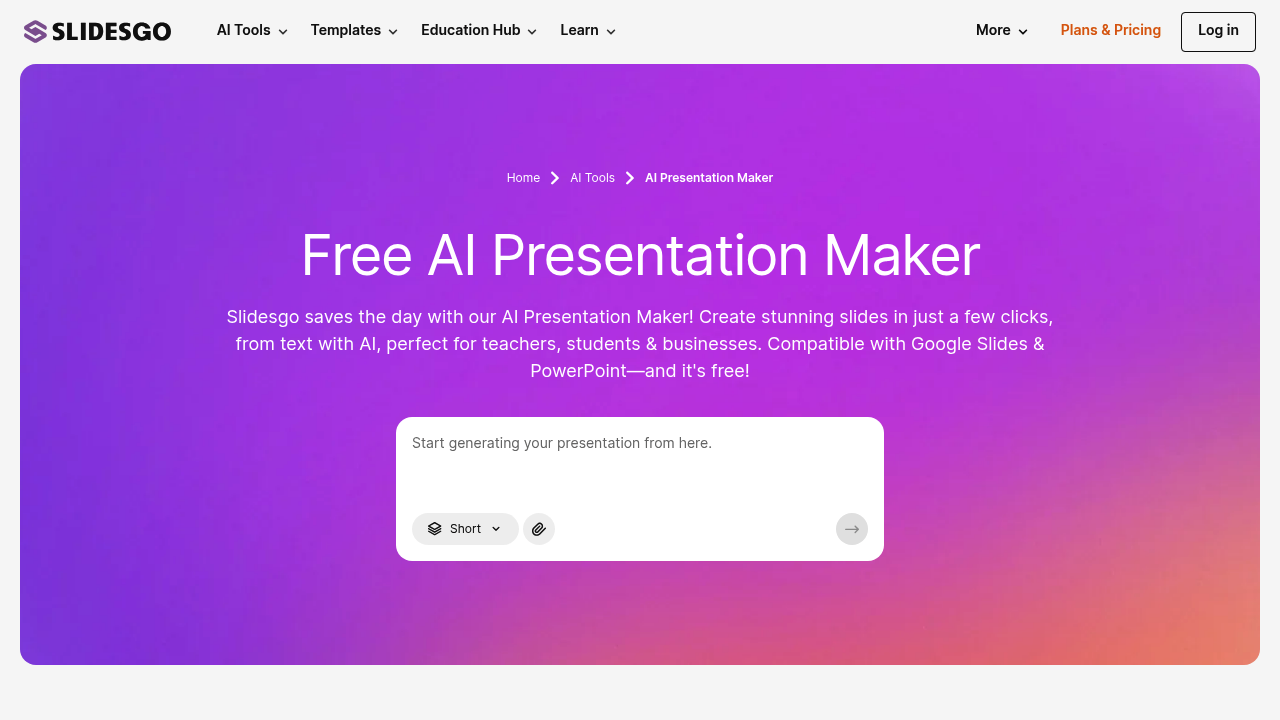
SlidesGo screenshot

Three minutes. That's how long it takes to go from idea to finished presentation with SlidesGo. Type your topic into the prompt box. Watch the AI generate slides that actually look professional. No more staring at blank PowerPoint templates.

You can upload existing files to work with. PDFs work. Word docs work. Text files up to 25MB work too. SlidesGo pulls content from your materials and builds presentations around them. Choose your tone and let it refine the messaging to match your audience.

The template selection runs deep — 100+ professional designs. Each one comes with unique slide layouts that go beyond standard bullet-point format. Download everything as an editable PPTX file for PowerPoint or push directly to Google Slides.

A marketing manager preparing for quarterly reviews could dump their campaign reports into SlidesGo and get a polished deck in minutes. It handles the heavy lifting of organizing information across slides while maintaining visual consistency.

SlidesGo works on mobile and desktop browsers. Teachers use it. Students use it. Businesses make up the core user base. The free version gets you started without payment details.

File format support stays limited to three types, which might frustrate users with spreadsheets or other document formats. The AI doesn't always nail complex data visualization either. You'll likely need to tweak charts and graphs manually after the initial generation. Still beats building presentations from scratch when you're racing against deadlines.


SlidesGo alternatives

See all →

Frequently asked

7 questions
How large can my uploaded files be when using SlidesGo?
You can upload files up to 25MB -- that's pretty generous. PDFs, Word docs, or plain text all work fine. The AI grabs content from whatever you upload and builds your presentation around it.
Can I edit SlidesGo presentations in PowerPoint after downloading?
Absolutely! Everything downloads as a regular PPTX file. Works right in PowerPoint, or you can push it to Google Slides if that's more your thing. Either way, you've got full control once the AI's done its magic.
What happens if I need to include spreadsheet data in my SlidesGo presentation?
Here's the catch -- no Excel or CSV uploads yet. You'll have to copy your data into a Word doc first, or just type it straight into the prompt. Fair warning: the AI isn't great with complex charts, so you'll probably need to tweak those manually.
How many template designs does SlidesGo offer?
There's over 100 professional templates to pick from. Each one's got unique layouts that go way beyond boring bullet points. You can match whatever vibe you're going for.
Does SlidesGo work on phones and tablets?
Yep, it runs in any browser. No app downloads needed. The interface adjusts to whatever screen you're using, so you can build presentations from your phone if you want.
Can I try SlidesGo without entering payment information?
The free version lets you jump right in -- no credit card required. You can test out the AI and browse templates before deciding if you want the paid features.
What tone options can I set when SlidesGo generates my presentation?
You can tell the AI what tone to use, and it'll adjust everything accordingly. Makes a huge difference whether you're presenting to executives or students. The language and messaging shifts to match your audience.

Traffic

Estimated monthly website visits · last 9 months

3.8M visits/mo
Monthly visits
3.8M
↓ 20.9% MoM
Global rank
#12,356
US #11,205
Category rank
#16
AI Presentation Generator
10.1M 8.5M 7M 5.4M 3.8M Nov 2025: 10.1M visits Nov 2025 Dec 2025: 7.4M visits Dec 2025 Jan 2026: 6.4M visits Jan 2026 Feb 2026: 6.7M visits Feb 2026 Mar 2026: 7.5M visits Mar 2026 Apr 2026: 8M visits Apr 2026 May 2026: 6.6M visits May 2026 Jun 2026: 4.8M visits Jun 2026 Jul 2026: 3.8M visits Jul 2026

Reviews (0)

Write review

No reviews yet. Be the first to share your experience.