AI Presentation Maker by SketchBubble logo
AI Presentation Generator FREEMIUM from $15/mo

AI Presentation Maker by SketchBubble

Building presentations from scratch eats up hours you don't have

You know the drill. Staring at blank slides, wrestling with layouts, hunting for the right images. SketchBubble's AI presentation maker cuts through this by turning your topic into a complete slide deck in seconds. Drop…

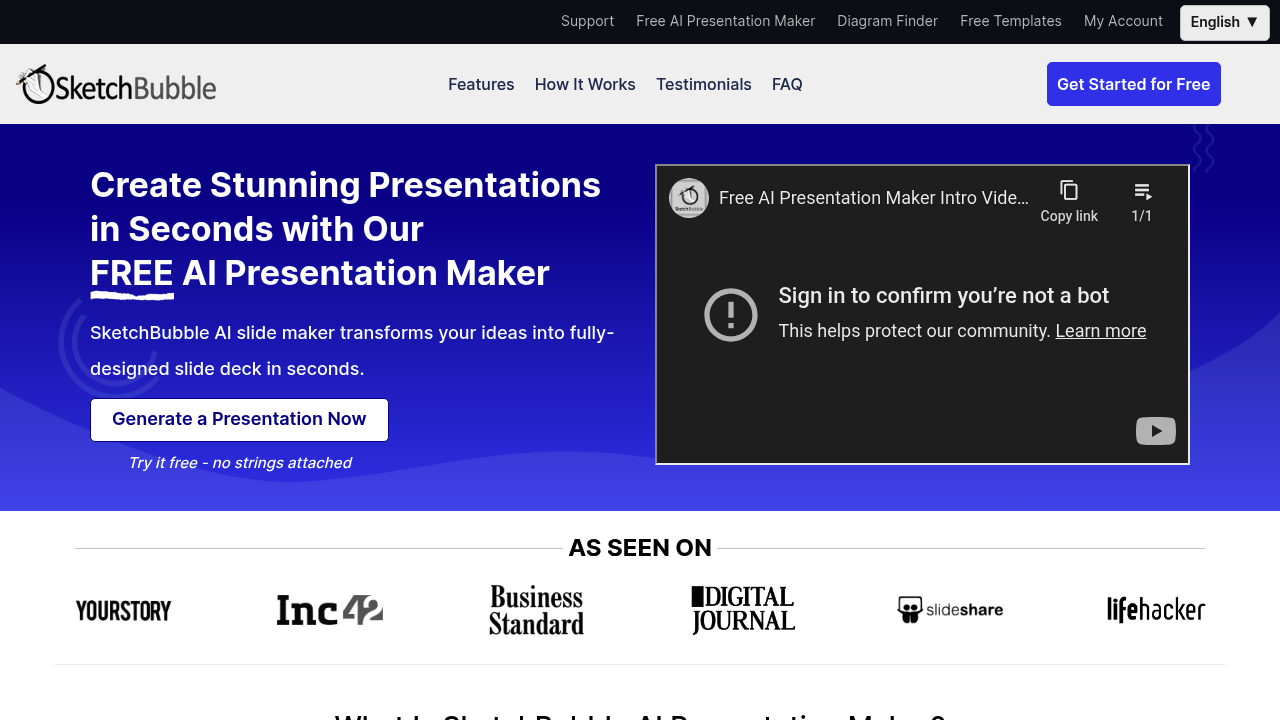
AI Presentation Maker by SketchBubble screenshot

Building presentations from scratch eats up hours you don't have. You know the drill. Staring at blank slides, wrestling with layouts, hunting for the right images. SketchBubble's AI presentation maker cuts through this by turning your topic into a complete slide deck in seconds.

Drop in your presentation topic and watch it work. SketchBubble generates logical structure. Picks relevant images and charts. Wraps everything in professionally designed templates. Marketing specialists preparing quarterly reviews can go from topic to finished presentation without touching a single design element.

You'll get intelligent layouts that actually make sense. SketchBubble doesn't just slap content together — it creates presentations with clear flow and visual appeal.

Templates come pre-loaded and ready to use. SketchBubble integrates with PowerPoint and Google Slides for editing. Brand alignment features keep your presentations on-brand without extra work. Multiple language support means you can generate and download in whatever language you need.

Over 1 million users have created more than 3 million presentations through SketchBubble. The company claims presentations generate 50x faster than manual creation. You'll need to provide detailed topic information for the best results. Vague inputs won't cut it.

The free plan lets you test everything without commitment. No payment details required upfront. Consultants, educators, and business executives use it to speed up their presentation workflow. Project managers find it useful for quick stakeholder updates.


AI Presentation Maker by SketchBubble alternatives

See all →

Frequently asked

7 questions
How detailed does my topic need to be for AI Presentation Maker by SketchBubble to work well?
You'll need to get pretty specific for the best results. Something vague like 'marketing strategy' won't cut it -- you'll end up with generic slides that don't help much. The more details you give about your subject, goals, and main points, the better the AI gets at building your presentation and picking visuals that actually make sense.
Can I edit presentations after SketchBubble generates them?
Absolutely! The presentations work directly with PowerPoint and Google Slides. Once it's generated, just download and edit like any other presentation. You're not stuck with whatever the AI spits out first.
What languages does SketchBubble's AI presentation maker support?
It supports multiple languages for both creating and downloading presentations. You can make presentations in different languages depending on who you're presenting to. They don't list exactly which languages work, but it's built right into the generation process.
How accurate is the claim that presentations generate 50x faster than manual creation?
SketchBubble says this based on data from over 1 million users on their platform. Your actual time savings depend on how you normally make presentations and how complex your topics are. Simple business presentations will probably see the biggest time cuts compared to starting from zero.
Does the free plan of AI Presentation Maker by SketchBubble have usage limits?
The free plan lets you test everything without entering payment info upfront. But they don't spell out the exact limits -- like how many presentations or slides you get. You'll have to sign up to see what's actually included in the free version.
What kind of images and charts does SketchBubble automatically include?
The AI picks images and charts that actually relate to your presentation topic. It's not just throwing random stock photos at you -- it tries to match visuals to what you're talking about. The charts and graphics come from their template library and are designed to flow with the rest of your presentation.
How does brand alignment work in SketchBubble presentations?
The platform has brand alignment features that keep your presentations consistent with your company's look and feel. This happens automatically -- no extra setup required. It applies your brand elements to the generated templates (though they don't get into the specifics of what customization options you have).

Traffic

Estimated monthly website visits · last 10 months

207.4K visits/mo
Monthly visits
207.4K
↓ 9.6% MoM
Global rank
#163,896
LK #3,024
Category rank
#36
AI Presentation Generator
302.2K 278.5K 254.8K 231.1K 207.4K Nov 2025: 265.9K visits Nov 2025 Dec 2025: 266.1K visits Dec 2025 Jan 2026: 269.6K visits Jan 2026 Feb 2026: 275K visits Feb 2026 Mar 2026: 302.2K visits Mar 2026 Apr 2026: 287.2K visits Apr 2026 May 2026: 255.8K visits May 2026 Jun 2026: 238.3K visits Jun 2026 Jul 2026: 229.5K visits Jul 2026 Aug 2026: 207.4K visits Aug 2026

Reviews (0)

Write review

No reviews yet. Be the first to share your experience.