EchoWrite logo
AI Transcription FREEMIUM from $20/mo

EchoWrite

You're typing an email in Outlook

Three paragraphs could've been done already if you'd just spoken them. EchoWrite turns any Windows application into a voice-first workspace. Hit Ctrl+Space and start talking—software pipes cleaned-up text directly into…

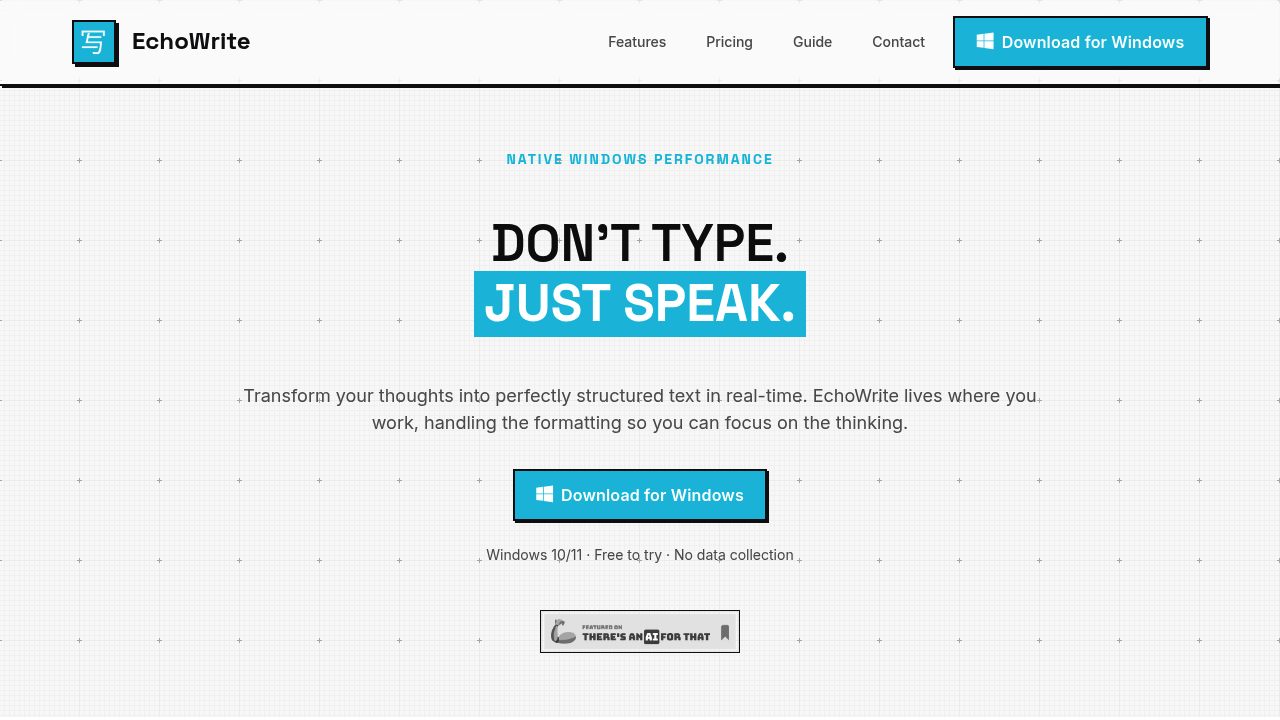
EchoWrite screenshot

You're typing an email in Outlook. Three paragraphs could've been done already if you'd just spoken them. EchoWrite turns any Windows application into a voice-first workspace. Hit Ctrl+Space and start talking—software pipes cleaned-up text directly into whatever window has focus.

The cleanup happens automatically. It strips out "umms" and false starts. You don't get a verbatim transcript of your rambling. You get something closer to what you meant to say. Voice shortcuts let you format as you go. Say "new paragraph" or "bullet point" and it structures the output instead of typing those words literally.

Writers dealing with repetitive tasks get the most mileage. Customer support responses. Documentation updates. Code comments. Anything where you know what to say but hate typing it. EchoWrite works in Slack, Notion, VS Code, or your browser without switching contexts.

Two processing modes split the privacy question. Cloud mode uses OpenAI's API with your own key. Local mode runs Whisper models entirely offline on your machine—no internet required. Keys stay encrypted on your computer either way.

It costs $27 yearly or $37 once for lifetime access. That positioning matters when most dictation services want $20 monthly for essentially the same API calls. The catch: Windows 10 or 11 only. Mac and Linux users are out.

Translation happens in real-time if you need it. EchoWrite detects language switches mid-sentence, though that feature feels more like a bonus than the main event.

EchoWrite alternatives

See all →

Frequently asked

7 questions
Does EchoWrite work offline without internet?
Yes, EchoWrite can run completely offline using local Whisper models. You'll need to download the models once, then everything processes on your machine with zero internet connection. Cloud mode using OpenAI's API is also available if you prefer that option.
How much does EchoWrite cost?
There's a free trial version to test it out. After that, it's $27 per year or $37 for lifetime access. That's way cheaper than the $20/month most dictation services charge for basically the same thing.
Does EchoWrite work on Mac?
No, it's Windows 10 and 11 only right now. Mac and Linux aren't supported yet.
Can I use EchoWrite in Slack and VS Code?
Absolutely. EchoWrite works system-wide in any app where you can type—Slack, VS Code, Notion, your browser, Jira, email clients, whatever. Just hit Ctrl+Space and start talking wherever your cursor is.
Does EchoWrite remove filler words automatically?
Yep, it cleans up all the "umms," "ahhs," and false starts automatically. You don't get a word-for-word transcript of your rambling—you get polished text that reads like you actually meant to write it that way.
Is EchoWrite faster than typing?
Speaking is about 5x faster than typing on a keyboard. If you're doing repetitive writing like support emails, documentation, or code comments, you'll knock stuff out way quicker by just talking through it.
Does EchoWrite store my voice recordings?
Nope, nothing gets collected or stored by EchoWrite. If you use local mode, everything stays on your machine. Even in cloud mode with OpenAI, your API key is encrypted locally and they don't save your data either.

Traffic

Estimated monthly website visits · last 0 months

Not enough historical data for a chart yet.

Reviews (0)

Write review

No reviews yet. Be the first to share your experience.