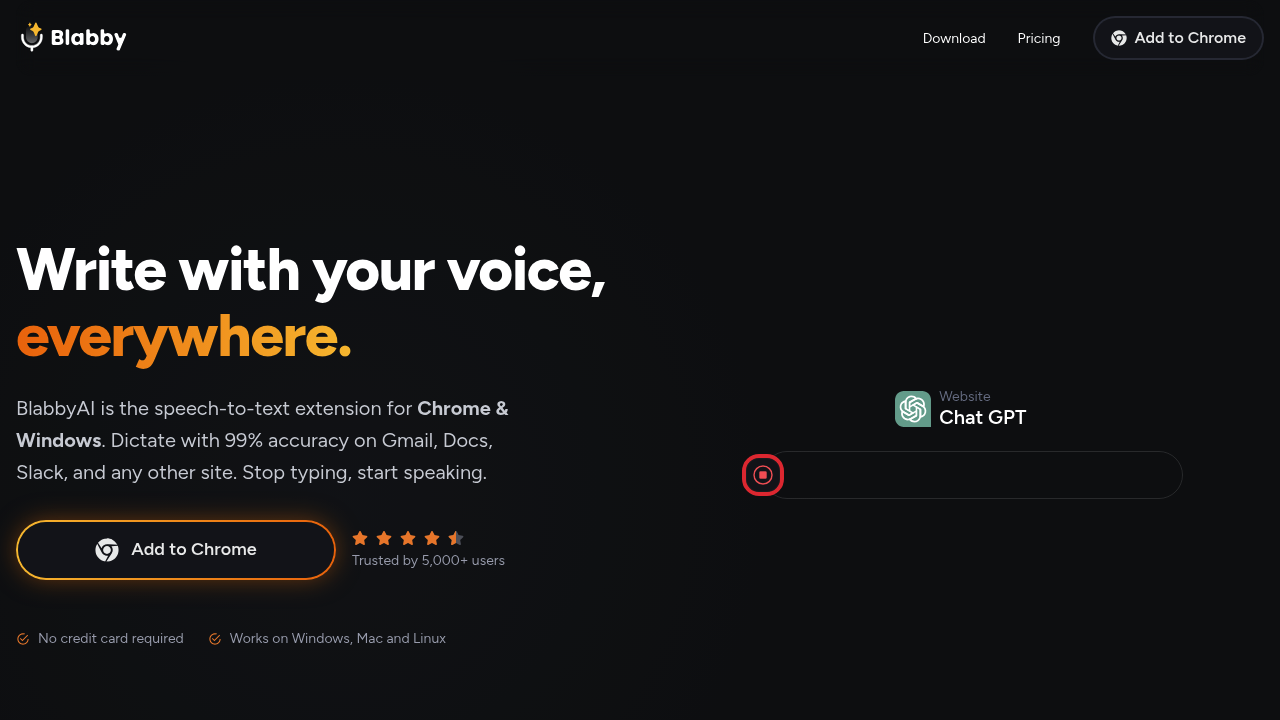
BlabbyAI Speech to Text transforms any text field across the web into a dictation-ready input zone through a Chrome extension that delivers 99% accuracy. This system runs on OpenAI's Whisper v3 Turbo and inserts a dictation button next to every text field on over 50,000 websites, from Gmail and Google Docs to Slack, CRMs, and social media platforms. Instead of limiting dictation to specific apps like competing tools, this extension works universally wherever text entry exists.
The AI Modes feature separates BlabbyAI from basic speech recognition. Users can dictate rough thoughts and watch the system automatically fix grammar, translate spoken words into English regardless of source language, or rewrite dictation as a polished professional email. Custom Modes let users create task-specific workflows using plain English instructions, meaning someone could set up one mode for meeting notes, another for medical documentation, and a third for translating conversations. The custom spelling dictionary solves a persistent pain point in speech recognition by learning names, industry jargon, and acronyms that standard dictionaries miss.
Language detection happens automatically across more than 90 supported languages. The system handles accents, fast speech patterns, natural pauses, and filler words without requiring clean, careful enunciation. Punctuation, capitalization, and grammar get applied automatically rather than forcing users to say "comma" or "period" out loud. This matches how people actually speak rather than demanding they adapt to machine constraints.
Keyboard shortcuts provide hands-free control once configured. Users can set combinations like Ctrl+Space to start and stop recording, keeping hands on the keyboard or completely free depending on workflow needs. The 4.9 Chrome Web Store rating from over 5,000 users reflects practical deployment across professional contexts.
The free plan includes one hour of transcription time with 320 credits while providing access to every feature the paid tiers offer. This means new users can test AI Modes, custom dictionaries, and all language capabilities without payment. The Plus plan costs $6 monthly and expands capacity to 10 hours of transcription with 3,500 credits. Unlimited sits at $12 monthly and removes transcription hour caps and credit limits entirely. All three tiers maintain feature parity, so the choice comes down purely to volume needs rather than capability restrictions.
Google Speech-to-Text and Microsoft Speech Recognition provide basic dictation but lack the automatic formatting and grammar correction that BlabbyAI builds in through its AI layer. Those tools output raw transcription that requires manual cleanup. BlabbyAI delivers formatted, publication-ready text from spoken input.
The target audience spans knowledge workers who write extensively. Doctors and healthcare workers use it for patient notes and documentation. Writers and bloggers draft content through speech. Project managers capture meeting notes and task lists. Developers document code and write technical specifications. The universal web integration means these users don't switch tools when moving between platforms throughout their workday.
The extension works exclusively in Chrome browsers, which excludes Firefox, Safari, and Edge users. No mobile app exists, restricting usage to desktop and laptop environments. Team features aren't mentioned in available information, suggesting individual rather than organizational deployment. API access details aren't provided, so developers looking to integrate the technology into custom applications cannot evaluate that possibility from public information.