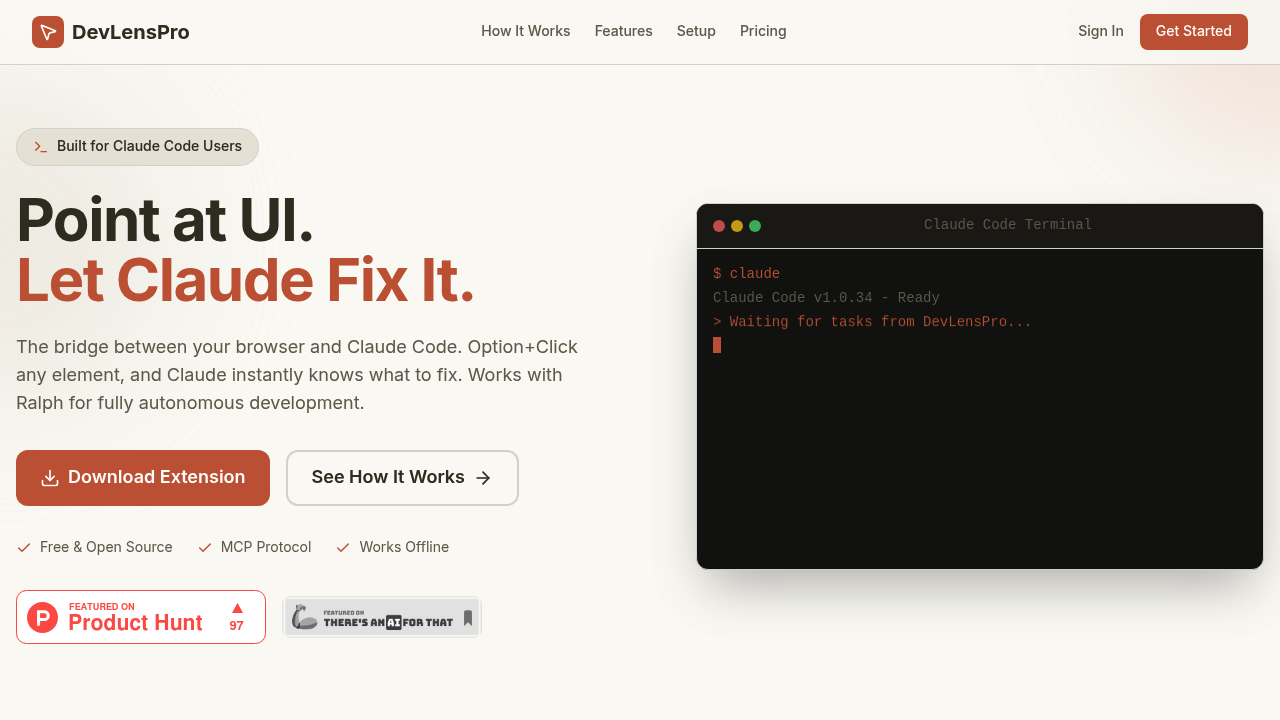
Debugging web apps with Claude Code? Tired of manually describing UI bugs? DevLensPro might save you hours. Option+Click any browser element—it instantly sends a complete context package to your AI editor. You get a screenshot with highlighting, CSS styles, console logs, and DOM info. React component source locations? Those too (if detected through Fiber inspection). MCP protocol over a local WebSocket connection delivers tasks in real-time.
This workflow targets professional developers doing agentic development. Picture this: a frontend engineer spots a misaligned button in staging. No context-switching to write detailed bug descriptions. They Option+Click the element. DevLensPro bundles everything Claude needs to suggest a fix. Works with Cursor and Windsurf too. Hook it up to Ralph autonomous agent for hands-free bug resolution.
Everything runs locally—no cloud processing involved. Works offline.
Five tasks per month on the free plan. One project included. Enough to evaluate the workflow but not enough for daily debugging sessions. You'll hit that limit fast during active development. The gap between free and paid? Feels intentional. Five tasks disappear quickly when hunting down CSS issues or React rendering bugs.
Installation requires Chrome Developer Mode (not in the official store yet). Chrome only for now. Early adopter pricing sits at €9.99/month for the first 50 users. Regular price is €19.99. Seven-day trial lets you test the integration before committing.