
Installing DebuggAI starts with connecting the GitHub App to your repository. The whole process takes about two minutes. You authorize the app, select which repos should get automated testing, and that's it. No config files to write, no YAML to fiddle with, no Playwright scripts to maintain.
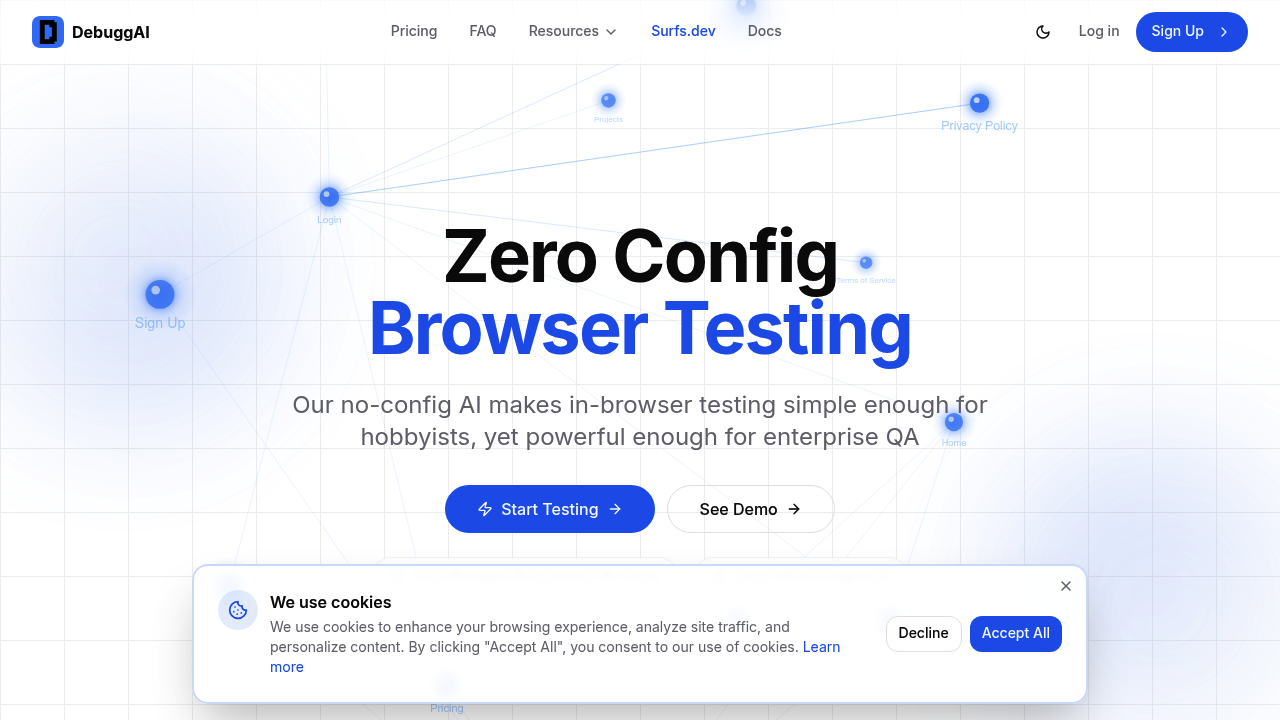
When you open a pull request, DebuggAI kicks in automatically. It clones your repository in around 45 seconds, runs your build commands, and spins up your application. The system creates a secure tunnel to access your running app remotely, which takes about three seconds. Then AI agents start crawling through your entire application, clicking links, filling forms, testing authentication flows. They're building a knowledge graph of how everything connects.
The agents explore every page and interaction. They understand your checkout process, your login flow, your form validations. This mapping phase is what makes the testing work without you writing test cases. The AI figures out what needs testing based on what changed in your PR. If you touched the payment form, it'll focus on checkout flows. If you modified authentication, it'll hammer login scenarios.
Tests run for a couple minutes. You get results posted directly in your PR comments with videos showing exactly what happened. Frame-by-frame replay lets you watch failures unfold. The comment breaks down which tests passed, which failed, and why each test matters. No digging through CI logs or external dashboards.
You can also test against your local development server without deploying anything. DebuggAI launches remote browsers that connect back to your localhost through encrypted tunnels. No need to install Playwright or Selenium locally. Your machine stays clean while browsers run somewhere else and access your local app securely.
The friction shows up when you need to understand what the AI decided to test. You're trusting it to pick the right scenarios based on your code changes. If it misses something you consider critical, there's no obvious way to tell it "also test this specific flow." The knowledge graph approach means you're not writing explicit test cases, which is both the benefit and the limitation. You gain speed but lose granular control.
DebuggAI works with any tech stack. It doesn't care if you're running React, Vue, Rails, or Django. No code changes required in your application. Everything happens in isolated environments with encrypted connections, so your code never leaves secure infrastructure.