
BrowsingBee logo
AI Testing FREEMIUM from $24/mo

BrowsingBee

Browser testing setup takes 5 minutes with BrowsingBee

You write automated tests in plain English—no coding required. Type something like "click the login button and verify the dashboard loads" and AI figures out the rest. Self-healing capabilities make this interesting.…

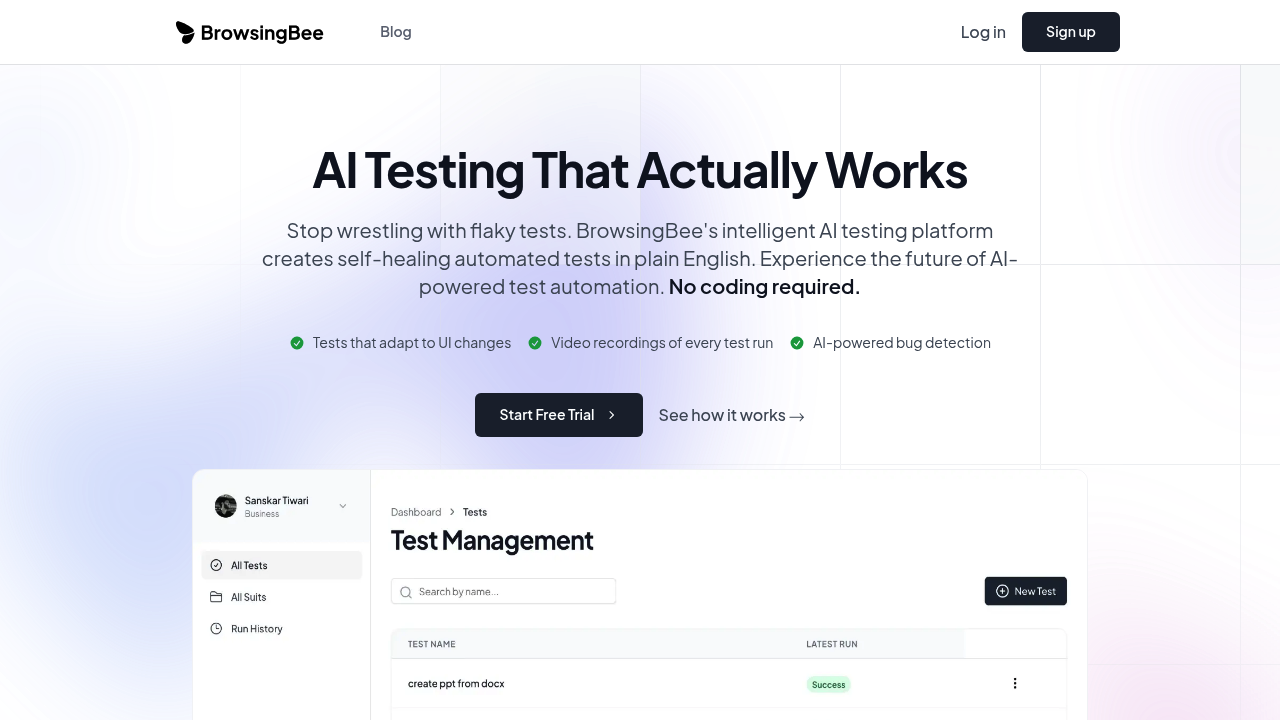
BrowsingBee screenshot

Browser testing setup takes 5 minutes with BrowsingBee. You write automated tests in plain English—no coding required. Type something like "click the login button and verify the dashboard loads" and AI figures out the rest.

Self-healing capabilities make this interesting. Your development team changes a button's CSS class? Moves an element around? Traditional tests break immediately. You'd normally spend hours hunting down selectors and updating test scripts. BrowsingBee adapts automatically. Tests just keep running.

Video recordings capture every test run. Something fails? Watch exactly what happened instead of staring at cryptic error logs. AI scans for bugs during execution. It handles maintenance work that usually eats up your week. BrowsingBee claims 10x faster test creation than conventional tools—plus 5x quicker debugging.

QA engineers won't wrestle with Selenium configurations anymore. CI/CD pipeline integration means tests run with your deployments. Their numbers show teams catch 80% more bugs before production. Test maintenance time drops by 95%.

Plain English does limit control over test logic compared to writing actual code. That's the tradeoff for accessibility. Your team avoids automated testing because it's too technical? BrowsingBee removes that barrier entirely.

You write what needs testing. AI handles implementation—period. No technical expertise required. Just describe the behavior you want verified, and automated tests start running. Development teams can focus on building features while testing happens in the background.


BrowsingBee alternatives

See all →

Frequently asked

7 questions
How much does BrowsingBee cost?
BrowsingBee offers a free trial to get started. Specific pricing details aren't publicly listed, so you'll need to check their website or contact their team for current plan options and costs after the trial period.
Do I need coding skills to use BrowsingBee?
Nope, you don't need any coding knowledge. You write tests in plain English like "click the login button and verify the dashboard loads" and the AI figures out how to actually run it. That's the whole point—making browser testing accessible to QA teams without technical backgrounds.
What happens when my UI changes?
BrowsingBee's self-healing tests automatically adapt when your UI changes. If developers move a button or rename a CSS class, your tests keep running instead of breaking like they would with traditional tools. This saves you from manually updating selectors every time the interface changes.
Can BrowsingBee integrate with my CI/CD pipeline?
Yes, it integrates with CI/CD pipelines so tests can run automatically with your deployments. This means you'll catch bugs before they hit production without adding manual testing steps to your workflow.
How long does it take to set up BrowsingBee?
Initial setup takes about 5 minutes. You'll spend zero hours on weekly maintenance since the AI handles test updates automatically when your UI changes.
What are the limitations of writing tests in plain English?
You get less control over complex test logic compared to writing actual code. If you need really specific conditional flows or custom test behaviors, plain English descriptions might not give you the precision that hand-coded Selenium tests would. The tradeoff is simplicity versus complete control.
Who should use BrowsingBee?
It's built for engineering and QA teams who struggle with traditional testing tools. If your team's avoiding automated testing because it's too technical, or you're losing hours each week maintaining broken tests, BrowsingBee removes those barriers entirely.

Traffic

Estimated monthly website visits · last 0 months

Not enough historical data for a chart yet.

Reviews (0)

Write review

No reviews yet. Be the first to share your experience.