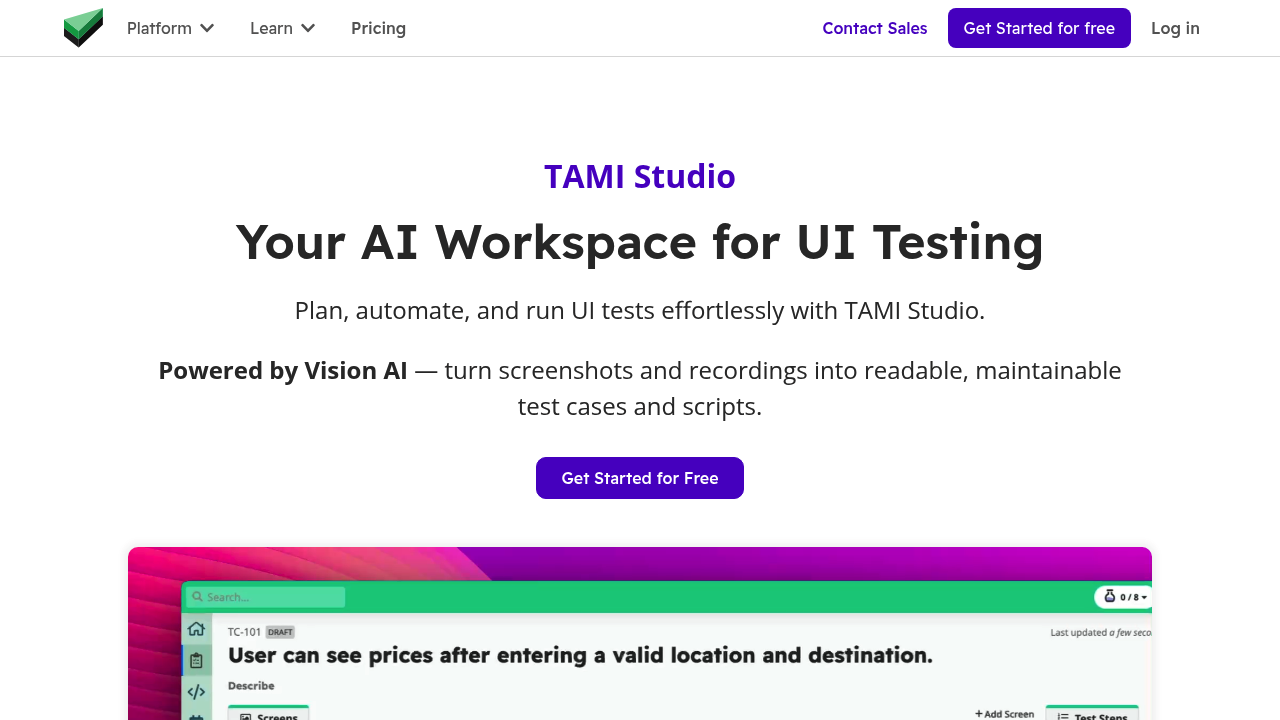
TAMI Studio by UI-licious is a cloud workspace for planning, automating and running UI tests. Its built-in assistant, TAMI (Test Authoring Machine Intelligence), uses vision AI to read screenshots and recordings of an application, then suggests test cases, documents scenarios and converts them into scripts written for the UI-licious low-code test framework. Test cases are organized by feature and tracked across environments, and no installation is needed because everything runs in the browser. Test runs can be scheduled, and statuses are visible per environment.
QA engineers, manual testers moving into automation, developers who own their tests and product teams who want clearer coverage are the intended users. The low-code scripts read like plain instructions, so people without deep programming experience can maintain them. Teams that collaborate benefit from shared test cases, run artifacts and statuses stored in the cloud, and existing Web IDE users can see how the newer studio extends what they already know. Teams that already use Web IDE can adopt it as the recommended experience for new users, since it keeps most of the earlier features.
A tester can upload a screenshot of a sign-in screen and let TAMI propose cases, then turn the approved ones into automated steps such as filling a username and clicking sign in. When a run fails, TAMI analyses logs and screenshots to suggest fixes for broken flows and element selectors, and writes a detailed bug report for developers. Suites run in parallel on the UI-licious cloud grid across all major browsers, and scheduled jobs send alerts to the team's preferred channels the moment something breaks.