
#6 in AI Diagram Generator ConceptViz logo
AI Diagram Generator FREEMIUM from $10/mo

ConceptViz

A high school biology teacher needs to explain cellular respiration on Monday morning

She types "mitochondria showing electron transport chain with ATP synthase and proton gradient" and gets a 4K diagram with thick labels readable from the back row. She drops it into Google Slides, no cropping needed…

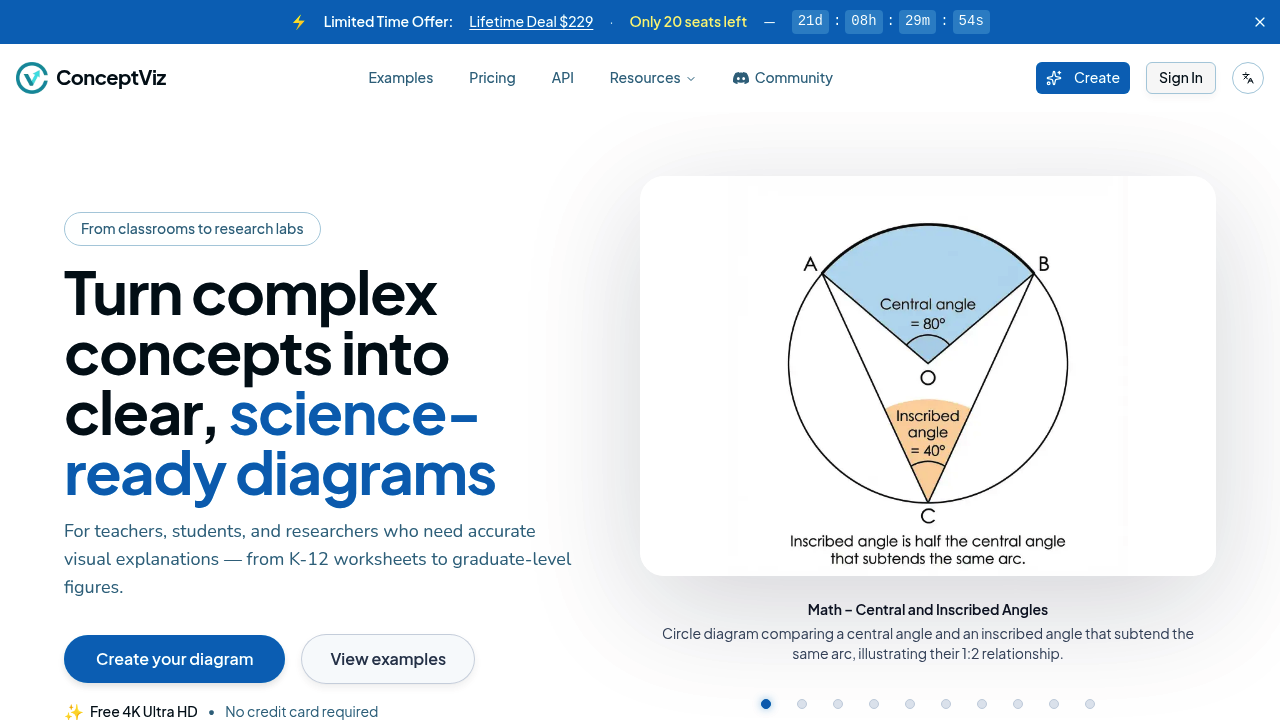
ConceptViz screenshot

A high school biology teacher needs to explain cellular respiration on Monday morning. She types "mitochondria showing electron transport chain with ATP synthase and proton gradient" and gets a 4K diagram with thick labels readable from the back row. She drops it into Google Slides, no cropping needed because it's already 16:9. The watermark on the free version doesn't matter for classroom use, but she'll hit her 3-credit limit fast if she's prepping a full unit on cell biology.

A graduate student writing his thesis on tectonic plate boundaries can't draw. He describes fault lines, subduction zones, and lithospheric movement in plain English. ConceptViz generates print-quality visuals with clean white backgrounds that work in his dissertation. He batch-generates five variations of the same concept, picks the clearest one, and downloads the high-resolution PNG. His advisor doesn't ask where he hired a scientific illustrator.

A middle school earth science teacher builds an entire weather unit over the weekend. She generates diagrams for convection currents, cloud formation types, and atmospheric layers using grade-specific presets. Each visual comes out projector-ready with legible text that won't blur on the classroom screen. She queues up 12 diagrams at once on the Standard Plan, spending 40 of her 80 monthly credits. The A4 layout option means she can print handouts that don't look pixelated.

ConceptViz handles physics, biology, chemistry, earth and space science, and math across K-12 through university levels. Subject and grade presets help tailor complexity—an elementary water cycle diagram looks different from a graduate-level hydrological systems model. The 4K Ultra HD generation matters when projecting onto large screens or printing posters for lab walls. Commercial use licenses on paid plans mean textbook publishers and educational content creators can legally use the output.

It breaks when concepts need animation or interactivity. A chemistry teacher explaining molecular bonding motion can't show electrons moving—she gets a static snapshot. ConceptViz won't edit existing diagrams either. If the AI misinterprets "photosystem II" placement in a chloroplast diagram, she can't tweak it. She regenerates and burns another credit. Batch generation helps here—creating multiple versions increases odds of getting one that's accurate—but it doesn't solve the fundamental limitation that you're locked into what the AI produces.

History varies by plan. Free users lose diagrams after seven days. Standard Plan keeps them for 30. The Lifetime Deal stores them for 180 days, which matters if you're building a curriculum library over multiple semesters. Priority queue on paid plans cuts wait time when everyone's generating visuals before the school week starts.

Pricing starts at $10 monthly for 80 credits. That's roughly 80 diagrams. The Pro Plan doubles it to 160 for $20. The Lifetime Deal costs $229 upfront and includes 1,500 credits immediately plus 80 monthly credits for a year after those run out. Only 20 seats left on that offer. After initial credits expire, you get 50% off credit packages permanently.

Elementary teachers covering basic concepts might stretch the free plan across a semester. University researchers preparing conference presentations need the Pro Plan's batch capabilities and 180-day storage. Anyone needing interactive diagrams or precise iterative editing should look elsewhere. This fits educators who value speed over pixel-perfect control and need scientifically accurate visuals without hiring illustrators.

ConceptViz alternatives

See all →

Frequently asked

7 questions
Can you use ConceptViz for free?
ConceptViz offers 3 diagram credits free as a one-time bonus. A chemistry teacher testing it could generate a Lewis structure, a pH scale diagram, and an ionic bonding visual before hitting the limit. The free plan includes 4K generation and all subject presets, but adds a watermark and stores diagrams for only 7 days. Classroom use is allowed even with the watermark, but commercial use requires a paid plan.
How much does ConceptViz cost per month?
The Standard Plan costs $10 monthly and includes 80 diagram credits. A physics teacher covering mechanics could generate force diagrams, pendulum motion visuals, and projectile trajectory illustrations throughout the month. The Pro Plan runs $20 monthly with 160 credits and lets you batch-generate up to 20 diagrams at once. The Lifetime Deal costs $229 upfront and includes 1,500 credits immediately plus 80 monthly credits for 12 months after those run out, with only 20 seats remaining.
What subjects can ConceptViz generate diagrams for?
ConceptViz covers physics, biology, chemistry, earth and space science, and math from elementary through graduate levels. A middle school earth science teacher could generate diagrams for rock cycles, plate tectonics, and atmospheric layers using grade-specific presets. A university biochemistry professor could create detailed enzyme mechanism diagrams or metabolic pathway illustrations. The grade presets adjust complexity automatically, so a water cycle diagram for third grade looks simpler than a hydrological systems model for graduate students.
Can you edit diagrams in ConceptViz after generating them?
ConceptViz doesn't let you edit generated diagrams. A biology teacher who gets a mitochondria diagram with the ATP synthase positioned slightly wrong can't adjust it—she has to regenerate and spend another credit. Batch generation helps here since creating four versions simultaneously increases the chance one matches what she needs. The Standard Plan allows batches of up to 12 diagrams while Pro handles up to 20, but there's no way to manually tweak labels, colors, or element positions after generation.
How many diagrams can you generate at once in ConceptViz?
Free users generate one diagram at a time. A graduate student on the Standard Plan can queue 4 images per task across 3 tasks, creating up to 12 diagrams in one batch. The Pro Plan expands this to 4 images per task across 5 tasks for 20 total diagrams. The Lifetime Deal allows generating up to 5 diagrams simultaneously with a priority queue that cuts wait times during busy periods like Sunday evenings when teachers prep for Monday classes.
Does ConceptViz work with PowerPoint and Google Slides?
ConceptViz integrates with PowerPoint and Google Slides through its 16:9 aspect ratio output. A high school chemistry teacher can drop a generated periodic table trends diagram directly into her presentation without cropping or resizing. The 4K Ultra HD generation ensures text stays sharp when projected onto large classroom screens. Paid plans also offer A4 layout for printing handouts, and the clean white backgrounds work for both digital slides and paper worksheets without looking cluttered.
How long does ConceptViz store your diagram history?
Storage duration depends on your plan. A teacher on the free version loses her generated diagrams after 7 days, which doesn't work if she's building a curriculum library. The Standard Plan keeps diagrams for 30 days, enough for a single unit but tight for semester planning. The Lifetime Deal stores diagrams for 180 days, letting a university professor access visuals generated at the start of fall semester when preparing spring materials. After the storage period expires, diagrams disappear and need regeneration using new credits.

Traffic

Estimated monthly website visits · last 9 months

105.1K visits/mo
Monthly visits
105.1K
↓ 21.0% MoM
Global rank
#330,590
US #356,967
Category rank
#6
AI Diagram Generator
132.9K 99.9K 66.8K 33.8K 688 Dec 2025: 688 visits Dec 2025 Jan 2026: 3.8K visits Jan 2026 Feb 2026: 9.3K visits Feb 2026 Mar 2026: 46.1K visits Mar 2026 Apr 2026: 89.6K visits Apr 2026 May 2026: 101.8K visits May 2026 Jun 2026: 114.2K visits Jun 2026 Jul 2026: 132.9K visits Jul 2026 Aug 2026: 105.1K visits Aug 2026

Reviews (0)

Write review

No reviews yet. Be the first to share your experience.