
Artedge AI logo

Artedge AI

Blurry product photos kill conversions

44 views
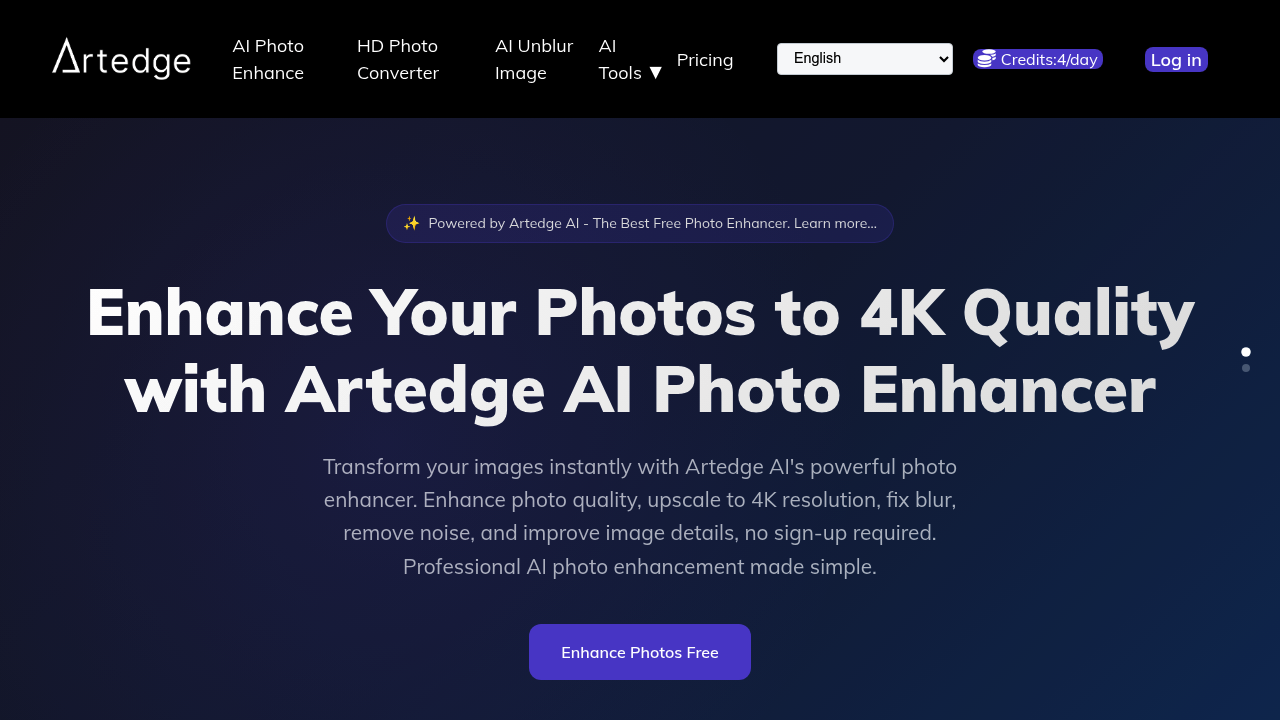
Artedge AI screenshot

Blurry product photos kill conversions. Low-res images make listings look cheap. When you're stuck with mediocre shots and don't have time to reshoot, you need something that works fast.

Artedge AI upscales images to 4K resolution and fixes the usual problems. Blur gets removed. Noise disappears. Soft details sharpen up. It handles JPG files. PNG works too. WebP files up to 50MB also process fine. No sign-up needed for basic use—results come back without watermarks. The company claims 50 million images enhanced and an average processing time of three seconds.

Say you're a real estate agent who just got photos from a contractor's phone instead of the photographer. Your listing goes live tomorrow. Run those images through Artedge AI's blur fix and detail enhancement, then upload the 4K versions to your MLS. Done.

There's also an HD Photo Converter if you need high-definition output specifically. Both tools use the same AI backbone. The free tier works fine for occasional use, but heavy users will hit the paywall. Subscription plans exist though pricing isn't listed upfront.

That 4.9 rating across 2 million users suggests it delivers what it promises. Three-second processing is legitimately quick compared to desktop software. Payment options include Google Pay, Apple Pay, PayPal, and Cash App Pay alongside standard cards.

Artedge AI won't replace proper photography. But when you're working with what you've got, it's a straightforward way to salvage images that would otherwise sit unused. E-commerce sellers and social media managers will find it useful for volume work.

Frequently asked

7 questions
Is Artedge AI really free?
Yeah, the basic photo enhancement is free with no sign-up required and no watermarks on your results. If you're processing tons of images regularly, you'll eventually need a paid subscription, but casual users can stick with the free tier just fine.
How long does it take to enhance a photo with Artedge AI?
About 3 seconds on average. You upload your image, the AI does its thing, and you're downloading the enhanced version almost immediately. Way faster than messing around with desktop editing software.
What file types does Artedge AI support?
It handles JPG, PNG, and WebP files up to 50MB each. That covers pretty much everything you'd need for product photos, social media posts, or real estate listings.
Can Artedge AI fix really blurry photos?
It'll improve blur and sharpen details, but there are limits to what any AI can do. If your photo is slightly out of focus or just soft, you'll see solid results. Completely trashed images won't magically become perfect, but they'll definitely look better than what you started with.
What's the difference between the AI Photo Enhance and HD Photo Converter?
They both use the same AI technology to upscale and improve your images. The HD Photo Converter is just focused specifically on high-definition output, while the Photo Enhance tool covers the full range of fixes like blur removal and noise reduction.
Who actually uses Artedge AI?
Mostly e-commerce sellers who need clean product shots, real estate agents dealing with less-than-perfect property photos, and social media managers pumping out content. Anyone who needs to quickly salvage images without doing a reshoot finds it useful.
Do I need to create an account to use Artedge AI?
Nope, you can enhance photos right away without signing up. If you want to use paid features or need to process images regularly, you can create an account and log in with Google or Facebook.

Reviews (0)

No reviews yet. Be the first to share your experience.

Similar tools

See all →