
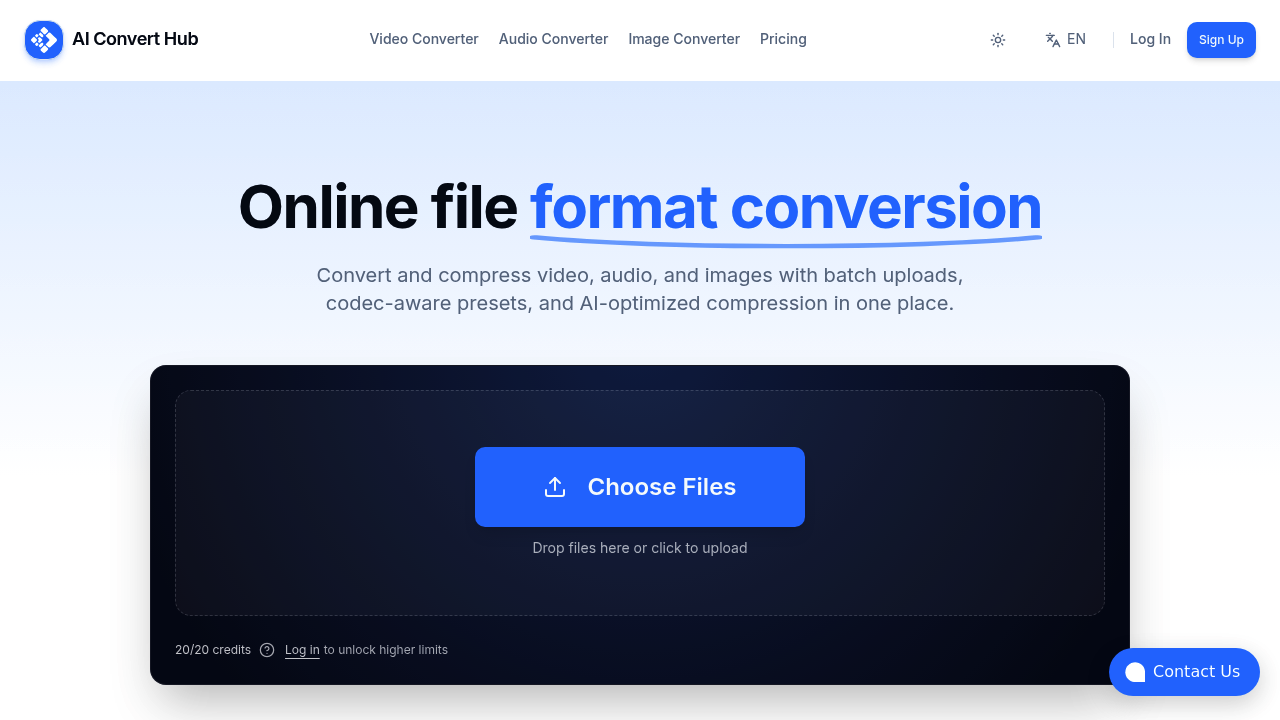
AI Convert Hub runs file format conversions through a browser-based interface built on FFmpeg. This service handles video, audio, and image transformations without requiring local software installation. Users upload files through drag-and-drop, select output formats from over 200 options including HEIC, WEBM, and RAW, then the system processes everything server-side through a distributed pipeline that splits work across multiple nodes for parallel execution.
The conversion engine exposes codec-aware controls that let you adjust compression rate factor, bitrate, frame rate, and audio channel configuration. These parameters feed directly into FFmpeg commands that the backend assembles and executes. The AI tuning layer sits between the user interface and FFmpeg, analyzing input files to suggest compression settings that balance file size against perceptual quality. This happens through pattern matching against training data rather than real-time model inference on each file.
Files transfer over 256-bit SSL encrypted connections. The distributed pipeline architecture means multiple files in a batch do not queue sequentially. They process simultaneously across available compute resources. The system tracks conversion jobs through a queue that assigns priority levels based on subscription tier.
The credit system ties directly to processing time. One credit equals one billed minute of conversion work. Resolution multipliers scale the credit cost: 720p uses a 1× multiplier, 1080p doubles it to 2×, 2K triples to 3×, 4K jumps to 6×, and 8K hits 12×. A 10-minute 4K video consumes 60 credits because of the 6× multiplier. This pricing model reflects actual compute load since higher resolutions require more processing power and memory bandwidth.
Batch processing works differently across tiers. Free and Starter accounts handle multiple files but with medium or no priority assignment in the queue. Pro accounts get high priority and batch queue enhancements that optimize job scheduling. Business tier adds top priority with a 99.9% SLA commitment and what AI Convert Hub calls advanced AI, though the technical distinction from lower-tier AI features isn't specified.
The API provides programmatic access to conversion endpoints. Documentation isn't detailed in the available information, but the feature exists across all paid tiers with basic access on Starter and full access on Pro and Business plans.
File size caps create practical boundaries. Free and Starter accounts max out at 2GB per file. Pro and Business push that to 4GB. These limits affect workflows involving high-bitrate footage or long-duration content. The free tier resets with 20 credits daily, which translates to 20 minutes of 720p conversion or just over 3 minutes of 4K work.
The AI best-format auto apply feature on Pro plans analyzes input files and selects output formats automatically. This presumably examines codec compatibility, intended use case indicators, and file characteristics to pick formats like WEBM for web delivery or H.265 for archival storage. The technical implementation isn't detailed but likely involves decision trees rather than generative models.
FFmpeg integration means AI Convert Hub inherits that tool's format support and codec library. Updates to FFmpeg capabilities flow through to AI Convert Hub's feature set. The sticky CTA interface element keeps conversion controls visible during scrolling, which addresses a usability concern but doesn't affect technical performance.
Paid plans start at $7.99 monthly for Starter with 2,000 credits per cycle, $12.99 for Pro with 3,500 credits, and $29.99 for Business with 9,000 credits. Additional credits cost $0.0055 each when monthly allocations run out. The free tier provides ongoing access without requiring payment information.