
Xmind logo
AI Mind Mapping FREEMIUM from $5/mo

Xmind

Xmind is a mind mapping application that runs on the web, desktop and mobile and adds AI to the brainstorming process.

You can build maps, timelines, matrices and other structures, switch into a distraction-free ZEN mode, pitch directly from a map as slides, and turn topics into tasks with a Gantt chart. A free plan allows up to 10…

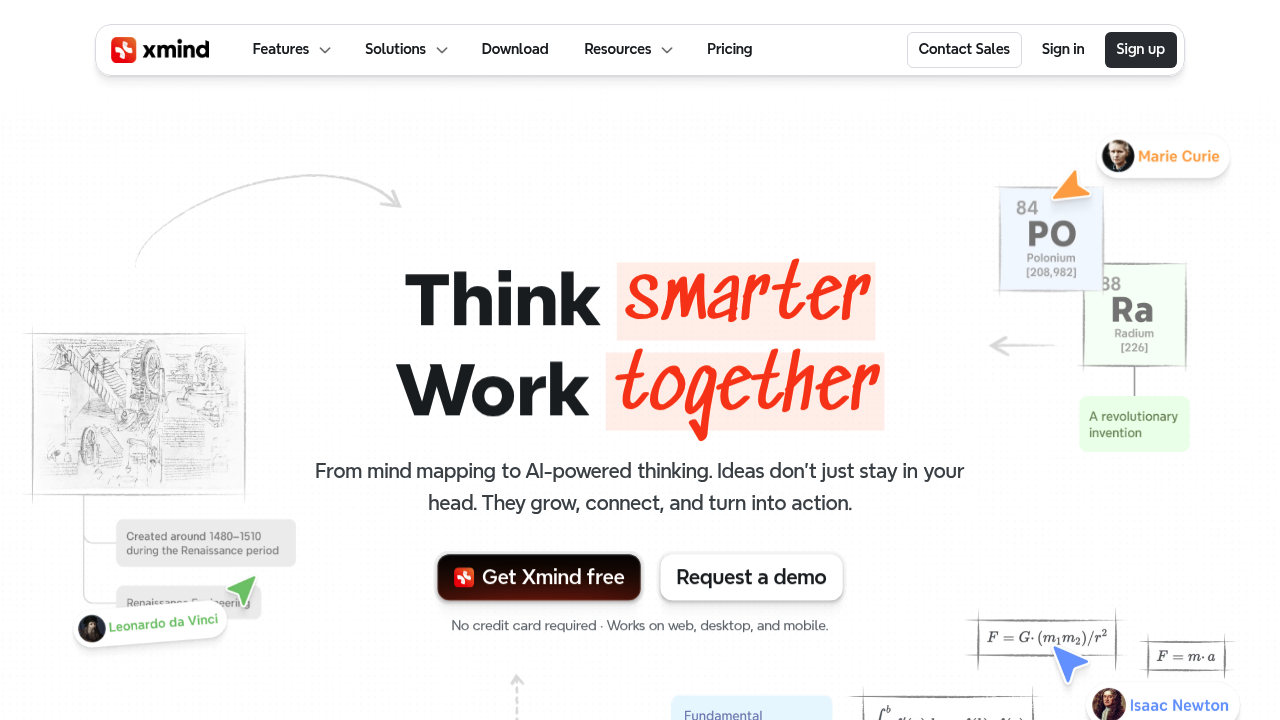
Xmind screenshot

Xmind is a mind mapping application that runs on the web, desktop and mobile and adds AI to the brainstorming process. You can build maps, timelines, matrices and other structures, switch into a distraction-free ZEN mode, pitch directly from a map as slides, and turn topics into tasks with a Gantt chart. A free plan allows up to 10 online maps, while Pro costs $4.92 per month and Premium $8.25 per month on the yearly option, with AI credits included on every tier.

The product suits students, writers, designers, product managers, testers and consultants who think in structures and want to organize ideas before acting on them. Individuals on Pro get custom themes, links, numbering, attachments and export to PNG, SVG, PDF, Markdown and Office formats without a watermark. Teams on Premium get real-time collaboration, 30-day version history, unlimited sheets per map and the project tools. Education, non-profit and government discounts are listed, and businesses can arrange multi-user plans or lifetime licenses. Files can be stored locally, and the app is ad-free.

A product designer can map out features for a new project and convert the branches into assigned tasks with dates. A novelist can plot a story, a student can condense a course into one map, and a tester can organize test scenarios. A team lead can run a brainstorm live with colleagues following the same view, then export tasks to Calendar or Excel. Xmind AI can generate a map from text with deep thinking, summarize long texts, files and links, expand ideas, and break projects into to-dos. Xmind also offers an MCP server so maps can be used from AI workflows. The company cites 100M+ users and ISO/IEC 27001 and SOC 2 Type II infrastructure.

Xmind alternatives

See all →

Frequently asked

6 questions
What can Xmind do beyond drawing mind maps?
Several structures are supported, including timelines, matrices and Zones, and a Pitch mode turns maps into slides. Premium adds Gantt charts, task assignment and export of tasks to Calendar or Excel. Xmind AI generates and refines maps from text.
Who is Xmind aimed at?
Students, writers, designers and testers use it for personal thinking and planning. Teams use Premium for real-time collaboration. Education, non-profit and government discounts are available.
How can a team use Xmind for project planning?
Teams can break a project into branches with AI, assign topics as tasks to people, and view them on a Gantt chart with real working days. Tasks export to Calendar or Excel, and members collaborate in real time.
What does Xmind cost?
Free costs $0 with up to 10 online maps and 50 AI credits. Pro is $4.92 per month and Premium is $8.25 per month, shown on the yearly toggle with up to 50% off. Premium includes 500 AI credits monthly.
What are the limits of the free Xmind plan?
Only 10 online maps are allowed on the free plan, with 3-day version history and up to 5 slides in Pitch. Export in PNG, SVG, PDF and Office formats without a watermark begins on Pro. Free users get 50 AI credits.
Where does Xmind run?
Web, desktop and mobile versions exist, and files can be stored locally if you prefer. It syncs with AWS infrastructure for cloud features. Users can start without a credit card by choosing Get Xmind free.

Reviews (0)

Write review

No reviews yet. Be the first to share your experience.