Visualping logo
AI Monitor FREEMIUM from $10/mo

Visualping

Visualping watches web pages and sends an alert when something changes.

It takes a snapshot of a page or a selected area, compares each new check against the previous one, and shows a before-and-after screenshot with added and removed text highlighted. AI summaries flag whether a change…

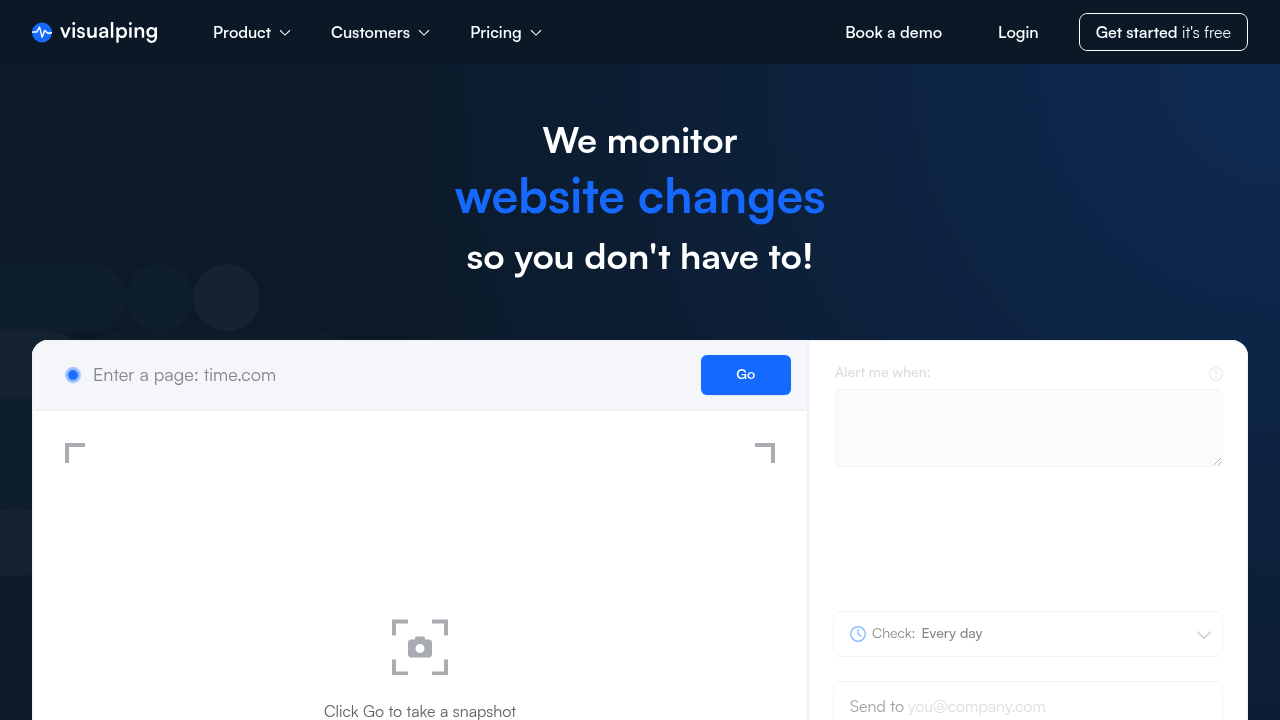
Visualping screenshot

Visualping watches web pages and sends an alert when something changes. It takes a snapshot of a page or a selected area, compares each new check against the previous one, and shows a before-and-after screenshot with added and removed text highlighted. AI summaries flag whether a change looks important. Alerts go out by email, SMS, Slack, MS Teams, webhooks, API or Google Sheets. A free plan covers 5 pages with 150 checks a month, and paid Personal plans start at $14/mo.

Visualping suits both individuals and organizations. Personal users track back-in-stock items, price drops, grades, course openings, scholarships and job listings. Business teams include investment managers, law firms, competitive intelligence analysts, compliance officers, SEO specialists, security teams and web developers. Business plans add team seats, bulk management, advanced reports, labels, false-alert feedback and a year of data retention, and the vendor says 85% of the Fortune 500 use it.

Use cases include tracking competitor pricing, product pages, career pages and landing pages, following bills, statutes and regulatory updates for legal research, and watching share buybacks, press releases and patents for market signals. SEO teams monitor accidental edits that could hurt rankings, while security teams watch for defacement and payment-page changes that affect PCI compliance. Engineers run regression monitoring to catch unauthorized changes, errors and DNS downtime. Checks can run as often as every 2 minutes on higher tiers, and every plan includes REST API and MCP server access for feeding changes into other systems.


Visualping alternatives

See all →

Frequently asked

6 questions
How does Visualping detect a change on a page?
It snapshots the page or a selected area and compares each new check with the previous one. Visual, text and code changes are shown side by side, with added and removed text highlighted. AI also marks whether the change looks important.
Who uses Visualping?
Individuals use it for stock alerts, price drops, grades and job listings. Business users include investment managers, law firms, compliance and SEO teams, and security staff. The vendor reports 2 million users and 85% of the Fortune 500.
Can Visualping watch rival companies' websites?
Rival monitoring covers main pages, pricing, products, team and career pages, patents, reviews and landing pages. Alerts arrive with screenshots of what changed. Business plans add shared projects and reports for teams.
Does Visualping have a free plan?
A free plan includes 150 checks per month across 5 pages with checks every 60 minutes for one user. Paid Personal plans run from $14/mo for 1,000 checks to $70/mo for 10,000 checks. Business 20K is $140/mo, with discounts when billed annually.
What are the limits on Visualping plans?
Each tier caps monthly checks and pages, for example 10 pages on Personal 1K and 200 pages on Business 20K. Personal plans keep change history for 90 days, while Business plans keep a year. Business features such as bulk import and team seats are not on Personal plans.
How can I get Visualping alerts in my workflow?
Alerts can be sent by email, SMS, Slack, MS Teams, webhooks or API, and changes can be logged to Google Sheets. A REST API and MCP server come with every plan, including the free one. Setup starts by entering a URL and choosing a check frequency.

Reviews (0)

Write review

No reviews yet. Be the first to share your experience.