
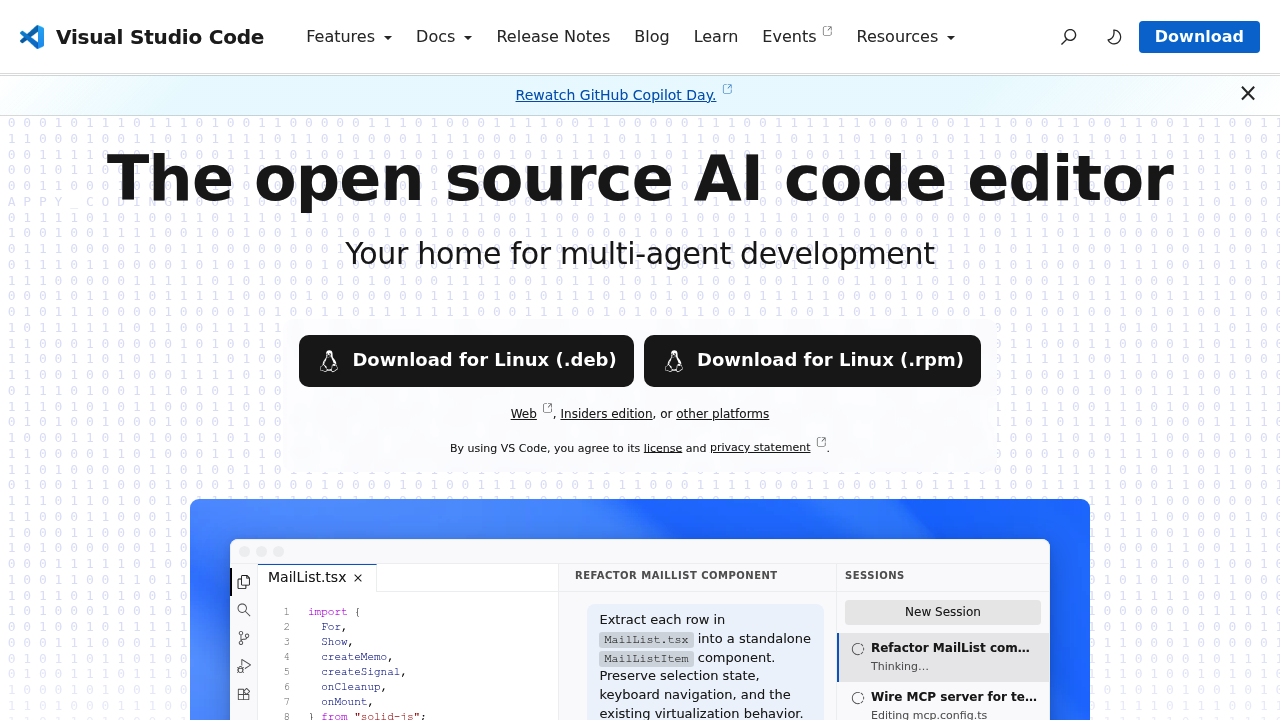
Visual Studio Code is a free, open source code editor that runs on Windows, macOS and Linux and now includes built-in AI agents. The editor offers an integrated terminal, version control, build tasks, run and debug features, and IntelliSense across languages, and it can be customized through themes, settings and keybindings. AI agents can plan, code and debug, work with any agent or model, and run sessions across local, background and cloud environments. There is no paid plan for the editor itself, and downloads are free for each operating system.
VS Code is used by developers at every level, from students writing a first Python script to professional teams working across large codebases. Web developers, data scientists, systems programmers and cloud engineers all use it, because extensions add support for Python, C/C++, C#, Jupyter notebooks, MongoDB, Stripe and many other stacks. Teams use shared custom rules and agents to keep AI output consistent with their own standards, and the editor can be used in the browser through the web version and on Insiders builds for early features.
A Python developer can install the Python and Jupyter extensions and work with notebooks, linting and debugging in one window. A backend engineer can use Remote Development to code inside containers or over SSH. A frontend developer can ask an agent to extract a component, run the build and review the diff before committing. A team lead can define custom instructions and agents to enforce conventions, while GitLens adds history and blame inside the editor. Developers can code in any language, and Azure and MCP server integrations extend the agents to external services. The marketplace offers thousands of extensions for tasks beyond the defaults.