VeeSpark | AI Video Generator logo

VeeSpark | AI Video Generator

Traditional text generators won't turn your product photos into animated video scenes

38 views
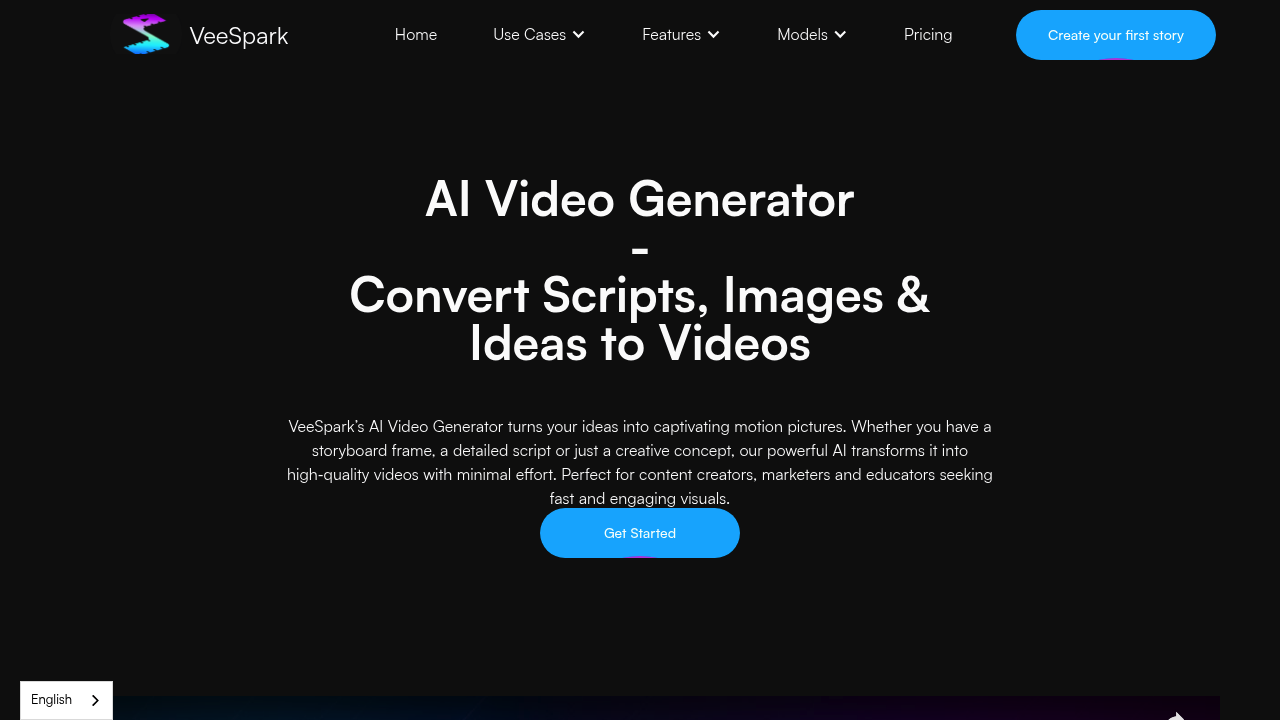
VeeSpark | AI Video Generator screenshot

Traditional text generators won't turn your product photos into animated video scenes. They won't maintain character consistency across a 10-scene narrative. VeeSpark fills that production gap—it actually generates video from static assets and text descriptions.

Two primary inputs get handled here. Feed it images. Motion gets applied to create video clips. Write scene descriptions. Cinematic footage gets rendered. Multiple AI models are available for selection: realistic rendering, stylized looks, 3D animation, or anime aesthetics. A social media manager could upload product shots and get promotional video content without touching After Effects.

VeeSpark builds out the entire pre-production workflow. The Idea Fission feature generates concepts. Smart Script Expansion takes those concepts—develops full scripts from them. AI Storyboard Generation visualizes the script frame by frame before you commit to final renders. Timeline editing lets you refine individual frames. Inpainting means you can swap elements within scenes. You can insert specific products this way.

Character consistency matters for episodic content. Brand mascot videos need it too. VeeSpark maintains the same character appearance across multiple scenes (most image generators absolutely butcher this). Everything generated is royalty-free for commercial use. You're still responsible for not violating third-party rights. Team collaboration gets supported with real-time co-creation features.

Custom AI models aren't supported. You're working within their existing style options. A free plan is available. VeeSpark claims 2× faster generation than traditional video production methods.

Frequently asked

7 questions
Is VeeSpark free to use?
Yes, VeeSpark offers a free plan that you can start using right away. You'll get access to the AI video generator without needing to pay upfront, though there may be limitations compared to paid tiers.
Can I use VeeSpark videos for commercial projects?
Absolutely. All content you generate—including text, visuals, and storyboards—is royalty-free and safe for commercial use. Just make sure you're not violating any third-party rights with your source materials or concepts.
How does VeeSpark maintain character consistency across scenes?
VeeSpark keeps your characters looking the same throughout multiple scenes, which most image generators struggle with. This is super helpful if you're making episodic content or brand mascot videos where consistency really matters.
What can I use VeeSpark for?
It's great for creating social media content, promotional videos, educational materials, and marketing campaigns without needing video editing skills. You can turn product photos into animated scenes or write descriptions that become cinematic footage—perfect for content creators who don't have time for traditional video production.
Can I train VeeSpark on my own AI models?
No, custom AI models aren't supported. You'll need to work with VeeSpark's existing style options, which include realistic, stylized, 3D, and anime aesthetics.
How much faster is VeeSpark than traditional video production?
VeeSpark generates videos up to 2× faster than traditional methods. Instead of dealing with filming, editing software, and post-production, you're working from images and text descriptions that get turned into video clips quickly.
Can my team collaborate on VeeSpark projects?
Yes, VeeSpark supports team collaboration with real-time co-creation features. Multiple people can work on the same project together, which makes it easier to get feedback and iterate quickly.

Reviews (0)

No reviews yet. Be the first to share your experience.

Similar tools

See all →