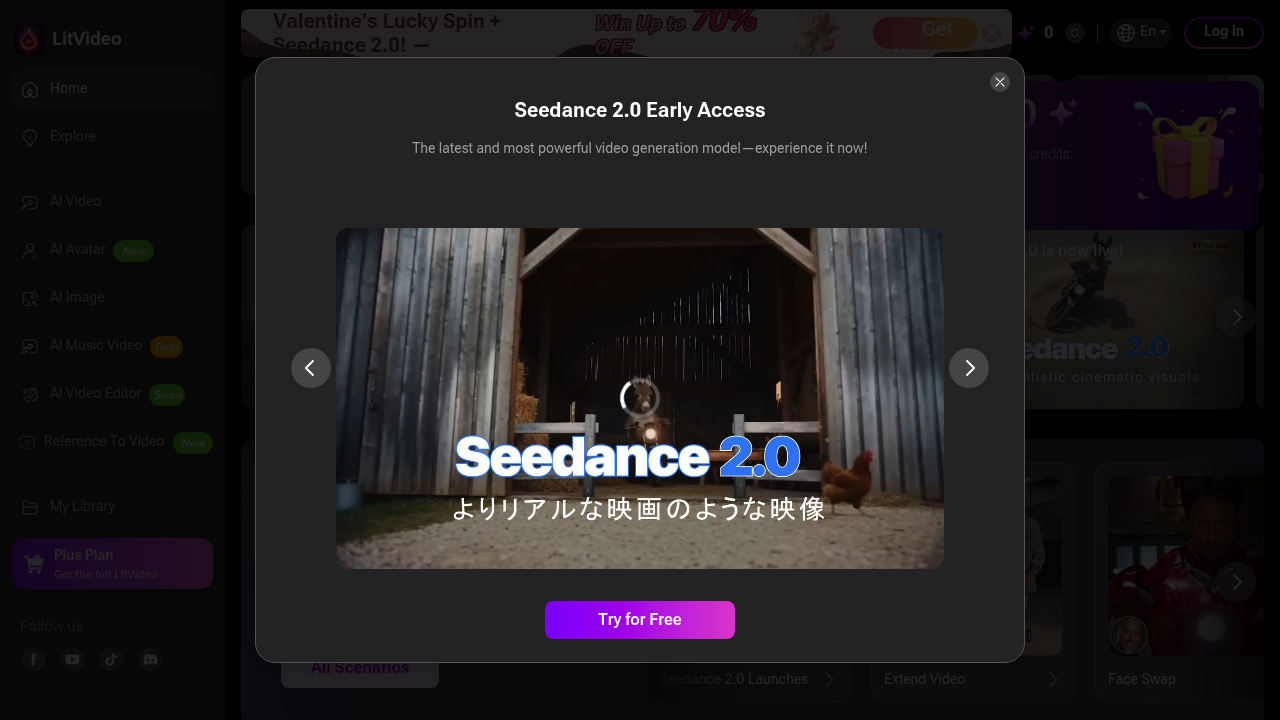
A TikTok content creator spends hours editing dance videos frame by frame, trying to match trending choreography to their footage. LitVideo generates these videos automatically. Upload a reference clip of the dance move you want, and LitVideo applies it to your footage using one of nine different AI models including Kling, Veo, and MiniMax Hailuo. This software handles video-to-video transformation, text prompts that describe the scene you want, or converts still images into moving footage.
A fashion photographer needs to show clients how different outfits look on models without organizing multiple shoots. The virtual try-on feature swaps clothing in existing photos. The character replacement works with one click, switching out people while keeping the background and composition intact. For portfolio work, LitVideo generates 4K images through Nano Banana Pro, which processes finger details and lighting effects that typically trip up AI generators.
Music video producers can turn static album art into animated visuals. The image-to-video conversion creates movement from still frames. LitVideo includes specific effects for romantic scenes like kissing and hugging animations, plus motion presets that match popular social media trends. Face swap lets creators test different performers in the same scene without reshoots.
The credit system limits how much you can create. Free accounts get 20 credits to start. The yearly plan at $7.50 monthly (billed as $89.99 annually) includes 1000 credits, up to 50 videos, and 142 images each month. The lifetime option costs $125.97 once and doubles those limits to 2000 credits, 100 videos, and 285 images monthly. Both paid tiers remove watermarks and speed up generation time.
Where it stumbles: the AI video editor isn't available yet. Some features sit in beta. Monthly caps mean heavy users hit limits fast. The credit system adds math to every project since different features consume different amounts. A 4K image costs more credits than a standard one. Video effects drain credits faster than basic conversions.
LitVideo works across iOS, Android, and Chrome. You can colorize old photos, extend video length, and access over 300 effect templates. The lifetime plan adds three custom private templates monthly. All paid plans allow commercial use with 24-hour support.
Social media managers churning out daily content hit the monthly video caps quickly. A creator posting twice daily maxes out the yearly plan's 50 videos in 25 days. The lifetime plan's 100 videos covers two months at that pace before the credit reset.
Photographers experimenting with AI-generated backgrounds and the virtual try-on feature get more runway. Those 285 monthly images on the lifetime plan support testing multiple variations per shoot. Musicians visualizing album concepts can prototype ideas cheaply before hiring production teams.
Skip this if you need frame-accurate control. The AI models make creative decisions about motion and transitions. You can't keyframe specific movements or dictate exact camera angles. Professionals requiring precise timing for commercial spots won't find the granular controls they need. LitVideo generates rather than edits, so footage that needs traditional cutting, color grading, or audio sync belongs in conventional editing software.
The multiple AI models give options when one doesn't nail the style you want. Try Veo if Kling's output looks off. Test Seedance when MiniMax doesn't capture the motion right. That flexibility matters since AI video quality varies wildly based on what you're trying to create.