Pika logo

Pika

Images that move in ways that actually make sense

70 views
Visit pika.art
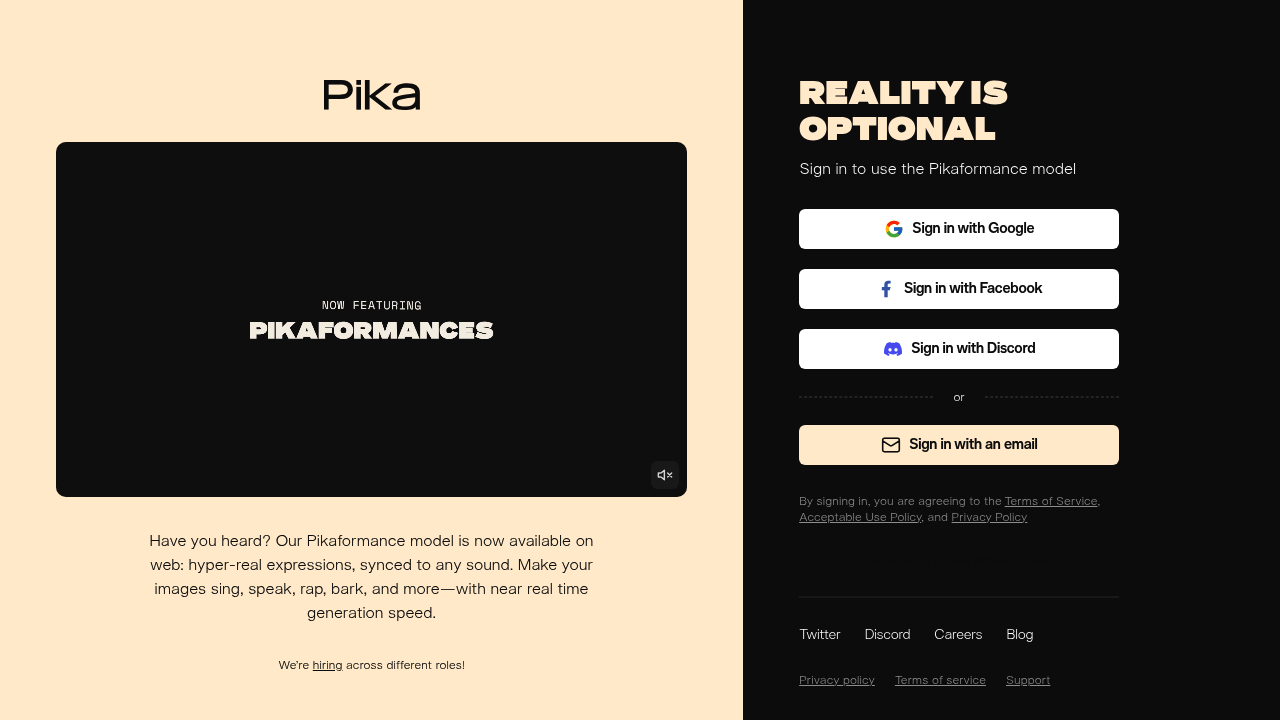
Pika screenshot

Static images just sit there. They can't sing your marketing jingle or bark like the dog in your meme. That's where Pika steps in.

This AI animation generator makes any image speak, sing, rap, or produce animal sounds with hyper-real facial expressions. Mouth movements sync perfectly to whatever audio you feed it. A social media manager creating viral content could upload a photo of their company mascot and make it rap the latest trending audio clip.

Pika runs its Pikaformance model at near real-time speed. No waiting around for renders.

It works entirely through your web browser now that it's available online. You'll need to sign in with Google, Facebook, or Discord before animating anything. There's no free trial to test the waters first — which feels limiting when you're not sure if the output quality matches your needs.

Content creators will find this useful for TikTok videos and Instagram Reels where audio-synced animations perform well. Expressions look convincingly real rather than robotic. This matters when you're trying to grab attention in crowded social feeds. Animating a pet photo to "sing" happy birthday? Making a historical figure deliver a modern speech? Pika handles the lip-sync work automatically.

Frequently asked

7 questions
How fast does Pika's Pikaformance model actually generate animations?
Pika runs at near real-time speed -- you won't be waiting around for long renders like with other animation tools. The processing time depends on your image size and audio length, but it's way faster than traditional animation software. You'll typically see results within seconds rather than minutes.
Can I try Pika for free before paying?
Nope, there's no free trial available. You'll need to sign up and pay before you can test the animation quality. This makes it harder to judge if the output meets your standards before committing.
What audio formats can I upload to make images speak or sing?
Pika accepts standard audio formats for lip-syncing (though they don't specify exact file types). You can use anything from trending TikTok audio clips to custom recordings of speech, singing, or even animal sounds. The tool automatically handles the mouth movement sync regardless of audio type.
Does Pika work with any type of image or are there restrictions?
Pika can animate various images, but it works best with clear front-facing photos that show the subject's mouth area. Blurry images, side profiles, or photos where the mouth's obscured will produce less convincing results. The AI needs to identify facial features to create realistic lip movements.
How realistic do the facial expressions look compared to other AI animation tools?
Pika's expressions look convincingly real rather than robotic -- which is crucial for social media content where you need to grab attention. The mouth movements sync accurately with audio. This quality level helps animated content perform better in crowded social feeds.
Which social media platforms work best with Pika's animated videos?
TikTok and Instagram Reels are the sweet spot for Pika's output since these platforms favor audio-synced animations. The format and quality are optimized for short-form vertical video content. Other platforms will work, but you'll see better engagement on apps where animated content naturally performs well.
What login options does Pika support for account creation?
You can sign in using Google, Facebook, or Discord accounts. There's no option to create a standalone Pika account with just an email and password -- you'll need one of these existing social accounts to access the tool.

Traffic

Estimated monthly website visits · last 4 months

1.8M visits/mo
Monthly visits
1.8M
↓ 18.8% MoM
Global rank
#25,912
RU #5,417
Category rank
#20
Video Creation
2.2M 2M 1.9M 1.8M 1.7M Nov 2025: 1.8M visits Nov 2025 Dec 2025: 1.7M visits Dec 2025 Jan 2026: 2.2M visits Jan 2026 Feb 2026: 1.8M visits Feb 2026

Data from SimilarWeb · Updated monthly.

Reviews (0)

Write review

No reviews yet. Be the first to share your experience.

Similar tools

See all →