Ultimate Vocal Remover logo

Ultimate Vocal Remover

Ultimate Vocal Remover, often shortened to UVR, is a free and open-source desktop application that separates vocals and other stems from songs.

Version 5 is available for Windows, Mac, and Linux, and the project is supported by donations rather than a subscription. There are no paid plans, so anyone can download it and run separation on their own computer.…

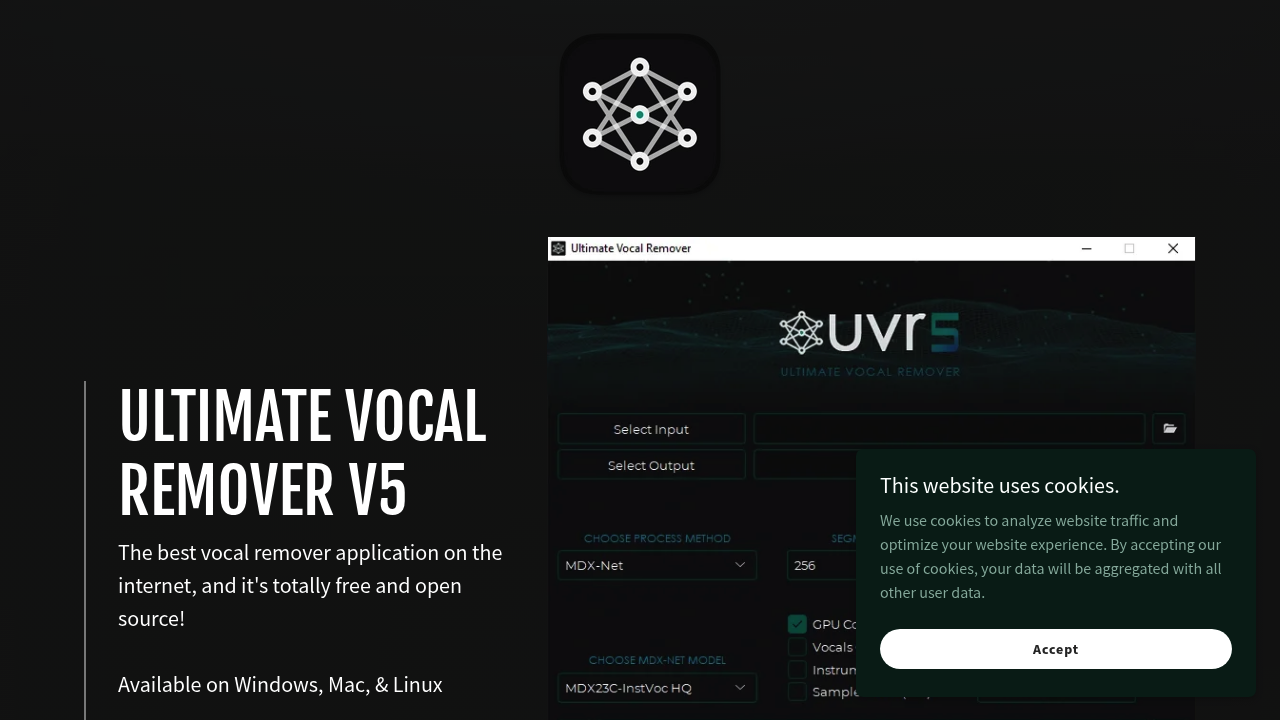
Ultimate Vocal Remover screenshot

Ultimate Vocal Remover, often shortened to UVR, is a free and open-source desktop application that separates vocals and other stems from songs. Version 5 is available for Windows, Mac, and Linux, and the project is supported by donations rather than a subscription. There are no paid plans, so anyone can download it and run separation on their own computer. Because it runs locally, audio files stay on the user's machine instead of being uploaded to a web service, which matters for unreleased tracks and private recordings.

The application is useful for anyone who needs to pull a track apart. Producers and beatmakers isolate instrumentals or acapellas for remixes, DJs prepare edits and mashups, and singers create karaoke backing tracks from songs they want to perform. Music students study individual parts, such as bass lines or vocal harmonies, by separating them from a full mix. Video editors and podcasters remove vocals or music from audio they need to reuse. Hobbyists with a Windows, Mac, or Linux computer can get started without paying for a subscription or learning audio engineering software.

Common workflows start with loading a song file, choosing a separation approach, and exporting the vocal and instrumental stems. A producer can extract a clean acapella for a bootleg remix, while a karaoke host removes the lead vocal from a request. A drummer can isolate a drum stem to practice along with, and a sampling artist can lift a short instrumental section for a new beat. Teachers can create play-along tracks for students, and creators can strip lyrics from background music before reusing it in a video project.


Ultimate Vocal Remover alternatives

See all →

Frequently asked

6 questions
What does Ultimate Vocal Remover do?
It separates vocals and other stems from songs so users can export an instrumental or an isolated vocal. Version 5 is the current release shown.
Who uses Ultimate Vocal Remover?
Producers, DJs, singers, music students, and creators who need isolated parts of a track. Anyone with a Windows, Mac, or Linux computer can run it.
How can Ultimate Vocal Remover help make karaoke tracks?
A song can be loaded and its lead vocal removed to leave a backing track. The instrumental is then exported for singing along or live performance.
Does Ultimate Vocal Remover cost anything?
Cost is nothing: the app is free and open source with no paid plans. Users who enjoy it can donate to support the project.
What are the limits of Ultimate Vocal Remover?
Installation is required, since it is a desktop application with no browser version described. Results depend on the song and the separation method chosen.
Which operating systems support Ultimate Vocal Remover?
Windows, Mac, and Linux are all supported. Downloads come from the project website, which also provides a contact link.

Reviews (0)

Write review

No reviews yet. Be the first to share your experience.