
Typing Mind logo

Typing Mind

TypingMind is a chat interface for AI models that you connect with your own API keys.

Instead of a monthly subscription, you buy a lifetime license and pay model providers only for the usage you generate. A single workspace can switch between providers, run several models in parallel to compare answers,…

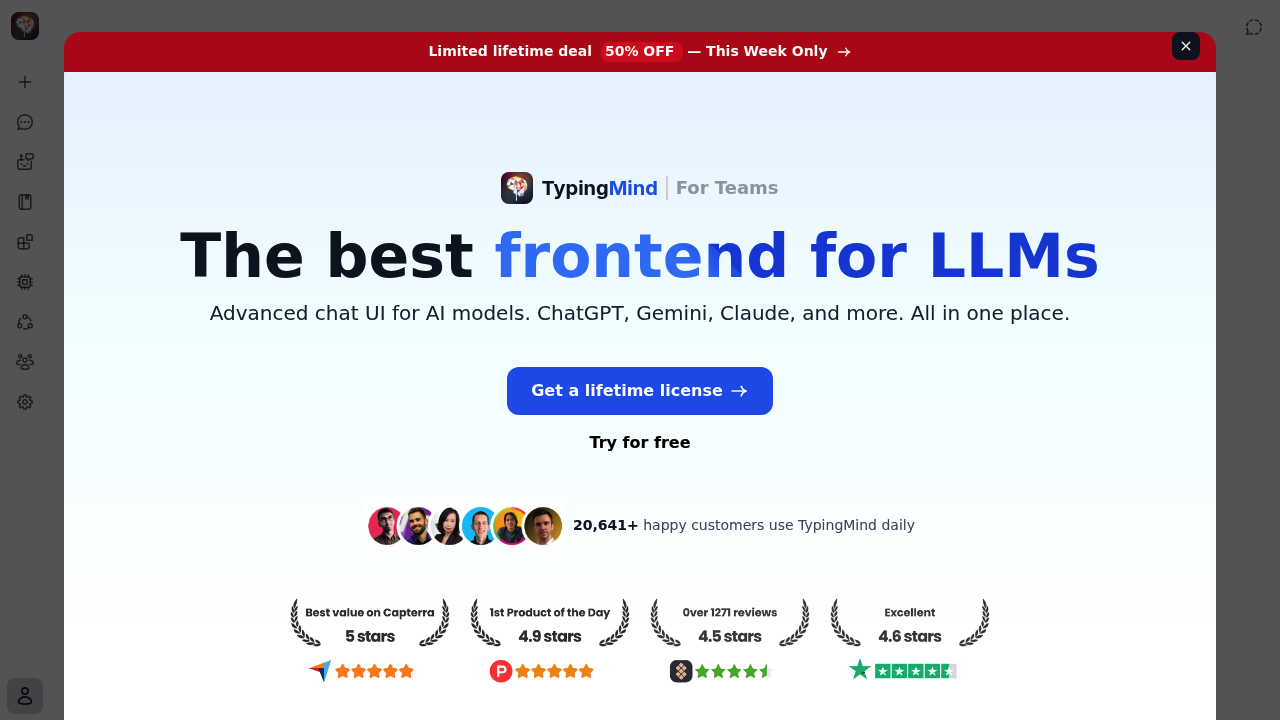
Typing Mind screenshot

TypingMind is a chat interface for AI models that you connect with your own API keys. Instead of a monthly subscription, you buy a lifetime license and pay model providers only for the usage you generate. A single workspace can switch between providers, run several models in parallel to compare answers, and keep all data stored locally in the browser. Features include project folders, web search, canvas editing, artifacts, chat with documents, text-to-speech and voice input, prompt caching to cut token costs, and MCP connections to outside tools.

Developers, founders, researchers and consultants who already hold API keys and want one front end for all of them are the natural users. Power users appreciate threads, forked chats and tagging to manage hundreds of conversations, while privacy-minded professionals value that nothing is sent anywhere except the model provider. Teams get a separate offering, and organizations from universities to large companies use it for daily work. Agent builders can design custom agents with training files, plugins and prompt chaining, and more than 50 pre-built agents are included.

Common uses include comparing answers from several models side by side, running deep research with multi-step analysis, and uploading PDFs or connecting sources like GitHub, Notion and Google Drive for retrieval. A marketer can generate PowerPoint or Word files through plugins, a developer can draw Mermaid diagrams or connect GitHub and Figma through MCP, and a writer can edit drafts in the canvas. Temporary chats keep sensitive queries out of history, and plugins send Slack notifications or read web pages.

Typing Mind alternatives

See all →

Frequently asked

6 questions
How does TypingMind work with AI models?
You enter API keys from your chosen providers and chat with any of their models through one interface. You pay only for the usage you generate, with no monthly fee from TypingMind.
Who is TypingMind for?
Developers, founders, researchers and professionals who want one workspace for multiple models. A separate For Teams offering exists for organizations.
Can I compare several models at once?
Multi-model parallel chats let you send one prompt to several models at the same time. You can review the responses side by side to see which one fits your task.
Where is my data stored?
Chat data stays on your device through local storage, with no collection for model training. Only the requests you send reach the model provider you selected.
What do I need before I can start?
A valid API key from at least one model provider is required to chat. The home screen walks you through entering a key and sending a first message.
What can plugins and MCP add?
Plugins provide web search, PowerPoint and Word generation, Mermaid diagrams, image tools and Slack alerts. MCP connects models to services such as GitHub, GitLab, Figma, Redis, Make and Apify.

Reviews (0)

Write review

No reviews yet. Be the first to share your experience.