
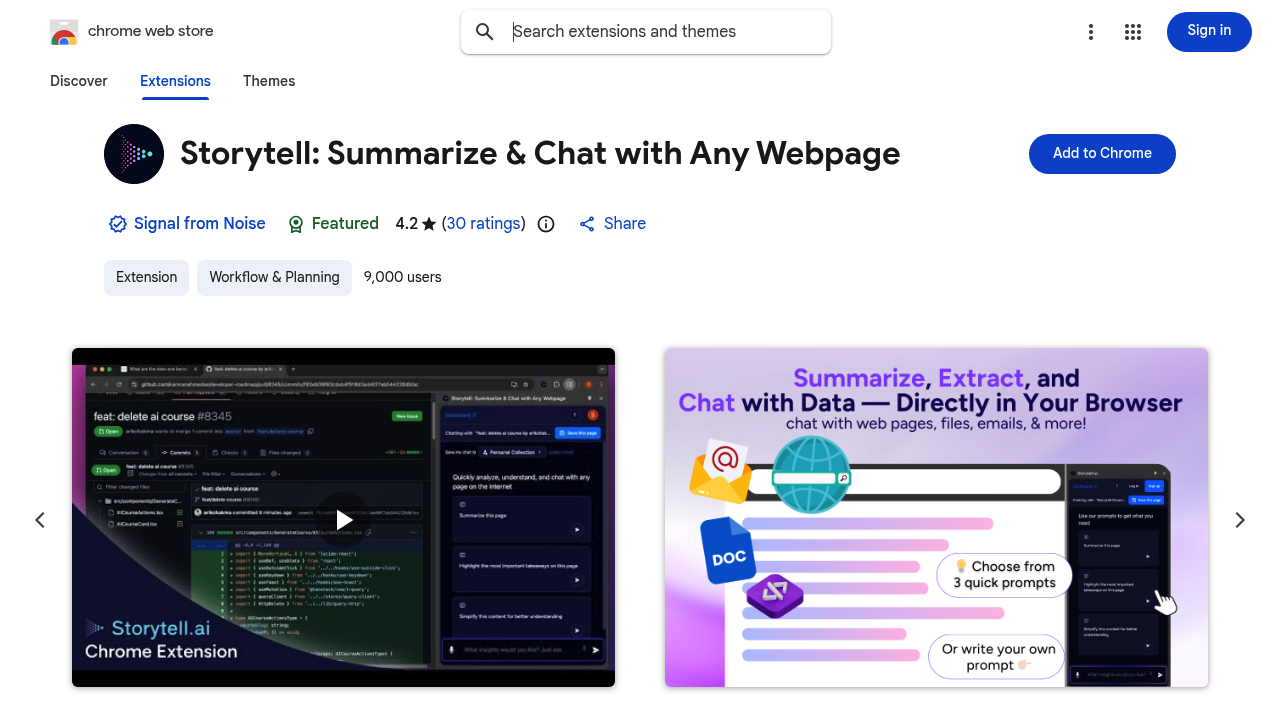
Storytell turns hours of webpage reading into seconds. Click it—instant summaries appear. No scrolling through walls of text. No hunting for relevant paragraphs.
This Chrome extension works on research papers, financial statements, legal contracts, email threads, and technical documentation. Click once and it extracts key points. A corporate lawyer reviewing a 50-page merger agreement? Critical terms get pulled out in moments (not an hour of highlighting and note-taking). Dense content gets translated into plain language. That codebase you're supposed to understand? Ask what's happening—you'll get an explanation.
Chat with any page you're viewing. Ask specific questions and get instant answers. No re-reading sections. No opening new tabs to clarify terminology. Refine responses with follow-up prompts. It'll suggest additional questions if you want to dig deeper.
Save insights for later using Collections. Free accounts exist—you'll need to sign up. About 9,000 users rely on Storytell. It's earned a 4.2 rating from 30 reviews.
SOC2 Type 2, GDPR, and HIPAA certifications? Storytell holds them. Your content doesn't train its AI models. That matters when you're analyzing confidential client data or proprietary research.
Paywalled content won't work. Images without text won't either. But for accessible web content, Storytell handles tedious extraction work you'd otherwise do manually.