
AI YouTube & Web Summarizer + Instant Translator | TLDRly logo

AI YouTube & Web Summarizer + Instant Translator | TLDRly

After installing the Chrome extension, you'll see TLDRly's icon appear in your browser toolbar

42 views
Visit tldrly.ai
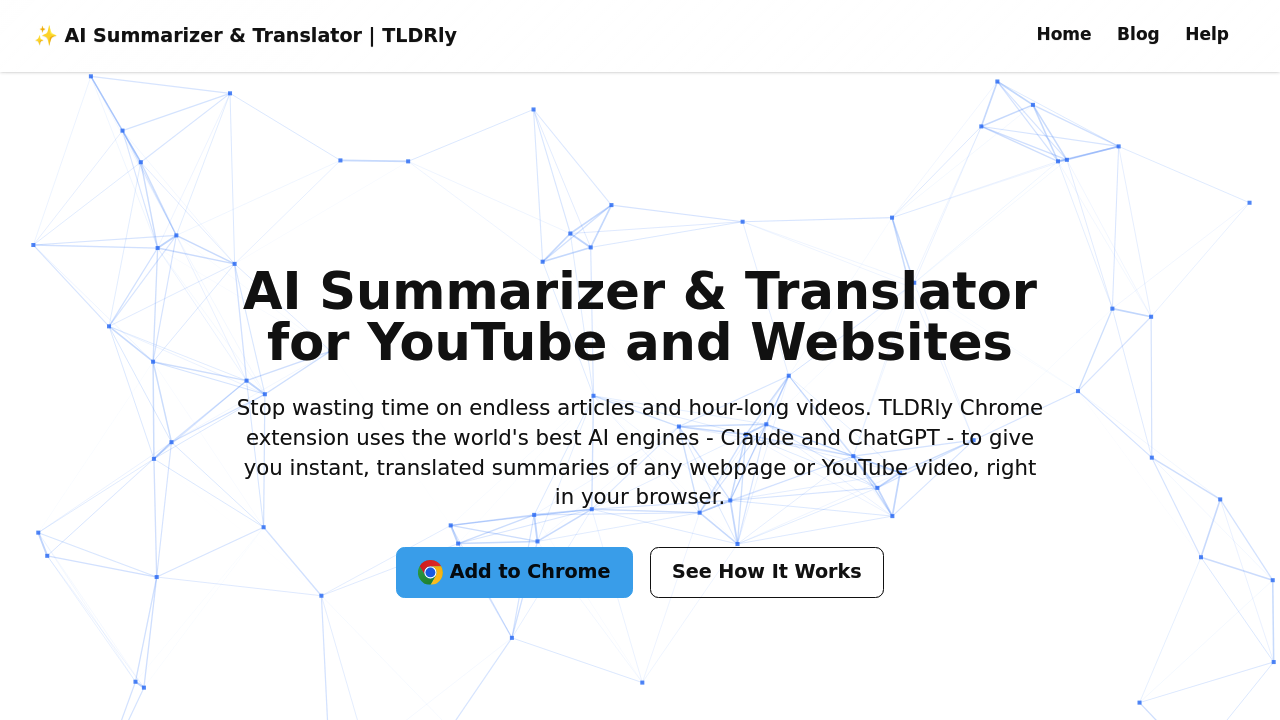
AI YouTube & Web Summarizer + Instant Translator | TLDRly screenshot

After installing the Chrome extension, you'll see TLDRly's icon appear in your browser toolbar. Click it while on any webpage or YouTube video and it immediately starts processing. There's no need to highlight text or copy anything into a separate interface.

The extension analyzes the content and generates a condensed summary right there in your browser. This works across news articles, Wikipedia pages, Substack newsletters, research papers, and YouTube videos of any length. A 90-minute conference talk or three-hour tutorial gets broken down into digestible points without watching the whole thing.

Once the summary appears, you can translate it into your preferred language with another click. The translation happens instantly on the same screen. Students reading foreign research papers or marketing managers reviewing international competitor content can jump between languages without switching tools.

The summaries come from two different AI engines working behind the scenes. The extension connects to these APIs to process your content, but the company emphasizes they don't sell your data or use it for advertising purposes. Everything runs through secure connections.

Where things get tricky is when content has heavy visual components or charts. TLDRly focuses on text and spoken words, so infographics or complex diagrams don't factor into summaries. YouTube videos with crucial on-screen information might leave gaps in what gets captured.

The extension works best with long-form content where you're drowning in information. Short articles or quick blog posts don't benefit as much since you could've just read them. You'll notice the real value when facing a wall of text or a video that's eating up your afternoon.

Researchers and journalists dealing with mountains of source material save hours on initial content review. Digital nomads consuming content in multiple languages skip the back-and-forth between translation tools. Professionals who need to stay informed across dozens of topics can skim summaries instead of committing to full reads.

TLDRly is free to use. No credit card needed to start summarizing and translating. You just add the extension and go.

The biggest friction point shows up with paywalled content. If you can't access the full article in your browser, TLDRly can't summarize it either. The extension only works with what's actually loaded on your screen, so subscription-locked content stays locked.

Frequently asked

6 questions
How do you summarize a YouTube video with TLDRly?
You install the TLDRly Chrome extension and open any YouTube video you want summarized. Click the TLDRly icon in your browser toolbar while the video is playing or paused. The extension processes the video content and displays a condensed summary right in your browser without needing to watch the entire thing. This works for videos of any length, including three-hour tutorials or 90-minute conference talks.
Can TLDRly translate summaries into different languages?
After TLDRly generates a summary of a webpage or video, you can click to translate it into your preferred language instantly. The translation appears on the same screen where the summary is displayed, so you don't need to switch between tools. This helps when reading foreign research papers or reviewing international content, letting you jump between languages without copy-pasting into separate translation apps.
Does TLDRly work on paywalled articles?
TLDRly only works with content that's actually loaded and visible in your browser. If an article is behind a paywall and you can't access the full text, the extension can't summarize it either. You need to have legitimate access to the content first, then TLDRly can process what's on your screen.
Is TLDRly free to use?
TLDRly is completely free with no credit card required. You just add the Chrome extension and start summarizing and translating any webpage or YouTube video. The free plan includes all the core features like one-click summaries, instant translation, and works across all websites and YouTube without restrictions.
What AI does TLDRly use for summarization?
TLDRly uses both Claude AI and ChatGPT engines to generate summaries. The extension connects to these AI APIs when you click to summarize content, processing everything through secure connections. The company states they don't sell your data or use it for advertising, though the content does get sent to these external AI services for processing.
Can TLDRly summarize research papers and academic articles?
TLDRly works on research papers, academic articles, and other long-form text visible in your browser. You open the paper or article, click the extension icon, and get a condensed summary without copying text anywhere. The limitation shows up with content heavy on charts, infographics, or complex diagrams since the tool focuses on text and spoken words, potentially missing crucial visual information in academic papers.

Traffic

Estimated monthly website visits · last 0 months

Not enough historical data for a chart yet.

Data from SimilarWeb · Updated monthly.

Reviews (0)

Write review

No reviews yet. Be the first to share your experience.

Similar tools

See all →