
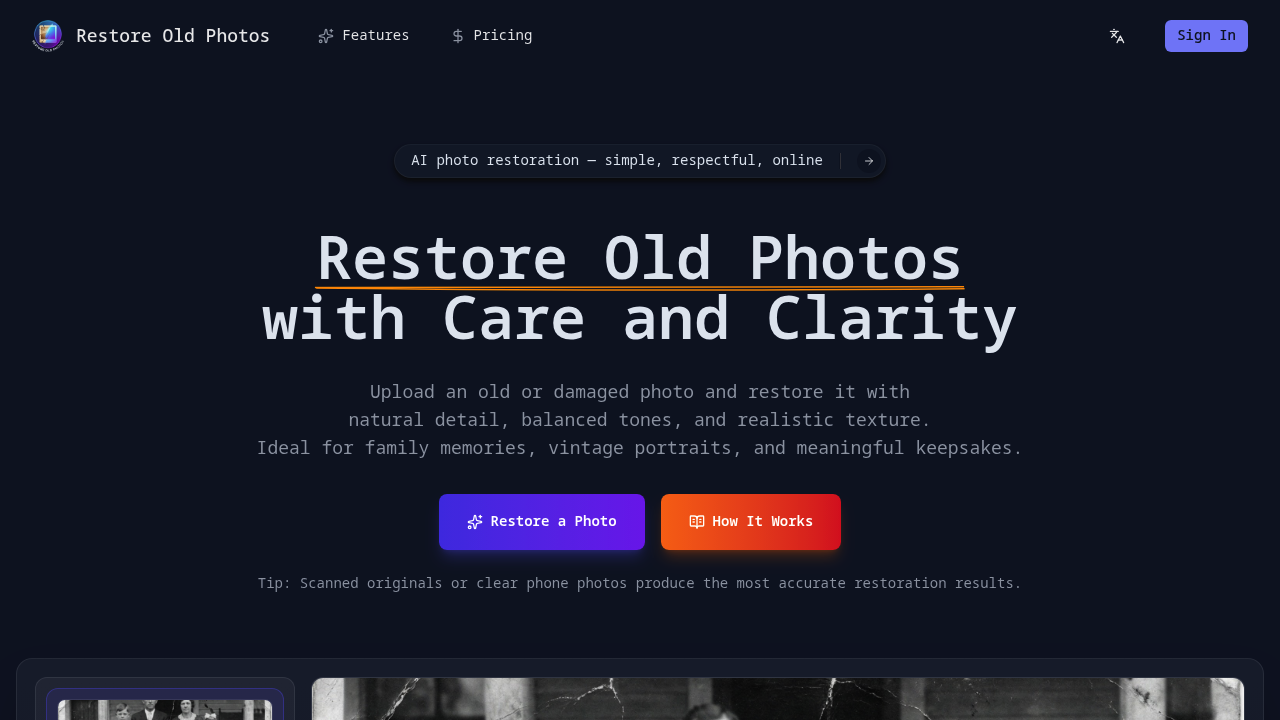
A genealogist scans a stack of 1940s family photos her grandmother kept in a shoebox. The images show water damage, creases across faces, and severe fading that makes some relatives barely recognizable. She uploads one photo, and the AI analyzes facial features, textures, and lighting to repair the damage while adding natural colorization. The restored image shows her great-grandfather's face clearly for the first time, with realistic skin tones and preserved grain that still feels like a vintage photograph.
This service repairs fading, scratches, tears, and detail loss in old photographs. It colorizes black and white images automatically, choosing colors based on context clues in the photo. The AI examines surrounding details to make informed decisions about what colors belong where. A photographer working on a client's wedding archive from the 1970s can restore Polaroids that have degraded over decades, bringing back facial detail without making the photos look artificially sharp or over-processed.
Every restoration uses 10 credits. You can add custom instructions up to 2000 characters to guide the process. A museum archivist might specify "preserve the sepia tone, only repair the tear on the left side" when working with historical portraits. The comparison view shows before and after side by side. Files can't exceed 20MB, and it performs best with scanned originals or clear phone photos rather than re-photographed prints with glare or shadow.
The approach stays respectful to the original atmosphere. A social worker helping elderly clients digitize family albums won't get the over-smoothed, plastic-looking results that some enhancement tools produce. The grain, slight imperfections, and vintage character remain. This matters when someone wants their grandfather's military portrait to look restored but not like it was taken yesterday with a modern camera.
It runs in a browser on desktop or mobile. No software installation required. Your original file stays unchanged. The restored version downloads separately. An adult child helping a parent preserve memories can work from a tablet while sitting together, uploading photos one at a time without needing technical skills or photo editing knowledge.
The Starter plan costs $191.88 per year and includes 6000 credits, enough for 600 photo restorations. That breaks down to 50 photos monthly. Standard runs $239.88 annually with 18000 credits for 1800 photos, or 150 monthly. Premium costs $479.54 yearly with 40800 credits for 4080 restorations, roughly 340 per month. Credits expire after one year. The plans auto-renew monthly to add credits but you can cancel anytime.
This won't help if you're working with extremely low-quality source images or need batch processing for hundreds of photos at once. Each upload requires manual submission. A professional photo restoration business handling client work at scale would find the per-photo credit system expensive and the interface too manual. Someone restoring a single treasured family photo monthly might find the annual subscription structure wasteful since credits expire.
This works for individuals preserving family histories, genealogy researchers documenting ancestry, people digitizing parents' or grandparents' photo collections, and anyone with vintage portraits worth saving. It doesn't fit professional retouchers who need granular manual control, businesses requiring API access for automated workflows, or users who want to restore modern digital photos rather than truly old prints.