
Record2Code logo
AI Coding Assistant FREEMIUM from $12/mo

Record2Code

Show what you want to build, get the code

Record2Code analyzes video frames with AI to produce clean, editable code that matches your original design. It maps layout details with precision. Color schemes. Typography choices. Every frame gets processed. You…

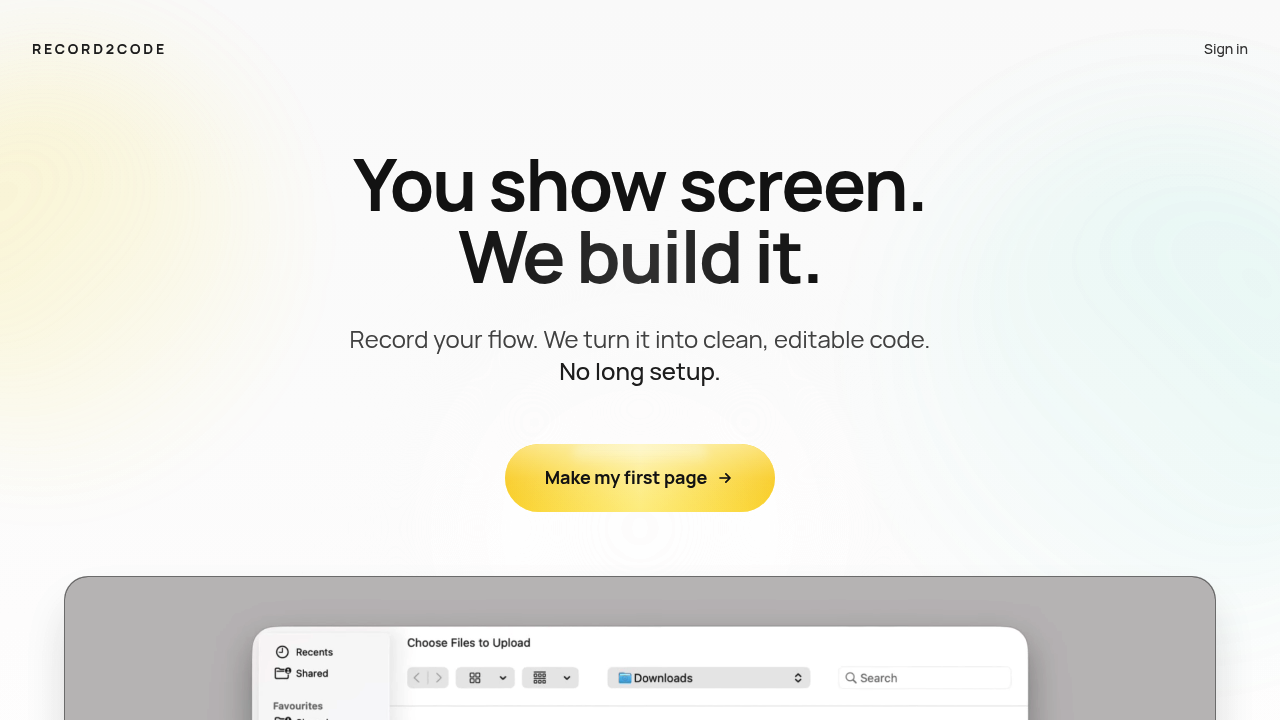
Record2Code screenshot

Record2Code analyzes video frames with AI to produce clean, editable code that matches your original design. It maps layout details with precision. Color schemes. Typography choices. Every frame gets processed. You upload a screen recording and get production-ready code that replicates the visual design exactly.

Pixel-perfect accuracy sets Record2Code apart from other AI code generators. Tools like Lovable create functional websites that barely resemble the original design. Record2Code delivers exact replications from video recordings alone.

Mobile app developers converting iOS onboarding flows to web experiences will find this useful. Say you've got a slick mobile app flow that needs to become a web2app experience — Record2Code can analyze the recording and output code that maintains the same visual feel across platforms.

You can try Record2Code without entering credit card details. The free trial lets you test the video-to-code conversion before committing to any paid plans.

Record2Code only works with video recordings though. You can't feed it static images. Design files won't work either. This limitation might frustrate designers who prefer working with Figma exports or PNG mockups rather than recording their screens first.

Record2Code targets developers and designers who need to bridge the gap between visual concepts and functional code. Frame-by-frame analysis produces cleaner results than traditional design-to-code options that often miss subtle styling details.


Record2Code alternatives

See all →

Frequently asked

7 questions
How long should my screen recording be for Record2Code to work effectively?
Record2Code processes every single frame of your video -- so shorter recordings work way better for faster processing. A 30-second recording of key interactions will give you cleaner results than some 10-minute walkthrough. Keep your recordings focused on the specific screens you want converted to code.
What video formats does Record2Code accept for upload?
Record2Code accepts standard screen recording formats, but you'll need to create the recording first. It doesn't work with static images or design files. Most screen recording software outputs MP4 or MOV files that work fine. You can't upload Figma exports, PNG mockups, or screenshots though.
Can Record2Code handle complex animations and transitions from my mobile app recording?
Record2Code's really good at replicating visual layouts, colors, and typography with pixel-perfect accuracy. It captures the visual elements of each frame, but complex animations might need extra coding work after conversion. The tool excels at static layout recreation -- not so much dynamic motion effects.
How does Record2Code compare to other AI code generators like Lovable?
Record2Code prioritizes visual accuracy over functionality. It delivers exact replications of your original design from video recordings. Other tools like Lovable create functional websites but often miss visual details. Record2Code gives you pixel-perfect layouts that match your recording (though you might need to add functionality separately).
What programming languages and frameworks does Record2Code output?
Record2Code generates clean, editable code that replicates your visual design. The specific languages and frameworks aren't detailed in their current documentation. The tool focuses on producing production-ready code that maintains visual fidelity across platforms -- you'll want to check their platform for current output options.
Is there a file size limit for video uploads to Record2Code?
Record2Code doesn't specify upload limits in their current documentation. Since the tool processes every frame with AI analysis, larger files will take longer to convert. You can test the service with their free trial to see how your typical recording sizes perform.
Can I edit the code that Record2Code generates, or is it locked to their platform?
Record2Code produces clean, editable code that you own and can modify freely. You get production-ready code files that replicate your visual design. You can customize them or integrate into existing projects -- you're not locked into their platform after conversion.

Traffic

Estimated monthly website visits · last 0 months

Not enough historical data for a chart yet.

Reviews (0)

Write review

No reviews yet. Be the first to share your experience.