
Screenshot to Code logo

Screenshot to Code

See it, code it

Drop a screenshot of any interface into Screenshot to Code. Watch it spit out working HTML, React, or Vue components. No more squinting at designs while manually coding every div and CSS property. Screenshot to Code…

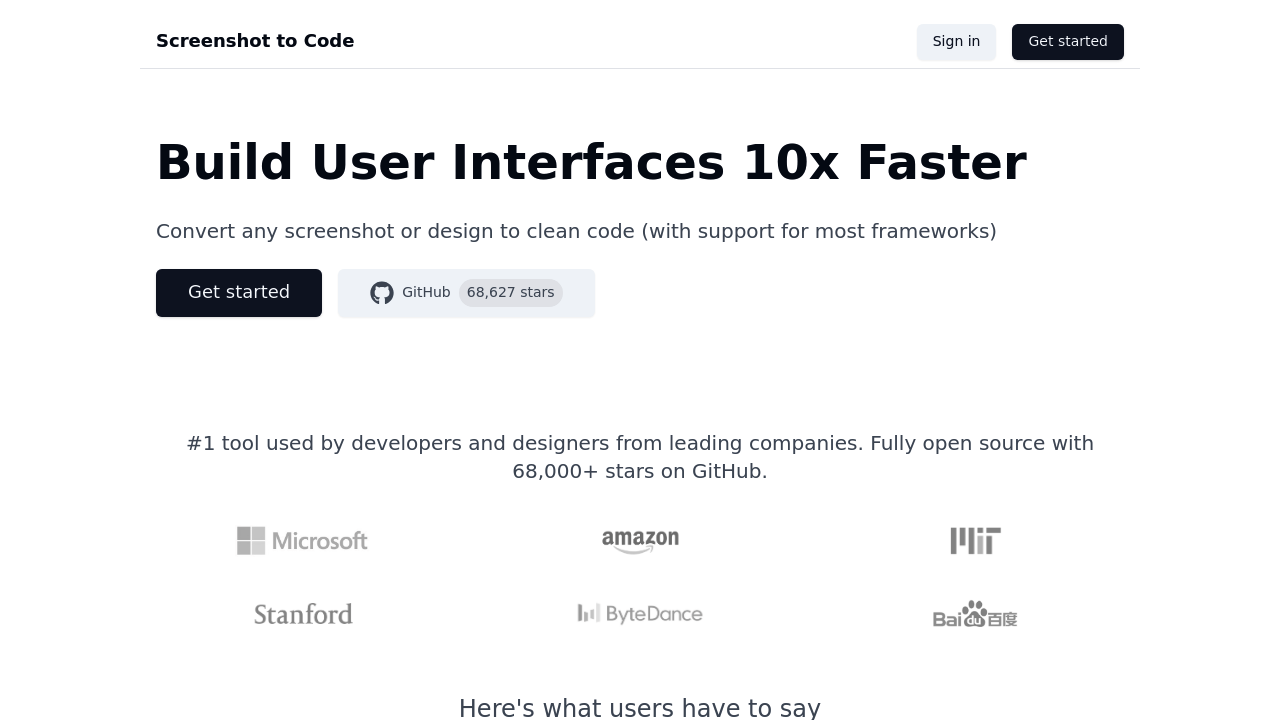
Screenshot to Code screenshot

Drop a screenshot of any interface into Screenshot to Code. Watch it spit out working HTML, React, or Vue components. No more squinting at designs while manually coding every div and CSS property. Screenshot to Code reads your image and writes production-ready code that actually works.

Frontend developers rebuilding existing interfaces save hours with this approach. Screenshot an app's login screen. Paste it in. Get functional code with proper hover states and animations intact. Screenshot to Code captures those subtle interactions that usually require careful inspection and testing.

Recording your screen works too. Show it a video of someone clicking through a website and it'll generate the complete user flow as functional components. Pretty wild stuff.

The output isn't perfect immediately though. You'll need follow-up prompts to adjust spacing, tweak colors, or fix components that didn't translate correctly. That's expected with any AI code generation tool.

GPT-4 Vision handles the heavy lifting while DALL-E 3 recreates similar images when needed. Screenshot to Code supports most major frameworks and generates everything from simple HTML to complex React components. Over 71,000 developers on GitHub are already using it — which suggests it's solving a real problem for people who spend too much time recreating interfaces from scratch.

The video-to-code feature sets it apart from other screenshot converters. Most tools handle static images only.


Screenshot to Code alternatives

See all →

Frequently asked

6 questions
Can Screenshot to Code handle complex animations and hover effects from my screenshots?
Yeah, it'll grab hover states and animations from your screenshots -- then bake them right into the code. The AI looks at visual interactions and turns them into working CSS and JavaScript. You might need a few follow-up prompts to nail the timing or tweak specific animation stuff, but the basic interactions? They come through on their own.
What frameworks and languages does Screenshot to Code actually support?
It spits out HTML, React, and Vue components from whatever you screenshot. Works with most major frontend frameworks -- anything from basic static HTML to complex React components with state management. Since it's powered by GPT-4 Vision, it gets modern development patterns across different tech stacks.
How accurate is the video-to-code feature compared to single screenshots?
The video thing captures complete user flows by watching screen recordings of someone clicking through interfaces. Way more comprehensive than single screenshots since it sees the whole interaction sequence. But here's the thing -- you'll still need to polish the output. Complex user flows usually need manual tweaks to logic and state management.
Do I need to clean up the code that Screenshot to Code generates?
Yep, expect some cleanup after the initial generation. You'll usually need follow-up prompts to fix spacing, adjust colors, or correct components that didn't translate perfectly. It gives you a solid starting point though -- just don't expect production-ready code without some manual work.
How many developers are actually using Screenshot to Code on GitHub?
Over 71,000 developers have starred it on GitHub. That's pretty solid proof it's solving real problems for frontend devs who're sick of manually recreating interfaces from designs. High adoption like that? It means the tool actually delivers on saving development time.
What's the difference between Screenshot to Code and other image-to-code tools?
Main thing is the video-to-code feature -- most competitors don't have that. Other tools only handle static screenshots, but this one processes screen recordings to generate complete user flows. Plus it uses GPT-4 Vision and DALL-E 3 for more sophisticated image analysis and recreation.

Traffic

Estimated monthly website visits · last 9 months

21K visits/mo
Monthly visits
21K
↑ 1.1% MoM
Global rank
#1,209,472
US #895,785
Category rank
#60
AI Coding Assistant
21K 20.1K 19.2K 18.3K 17.4K Nov 2025: 21K visits Nov 2025 Dec 2025: 18.1K visits Dec 2025 Jan 2026: 17.4K visits Jan 2026 Feb 2026: 20.8K visits Feb 2026 Mar 2026: 20.3K visits Mar 2026 Apr 2026: 20K visits Apr 2026 May 2026: 18.2K visits May 2026 Jun 2026: 20.8K visits Jun 2026 Jul 2026: 21K visits Jul 2026

Reviews (0)

Write review

No reviews yet. Be the first to share your experience.