QuickMagic logo
AI Animation Generator FREEMIUM from $12/mo

QuickMagic

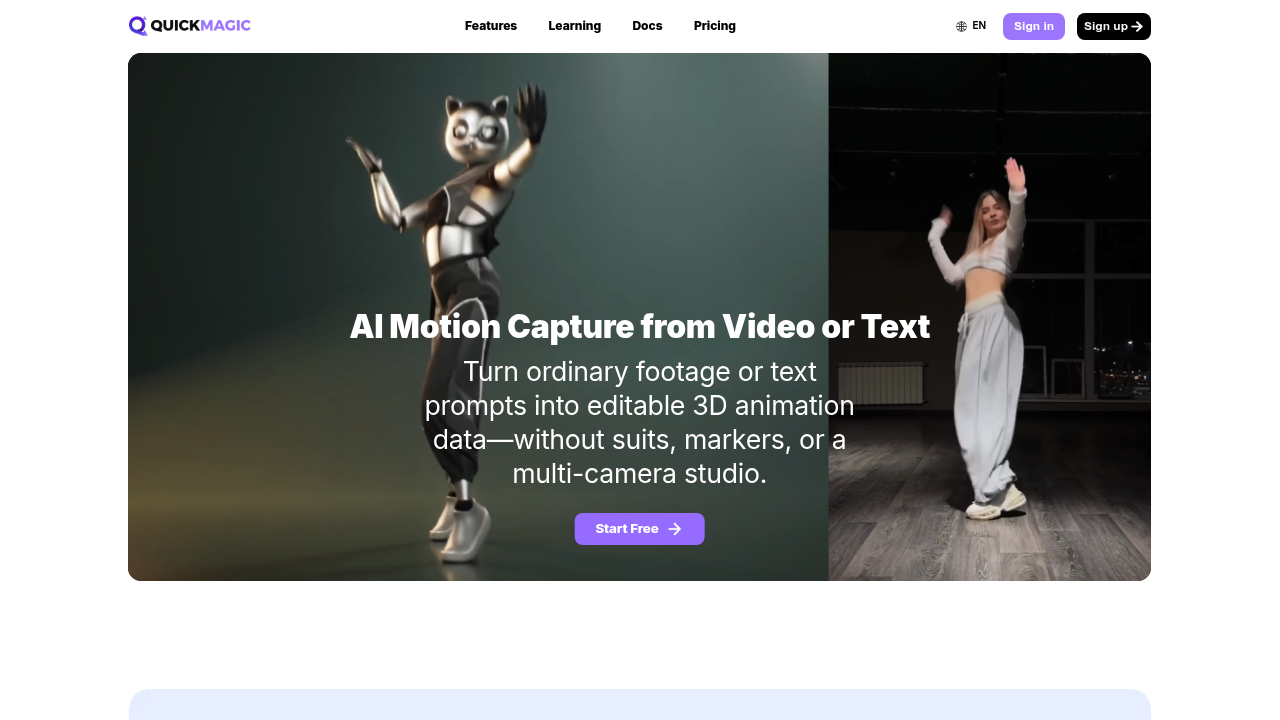
QuickMagic is an AI motion capture service that turns ordinary video or a written prompt into editable 3D animation data.

Footage from a phone, webcam or camera is analyzed for full-body or upper-body movement, with hand and facial motion options, and the result exports to formats such as FBX, BVH, BIP, C4D, VMD, Mixamo, MetaHuman,…

QuickMagic screenshot

QuickMagic is an AI motion capture service that turns ordinary video or a written prompt into editable 3D animation data. Footage from a phone, webcam or camera is analyzed for full-body or upper-body movement, with hand and facial motion options, and the result exports to formats such as FBX, BVH, BIP, C4D, VMD, Mixamo, MetaHuman, Character Creator, iClone and Roblox. No suits, markers, sensors or multi-camera studio are needed. A text-to-motion mode drafts animation from a plain-language description, and a developer API is available.

Indie game developers, 3D animators and technical artists use it to get rough or final character motion without a mocap stage. VTuber and MikuMikuDance creators capture performances for digital humans, and previs teams draft action for storyboards. Robotics researchers can generate human-motion references, with export presets for Unitree G1, H1 and H1_2 robots, for simulation and imitation-learning experiments. Results depend on how clearly the subject is visible and on motion blur, occlusion and camera movement.

A typical workflow is to record an actor in a room, upload the clip, download FBX files and retarget them onto a character in Unreal Engine. Others bring the data into Blender, Unity, Maya, 3ds Max or MotionBuilder, or clean it up in Cascadeur using auto-posing and physics tools. Game teams building in UEFN prepare emotes and character animations quickly, and iClone and Character Creator users import the motion for cartoon or realistic characters. The text-driven mode helps with game prototypes and character performance ideas that can be refined later in the animation pipeline.


QuickMagic alternatives

See all →

Frequently asked

6 questions
How does QuickMagic create motion data?
It estimates body, hand and facial movement from a single video, or generates motion from a text prompt, then converts it into editable animation data. You can adjust pose, frame rate and cleanup settings before exporting.
Who is QuickMagic for?
3D animators, game developers, VTuber and MMD creators and previs artists who need character motion without a mocap studio. Robotics researchers also use it for human-motion references.
Can QuickMagic motion be used in Unreal Engine?
Motion exports to FBX and Unreal-oriented formats including UE4, UE5 and MetaHuman targets. Creators retarget the files onto Unreal characters or refine them in tools such as Cascadeur.
Which export formats does QuickMagic support?
Options include FBX, BVH, BIP, C4D, VMD, Mixamo, Character Creator and iClone, Roblox, OnlyFace and UniRobot. Availability varies by plan and workflow.
What affects the quality of the capture?
Results depend on subject visibility, motion blur, occlusion, camera movement and the type of action. Clear footage of the subject gives the best output.
Can QuickMagic track more than one person or a moving camera?
Single- and multi-subject workflows are supported, along with both static and moving-camera footage. Hand and facial motion are available as options.

Reviews (0)

Write review

No reviews yet. Be the first to share your experience.